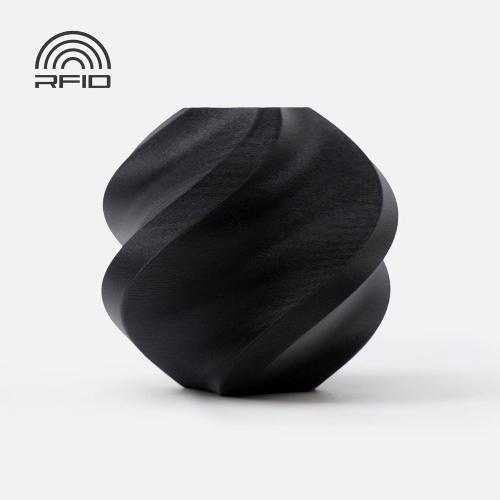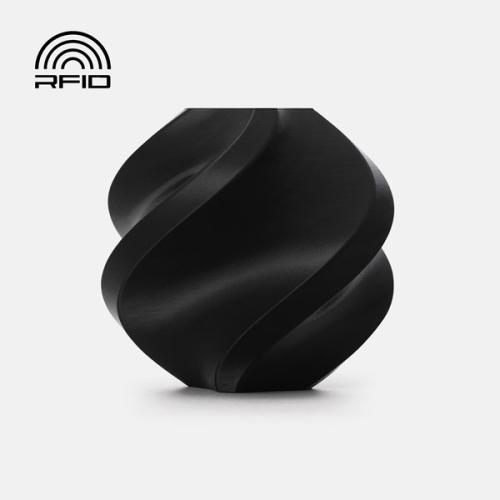
Bambu Lab TPU
Bambu Lab TPU is flexible filament for parts that need to bend, flex, or absorb shocks. You can use it to make protective sleeves, grip parts, and dampers. Choose from various hardnesses, from soft TPU 85A to firmer TPU for AMS. Compare the variants and check which one suits your printer, material feed, and application.
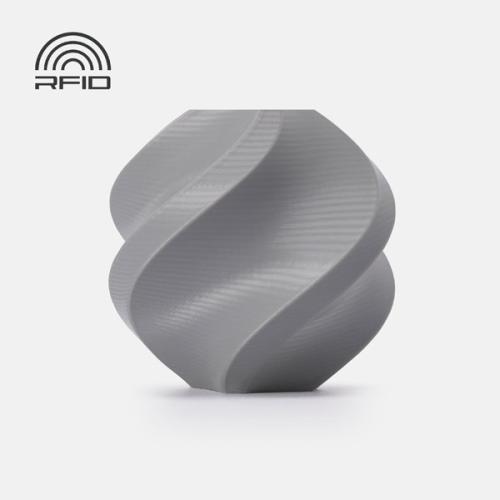
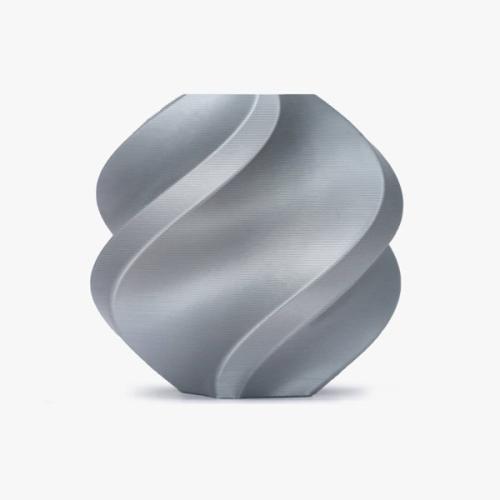
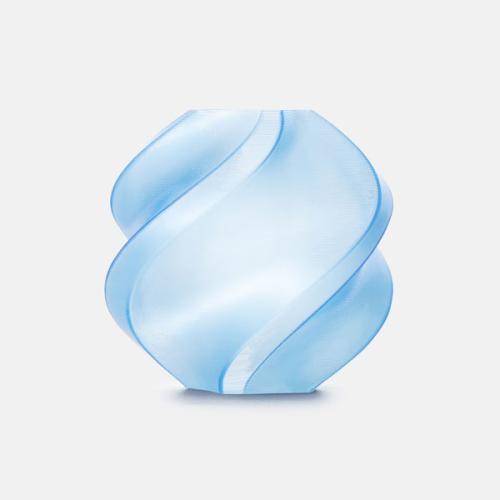
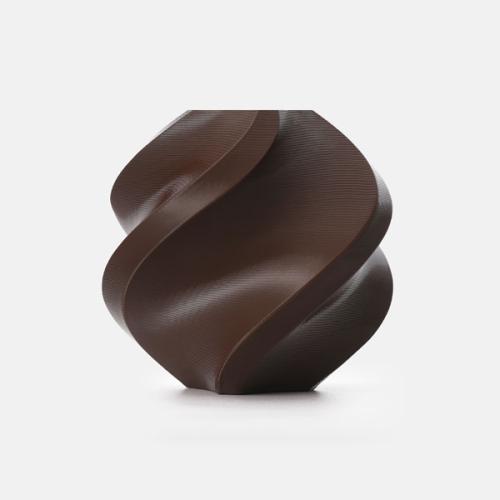
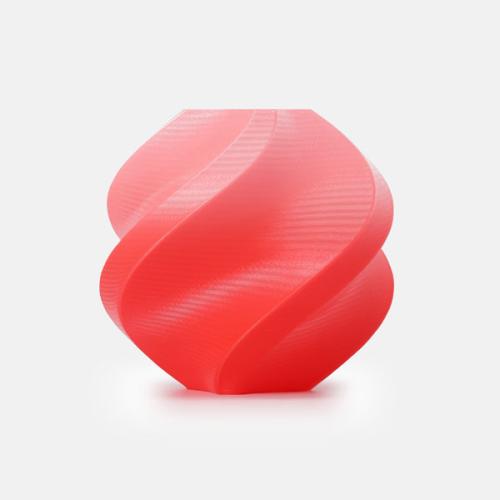
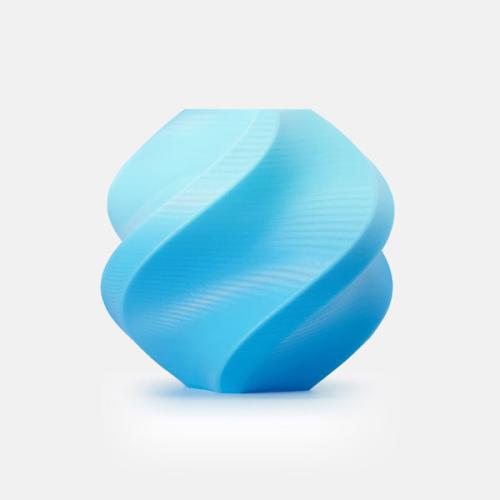
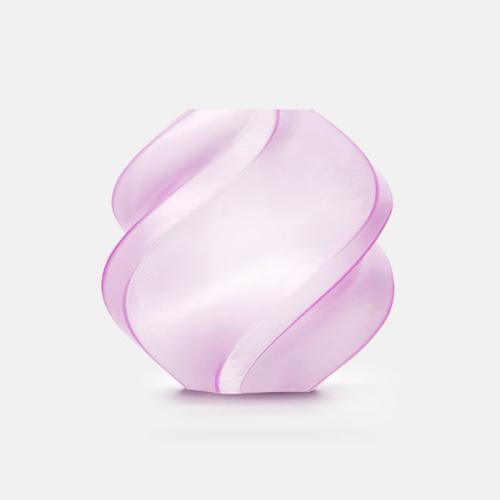
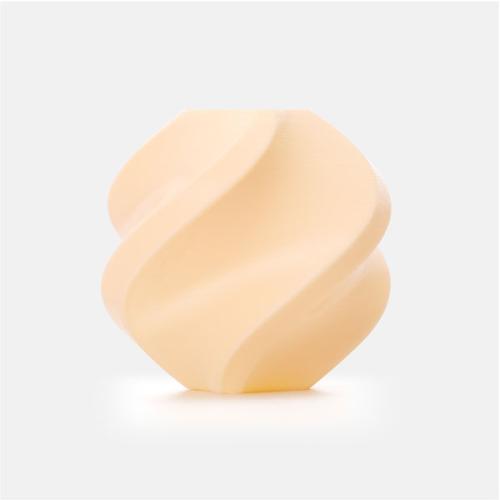
Why choose Bambu Lab TPU?
Bambu Lab TPU is used for parts that need to move. TPU stands for thermoplastic polyurethane. It is a plastic that combines flexibility with toughness and wear resistance. Depending on the variant, your print will feel firm or soft and rubbery.
With TPU, you create parts that can bend and spring back. Think of a protective edge around a device or a grip around a handle. The material is also suitable for prints that need to absorb shocks.
How pliable your print becomes depends not only on the filament. The shape, wall thickness, and infill also play a role. A thin wall bends more easily than a thick, solid part of the same material.
When do you choose TPU instead of PLA or PETG?
Choose TPU when flexibility is an important feature of your part. A protective cover, for example, must yield upon impact. A grip section must feel comfortable, and a cushioning foot must be able to deform.
For a rigid housing, scale model, or decorative model, Bambu Lab PLA is often more suitable. Do you want a tough part that retains its shape better? Then compare Bambu Lab PETG . PETG can flex a little, but it does not replace a rubbery TPU.
- Choose TPU for flexible protective edges, grip sections, and dampers.
- Choose PLA for rigid models, decoration, and simple prototypes.
- Choose PETG for practical parts where toughness and shape retention are important.
For which projects is Bambu Lab TPU suitable?
TPU offers possibilities that are less easily achieved with hard filaments. For example, you can create a custom-fit part that clamps around something or bends. Consider these projects:
- Protective covers: for remote controls, measuring equipment, and small devices.
- Bumper strips: to protect corners and edges of hobby projects.
- Grip parts: for handles, knobs and tool accessories.
- Damping feet: for small devices and setups on your workbench.
- Model building: tires, bumpers and flexible parts for RC models.
- Creative prints: bendable figures, squeeze models and movable accessories.
First, make a small test piece with the desired wall thickness and infill. Test whether it bends and springs back sufficiently. This prevents a large print from turning out too hard or too flimsy.
Printing TPU with a Bambu Lab 3D printer
Before purchasing, check the combination of filament, printer, nozzle, and material feed. Not every TPU variant works with the same setup. Especially with softer types, a good feed and the correct settings make a big difference.
Select the correct material supply
TPU 95A HF, TPU 90A, and TPU 85A are fed via a suitable external filament route. These variants are not intended for automatic feeding through AMS, AMS Lite, or AMS 2 Pro.
Do you want to use automatic material changes? Then choose TPU for AMS and check the compatibility with your exact AMS model. This variant is sturdier than the soft TPU types and developed for suitable AMS systems.
The AMS HT also features a separate outlet for soft materials. This allows you to feed TPU from the sealed box. You then use the bypass route, without automatic loading and retraction.
Check the printer and nozzle
According to Bambu Lab, TPU 85A does not work with the A-series. TPU 90A is supported with it. For TPU 85A, you need a suitable 0.6 or 0.8 mm nozzle. A 0.4 mm nozzle is not suitable for this variant.
TPU 90A, TPU 95A HF, and TPU for AMS can print with a suitable 0.4 mm nozzle. Also check the hotend type. Bambu Lab does not support High Flow nozzles for TPU 85A and 90A.
Use the appropriate material profile
In Bambu Studio, select the profile for your exact TPU variant. Use the set material feed and speed as a starting point. Do not simply increase the speed: soft filament can deform during feeding.
For TPU 95A HF, Bambu Lab specifies a nozzle temperature of 220 to 240 °C. The recommended bed temperature with glue is 30 to 35 °C. Always follow the settings for your build board and filament. These values do not automatically apply to every TPU variant.
Dry TPU for use
TPU is sensitive to moisture. Damp filament can cause bubbles, a rough surface, and threads between parts of your print. Dry the material before use according to the instructions for your variant and drying device.
Afterwards, store the roll sealed with desiccant. Also limit exposure to moisture during long prints. At the same time, ensure that the spool rotates smoothly and the filament feed offers little resistance.
Buying Bambu Lab TPU: what to look for?
First, determine how soft your part needs to be. Then, compare the printer requirements and the desired material feed. The main variants differ as follows:
| Variant | Hardness | When to choose? |
|---|---|---|
| TPU 85A | Shore 85A | For extra soft, compressible parts and cushioning applications. |
| TPU 90A | Shore 90A | For flexible parts that need to retain their shape somewhat better. |
| TPU 95A HF | Shore 95A | For flexible consumables with a firmer feel than 85A and 90A. |
| TPU for AMS | Shore 68D | For tough, sturdier-feeling prints and use with a suitable AMS. |
Within the Shore A scale, a lower number means a softer material. TPU for AMS uses the other Shore D scale. Therefore, the number 68 here does not mean that this material is softer than TPU 85A.
Next, check the color, quantity, and included spool. When using a refill, check if you have a suitable, reusable spool. Also, check if that spool is suitable for the prescribed drying temperature.
Order Bambu Lab TPU from Elektronica voor jou
Elektronica Voor Jou is an official Bambu Lab reseller in the Netherlands. We offer TPU in various hardnesses and colors. View the version, current stock, and availability for each product.
If you order a product that is in stock on a workday before 4:00 PM, we will ship it the same day. Pickup in Leusden is also possible. Unsure about the correct hardness or printer settings? Contact us for help with your choice.
Frequently asked questions about Bambu Lab TPU
Is Bambu Lab TPU the same as rubber?
TPU is a plastic that can feel rubbery. It can bend, stretch, and spring back. How soft a print feels depends on the variant and the design. Therefore, not every type of TPU is equally flexible.
Can Bambu Lab TPU pass the AMS?
For automatic AMS feeding, use the TPU for AMS variant. Check your system's support for this. Softer variants such as 95A HF, 90A, and 85A require an external feed route. The separate TPU outlet of AMS HT acts as a bypass, without automatic material changes.
What is the difference between TPU 85A, 90A, and 95A?
These numbers indicate the hardness on the Shore A scale. TPU 85A is softer than 90A and 95A. A softer variant bends more easily, but also places greater demands on the filament feed.
How do I make my TPU print softer?
Choose a softer TPU variant or modify the design. Thinner walls and less padding can make a part more easily compressible. This also changes the load-bearing capacity. Therefore, test a small sample piece first.
Do I need to dry Bambu Lab TPU?
Yes, dry TPU before use according to Bambu Lab's instructions. The material absorbs moisture, which can reduce print quality. After use, store it sealed with desiccant.
Is Bambu Lab TPU suitable for beginners?
TPU requires more attention than PLA. Start with a simple model, dry filament, and the correct material profile. Choose a variant that supports your printer. Extra-soft TPU types are more demanding than firmer variants.