How much does 3D printing cost?
A print using 100 grams of PLA costs €2.12 in materials and electricity in our example. Maintenance, depreciation, and potentially your own working time must be added to this. You can currently buy a Bambu Lab 3D printer at Elektronica Voor Jou starting from €209.95.
But how much does 3D printing cost for your project? That depends on the material, the settings, and the printer. Below, you can read what you pay for the purchase and for each print. This article covers FDM printers that work with filament. Different material and post-processing costs apply to resin printers.
Prices checked on October 18, 2026. The stated retail prices include 21% VAT. View the product page for the current price, version, and availability.
Purchase costs: how much does a Bambu Lab 3D printer cost?
Bambu Lab models and current prices
The purchase price depends primarily on the build volume, material options, and color-changing system. A Combo includes additional equipment, such as an AMS. Therefore, always compare the same model.
| Printer or version | Price incl. VAT | Main application |
|---|---|---|
| Bambu Lab A1 Mini | €209.95 | Start small and affordable |
| Bambu Lab A1 | €274.95 | PLA and PETG prints with increased build volume |
| Bambu Lab A2L | €409.95 | Large PLA and PETG models |
| Bambu Lab P1S | €399.95 | Affordable closed CoreXY printer |
| Bambu Lab P2S | €559.95 | Enclosed printer with updated controls and monitoring |
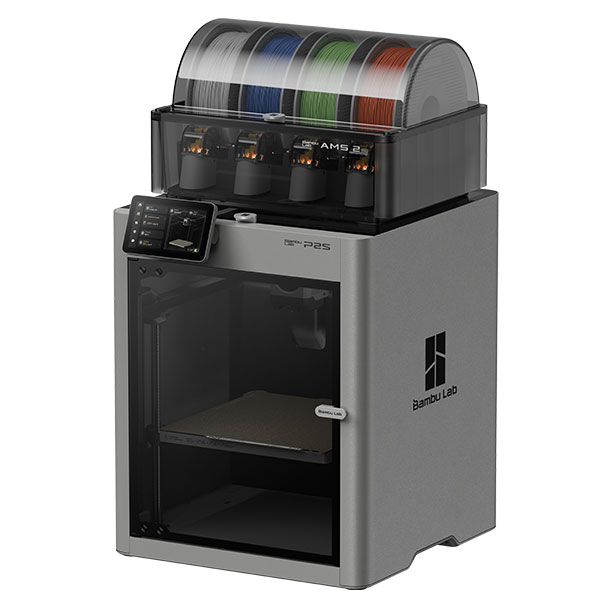
| Bambu Lab P2S Combo | €779.95 | P2S with AMS 2 Pro |
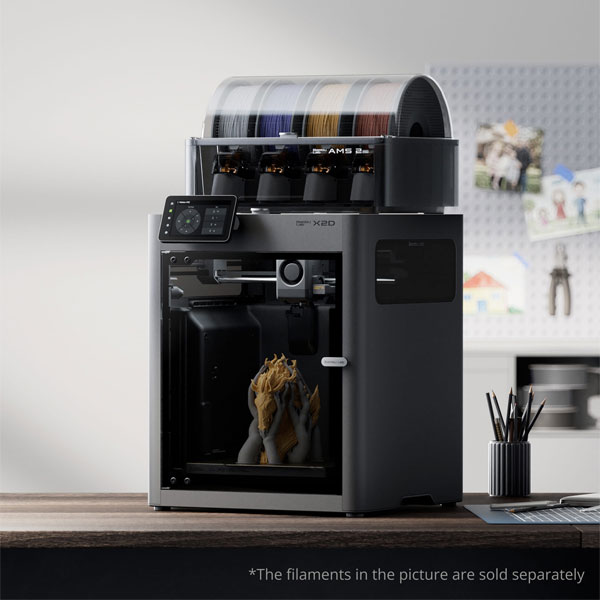
| Bambu Lab X2D AMS Combo | €899.00 | Two nozzles, support material and active room heating |
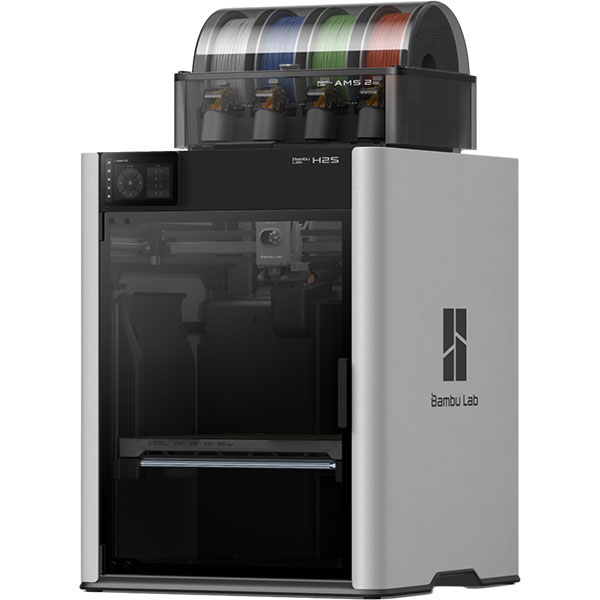
| Bambu Lab H2S | €1,450.00 | Major technical components |
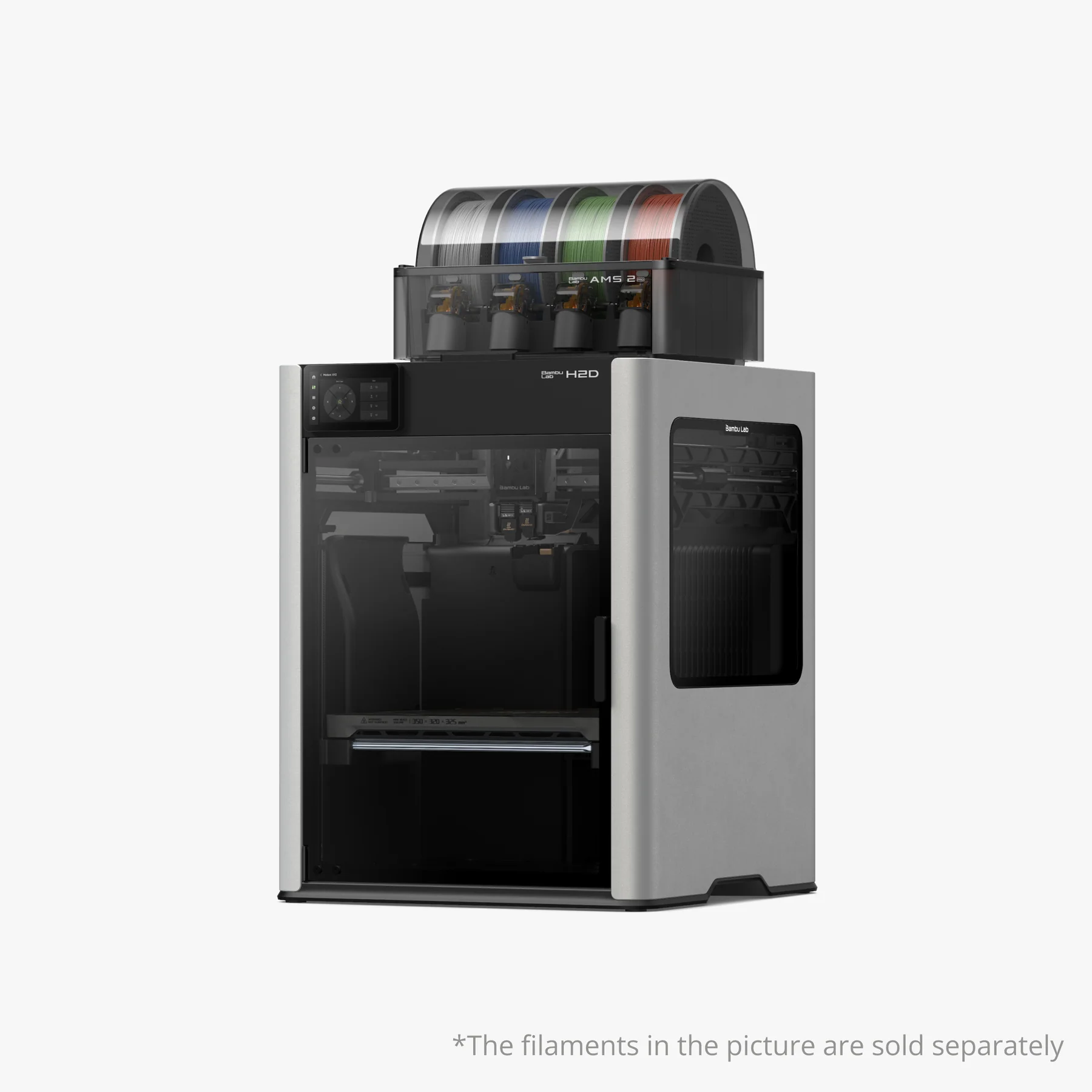
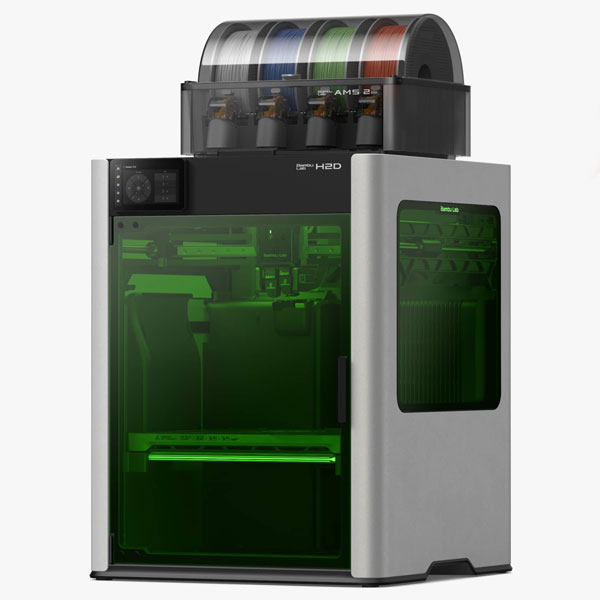
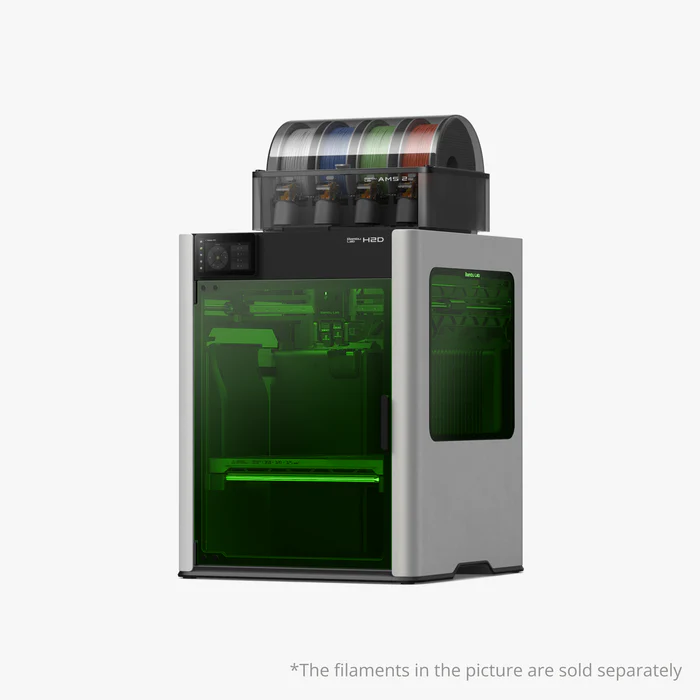
| Bambu Lab H2D AMS Combo | €1,999.00 | Large prints with two nozzles and automatic material feed |
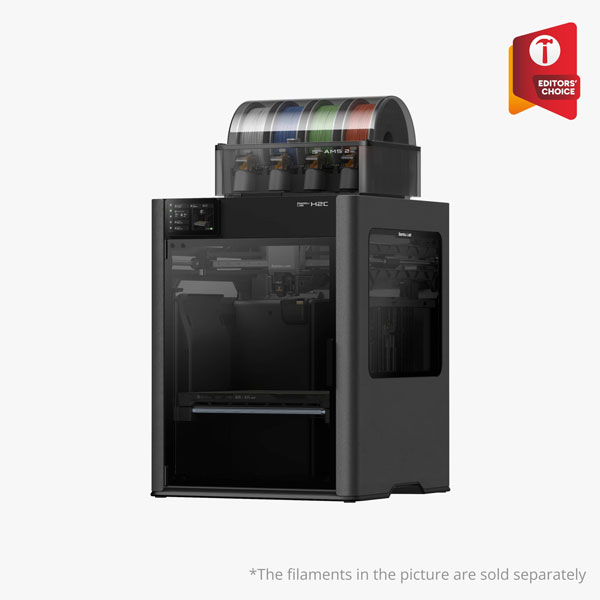
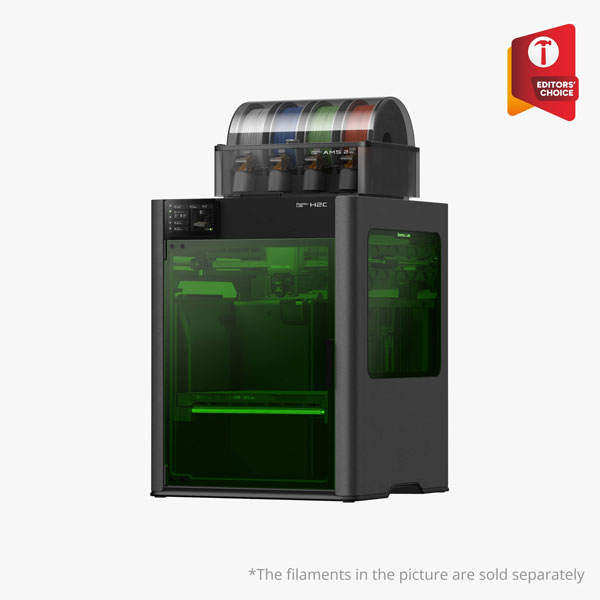
| Bambu Lab H2C AMS Combo | €2,234.87 | Many colors or materials with interchangeable hotends |
These are the prices of the mentioned versions at Elektronica Voor Jou on the check date.
What do you get for your money?
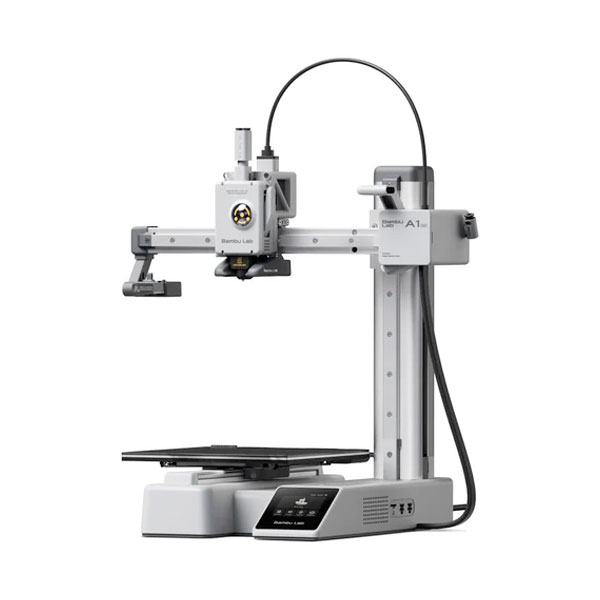
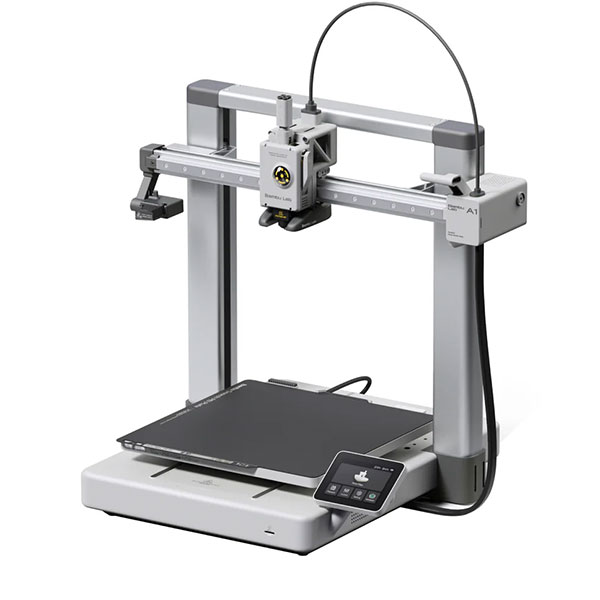
The A1 Mini, A1, and A2L are open printers. They are particularly interesting for PLA and PETG. The A1 Mini has a build volume of 180 × 180 × 180 mm. The A1 offers 256 × 256 × 256 mm. For larger projects, the A2L offers 330 × 320 × 325 mm of print space.
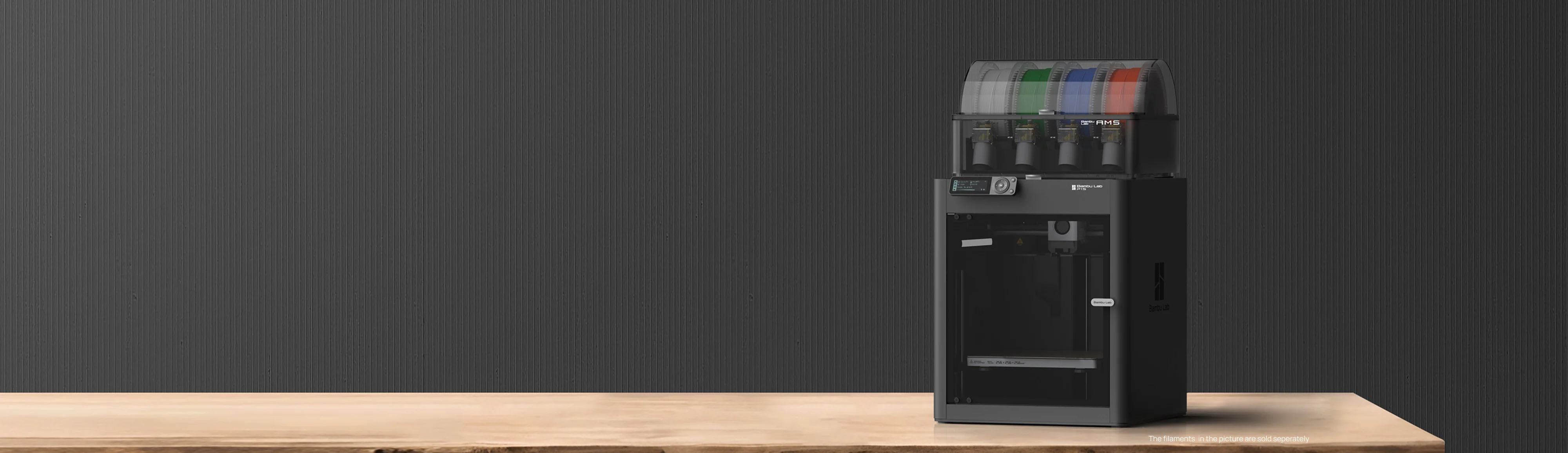
The P1S and P2S feature a sealed housing. This protects the PCB from drafts and retains heat better. This is beneficial for materials such as ABS and ASA. Neither model has active chamber heating. The P2S adds features such as a touchscreen and more extensive print monitoring.
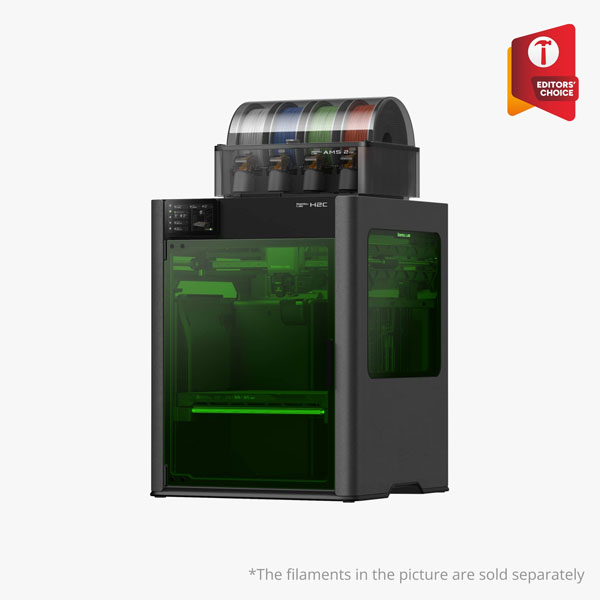
The X2D features two nozzles and an actively heated print chamber. The H2S offers a larger build volume for large parts. The H2D combines a large format with two nozzles. The H2C uses the Vortek system to automatically switch between hotends. This can limit material loss during color changes.
The X1 Carbon from our previous comparison is no longer a current top model. Bambu Lab has discontinued production of the X1 series on March 31, 2026. Existing printers remain usable. For a new purchase, the current models listed above serve as the starting point.
What do you need to get started?
In addition to the printer, you need suitable filament. Based on the individual product prices in this article, an A1 Mini and one kilogram Bambu Lab PLA Basic cost €229.94 together. Any bundle discounts are not included in this figure. Extra colors, a dryer, and other accessories will increase your starting budget.
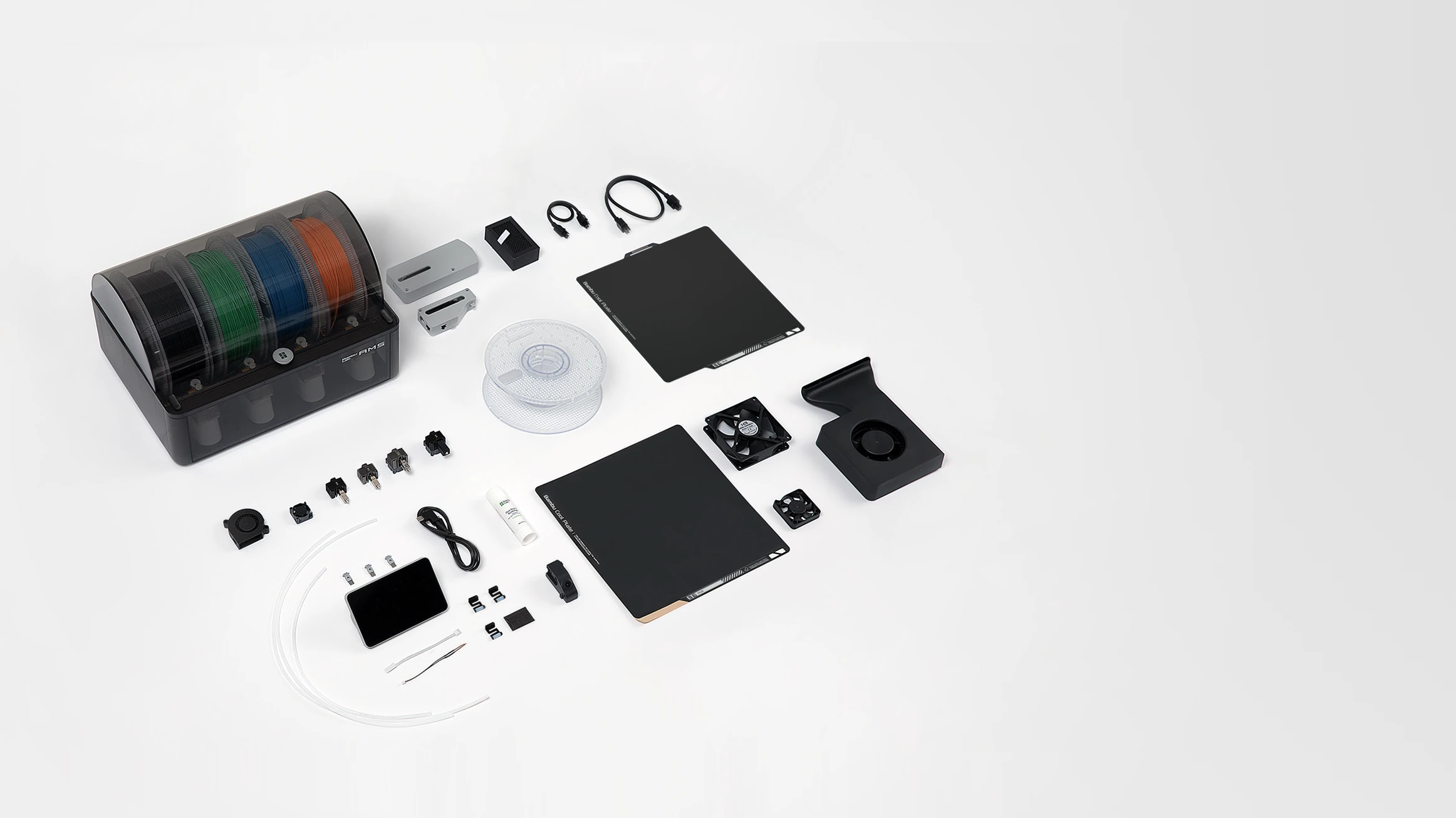
An AMS is optional. You can print in one color without an AMS. Do you want to switch colors automatically? Then check which AMS version, adapters, and firmware are compatible with your printer. Bambu Studio is free to use to prepare your models.
Bambu Lab A1 Mini
Bambu Lab A1
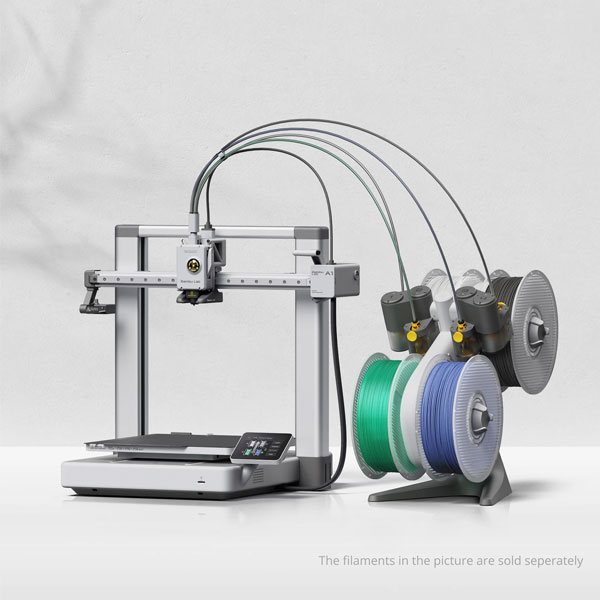
Bambu Lab A1 Combo
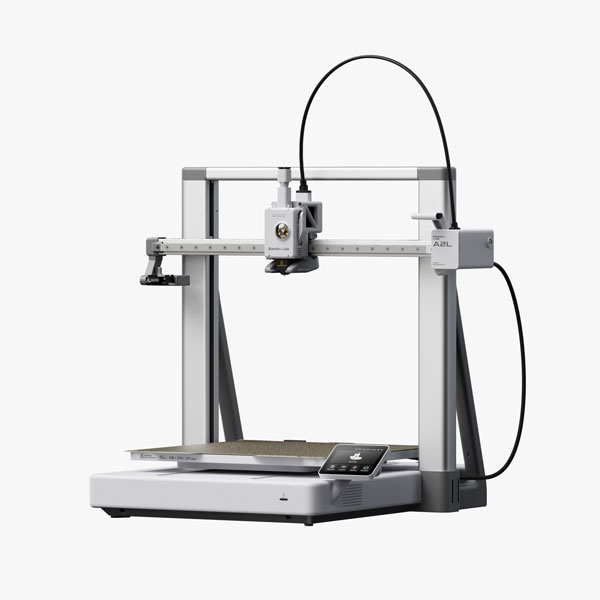
Bambu Lab A2L
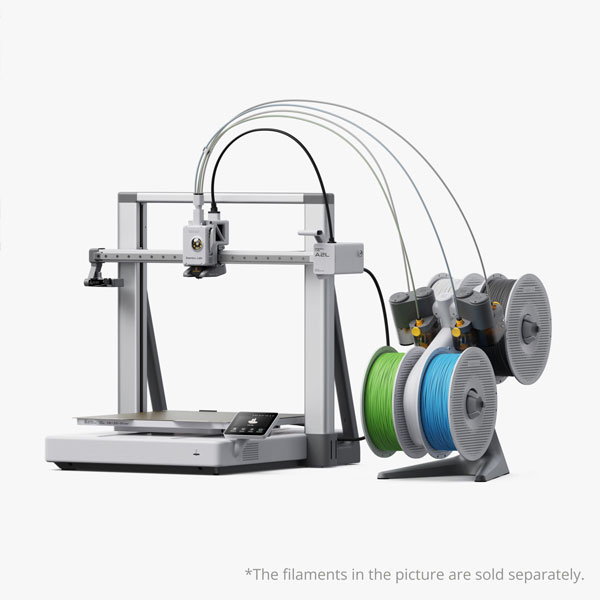
Bambu Lab A2L Combo
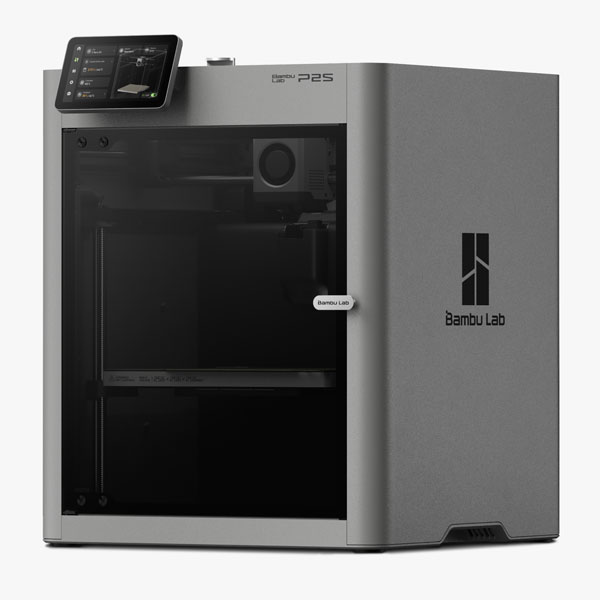
Bamboo Lab P2S
Bambu Lab P2S Combo
Bambu Lab X2D AMS Combo
Bamboo Lab H2S
Bambu Lab H2D AMS Combo
Bambu Lab H2D Laser Full Combo 10W
Bambu Lab H2D Laser Full Combo 40W
Bamboo Lab H2C AMS Combo
Bambu Lab H2C Laser Full Combo 10W
Bambu Lab H2C Laser Full Combo 40W
Material costs: how much does 3D printing filament cost?
Bambu Lab filament
For example, Bambu Lab PLA Basic with spool costs €19.99 for one kilo from us. The price varies by material, color, and version. Also compare refill rolls with rolls including a spool. For a refill roll, you need a matching reusable spool.
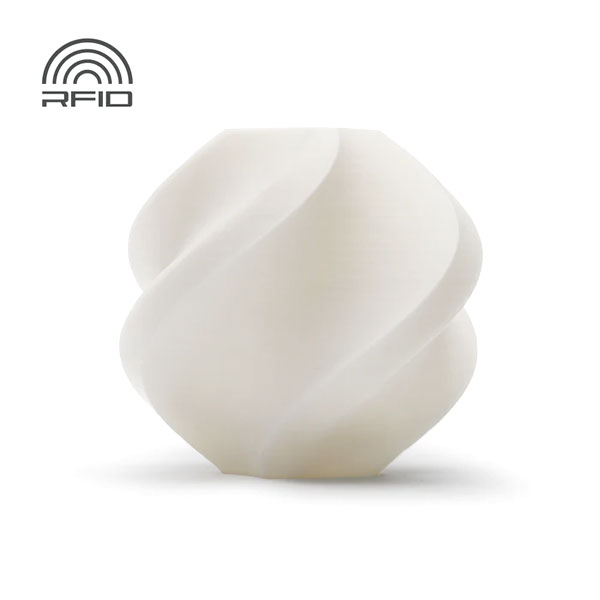
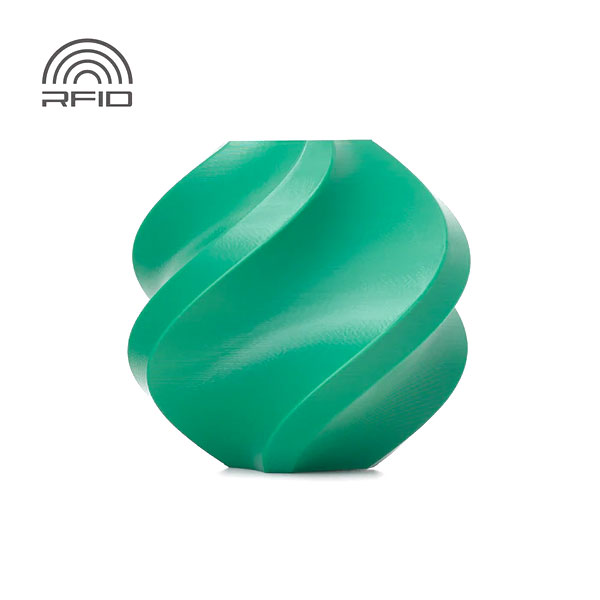
Suitable Bambu Lab filament with RFID is recognized by a compatible AMS. This saves the manual entry of material and color. You can also use Bambu Lab filament without an AMS. The available material profiles remain useful in this case. Always check if the profile matches your filament and nozzle.
Polymaker filament
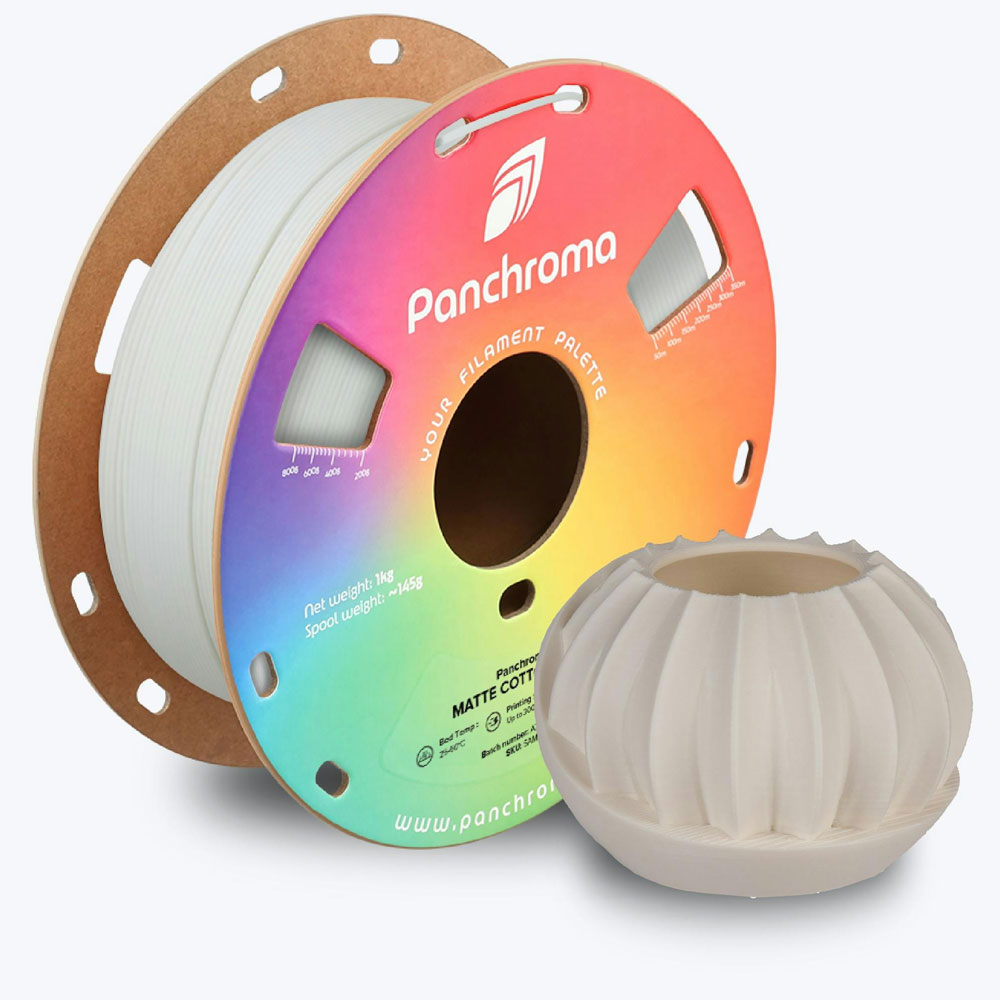
Polymaker is an alternative for those seeking different colors, finishes, or material properties. For example, Panchroma Matte PLA Charcoal Black costs €19.90 per kilo with us. This product line was previously called PolyTerra PLA. Polymaker has changed the name to Panchroma Matte.
Use an appropriate material profile and check the recommendations for your printer. Do you want to print via an AMS? Then also check the spool size, the spool material, and the compatibility of the filament. Not every roll or material type works with every AMS system.
Filament from other brands
You can also use filament from other brands on Bambu Lab printers. Compare the price per kilogram and the properties you need. Pay attention to the recommended printing temperature, drying conditions, and suitability for your printer. Half a kilo for €15 works out to €30 per kilo.
A low price in itself proves nothing about the quality. Look at the product specifications, the origin, and your own print results. Well-chosen filament with a suitable profile can keep costs down. A roll that produces many failed prints can ultimately be more expensive.
This is how you calculate material costs
Material costs = total filament consumption in grams ÷ 1,000 × price per kilogram.
At €20 per kilo, 50 grams of filament costs €1. You pay €2 for 100 grams and €10 for 500 grams. Also include supports, a brim, spool waste, and any prime tower. Therefore, use the total material consumption of the print job.
In Bambu Studio, enter the correct price per kilogram for the filament. After slicing, you will see an estimate of the material requirements and costs. You must add electricity, maintenance, depreciation, and labor to this yourself.

Operational costs: electricity and maintenance
How much power does a 3D printer consume?
Power consumption varies by printer and print job. Heating the bed temporarily requires more power. Bed temperature, room heating, and ambient temperature also play a role. Additionally, a filament dryer or active drying AMS consumes power.
Therefore, do not calculate using the maximum power stated on the rating plate as the continuous consumption. For your specific situation, measure the consumption in kWh over the entire job. Include the heating time and any accessories used.
Electricity costs = consumption in kWh × your electricity rate.
A calculation example: with an average consumption of 100 watts over ten hours, you use 1 kWh. At €0.30 per kWh, that costs €0.30. At an average of 250 watts, the same time costs €0.75. These are chosen calculation values, not measured averages for all Bambu Lab printers. Use your own rate and consumption for your own calculation.
Maintenance and replacement parts
Take into account costs for hotends or nozzles, filament blades, nozzle wipers, PTFE tubes, and build plates. Depending on your printer, filters and maintenance supplies may be added to this. Wear and tear depends on your print hours, the material, and maintenance.
Therefore, a nozzle does not last a fixed number of months. Nor does a build plate need to be replaced every year. Follow the maintenance instructions for your model and assess the condition of the parts. Abrasive filaments require suitable wear-resistant parts.
This is how you keep 3D printing costs low.
Ease of use and reliability
Automatic calibration can reduce preparation time. Filament feed monitoring and print detection can help detect problems earlier. The available features vary by model. No printer prevents every failed print. Therefore, evaluate the costs based on usable end products and the time you spend on them.
Six practical money-saving tips
Use only the infill that is necessary. Select walls and infill based on the required strength.
Choose an appropriate layer height. Coarser layers can save time when fine details are less important.
Limit supports. A different orientation can save material and post-processing.
Plan color changes smartly. For identical models with the same layer structure, you can distribute the waste across multiple units.
Compare prices per kilogram. Also include spools, any shipping costs, and bundle discounts.
Store and dry filament according to the material instructions. Combine this with timely maintenance to minimize avoidable print problems.
Check every change in the slicer and test whether the quality remains sufficient. Using less material only has value if the part still fulfills its function.
For hobbyists and businesses
For home use, materials and power provide insight into your direct expenses per print. Do you want to know if owning your own printer pays for itself? Then also factor in purchase, maintenance, and your time. Compare the total costs with a concrete quote for the same component.
For businesses, the cost per usable part is what matters most. A more expensive printer can be worthwhile if it reduces manual work or produces more suitable parts. How much that saves depends on your production. Therefore, keep track of print hours, material consumption, rejects, and working time.
Which Bambu Lab printer fits your budget?
Do you mainly print small PLA models? Then the A1 Mini might be sufficient. The A1 offers more space, and the A2L is interesting for large PLA and PETG projects. For regular use of ABS or ASA, a closed-loop printer such as the P1S or P2S is a more logical choice.
The X2D is particularly interesting if you benefit from two nozzles and a heated chamber. For large technical components, consider the H2S or H2D. The H2C is suitable for projects where frequent material changes determine a large part of the costs.
Want to know which model suits your prints? Check out our Bambu Lab selection guide or compare all Bambu Lab 3D printers . Looking for material? Then check out our range of 3D printer filament .
Frequently asked questions about the cost of 3D printing
How much does 100 grams of 3D printing cost?
At filament costing €20 per kilo, 100 grams of material costs €2. In our example, with four print hours and an average of 100 watts, €0.12 in electricity is added to that. Together, that is €2.12. Maintenance, depreciation, and labor are added to that.
How much electricity does a 3D printer consume per hour?
With an average consumption of 100 watts and a rate of €0.30 per kWh, you pay €0.03 per hour. At 250 watts, that is €0.075 per hour. These are examples. Measure your own printer and include dryers or other accessories used.
How much can you print with one kilo of filament?
With a total consumption of 50 grams per job, you can theoretically print twenty jobs. Does each job consume 100 grams? Then that is ten. That total must also include supports, bobbin waste, and any prime tower. Failed prints reduce the yield.
Do you need an AMS to get started?
No. You do not need an AMS for single-color printing. A compatible AMS is useful for automatic color changes and material feeding. Closed storage and active drying depend on the AMS version. Therefore, check the capabilities of the chosen system.