
3D printing for beginners: the complete start guide (2026)
In 2026, 3D printing is primarily about: choosing an idea, downloading a model, pressing Print, and watching it take shape layer by layer. That sounds simple, but as a beginner, you can still get stuck on choices. Which printer suits you? Which files are safe and usable? And what do you do if your first print fails?
This guide takes a practical approach. First, you'll understand how it works and what you need. Then, in just a few minutes, you'll choose a beginner 3D printer that suits you. And you'll get a clear step-by-step plan for your first 3D print.
What do you need to get started with 3D printing?
You don't need much, but you do need the right foundation.
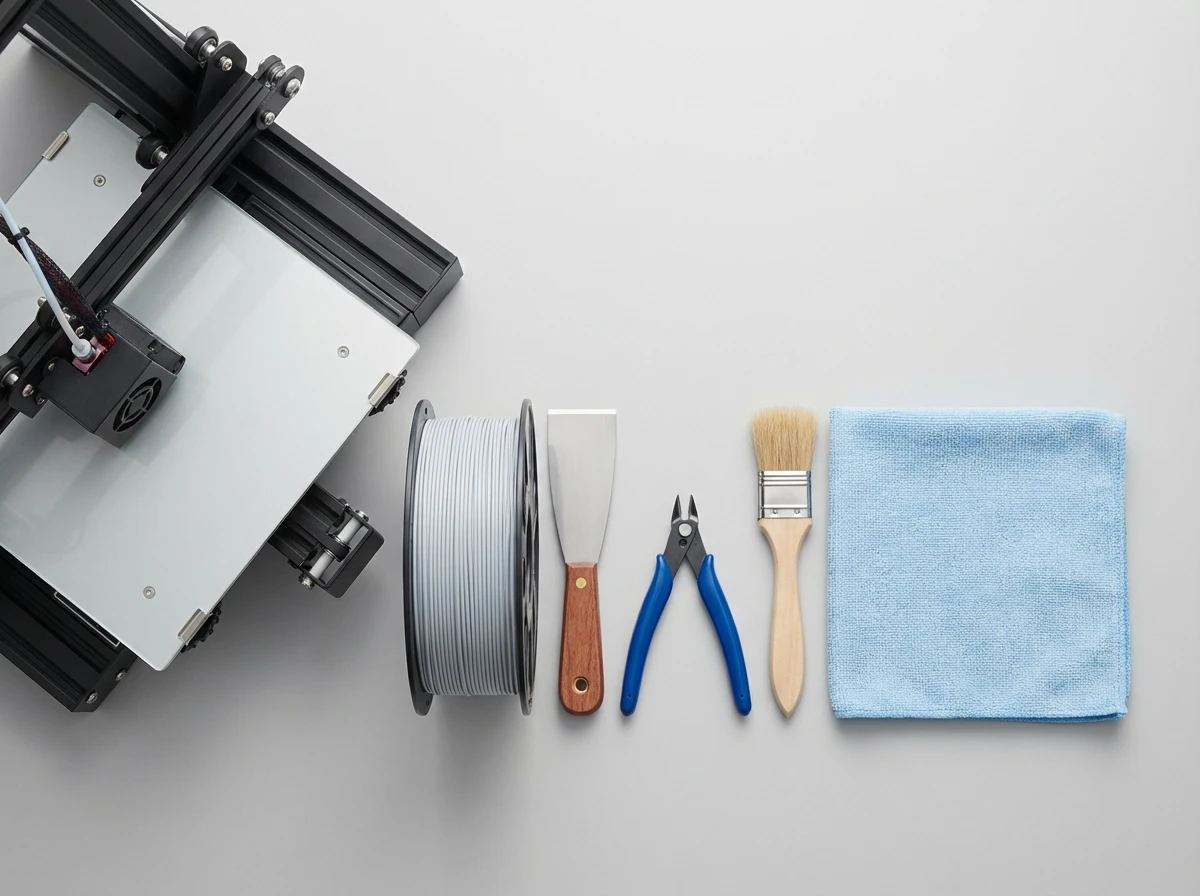
A 3D printer is your most important choice. After that comes filament: the plastic thread that the printer melts and lays down. For most beginners, PLA is the safest place to start.
Furthermore, small pliers, a scraper or spatula, tweezers, and a simple brush are helpful. And consider your location in the house: a stable table, enough space to work around it, and no drafts.
Choosing a 3D printer for beginners: Bambu Lab A1 vs P2S Combo vs H2D Combo
You can learn to 3D print without using a specific brand. But if you want to get started quickly and without the hassle, a printer with a predictable workflow and good profiles helps.
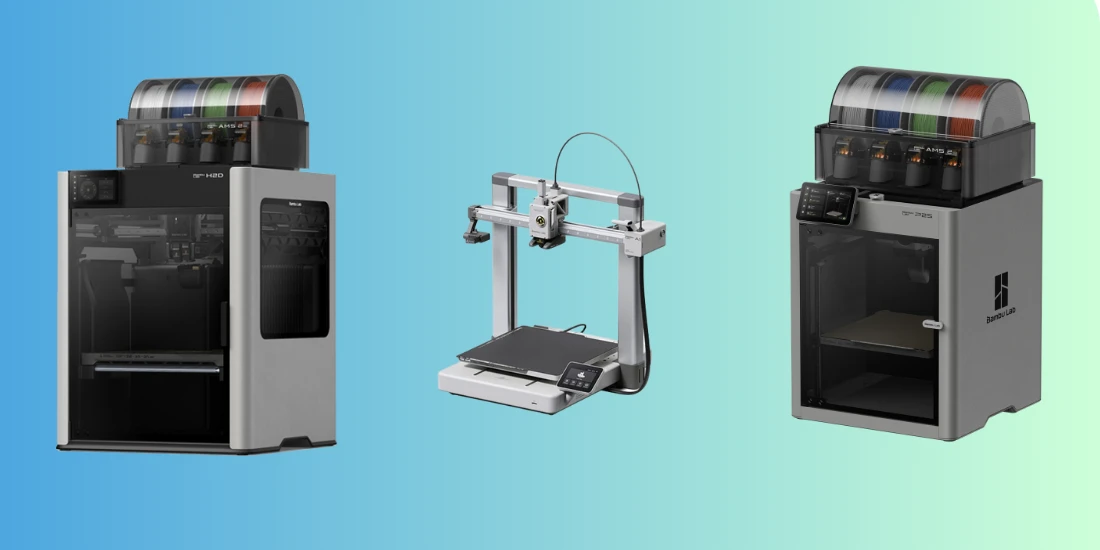
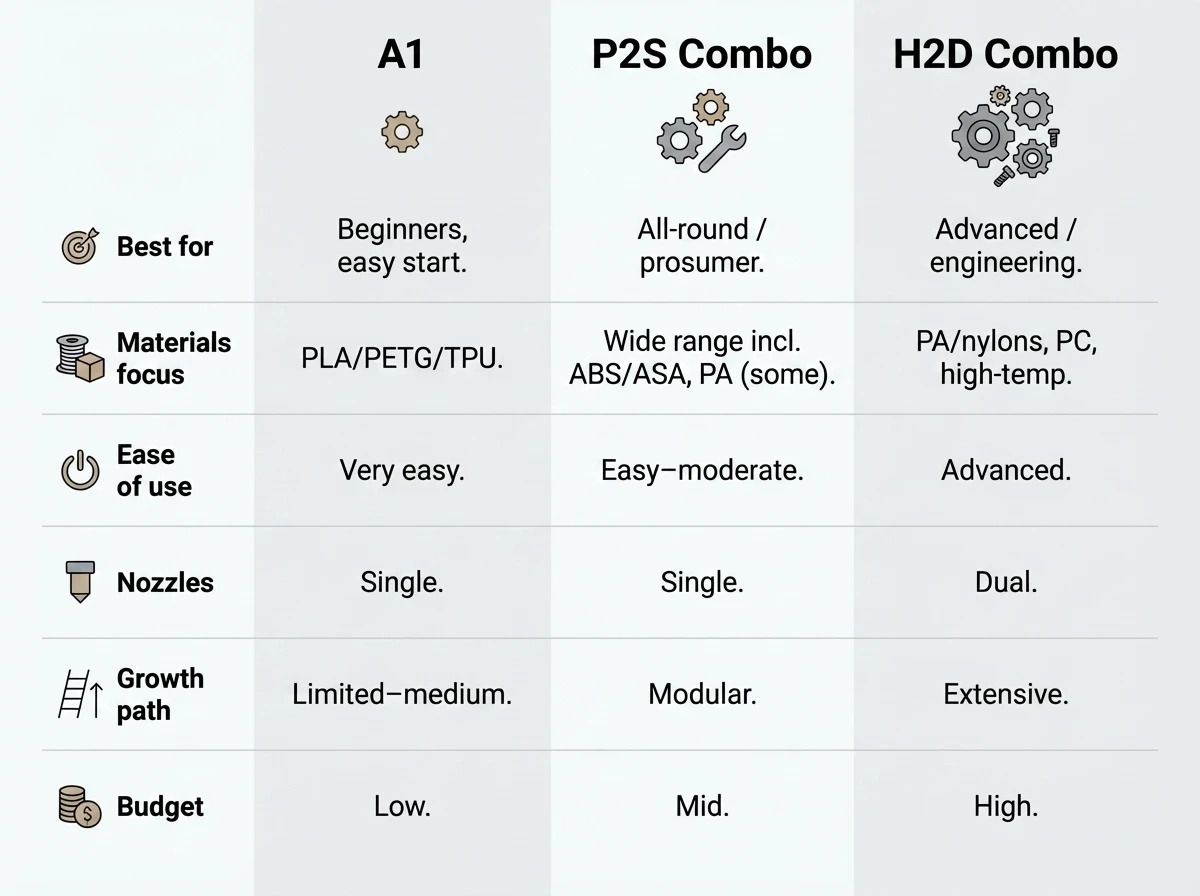
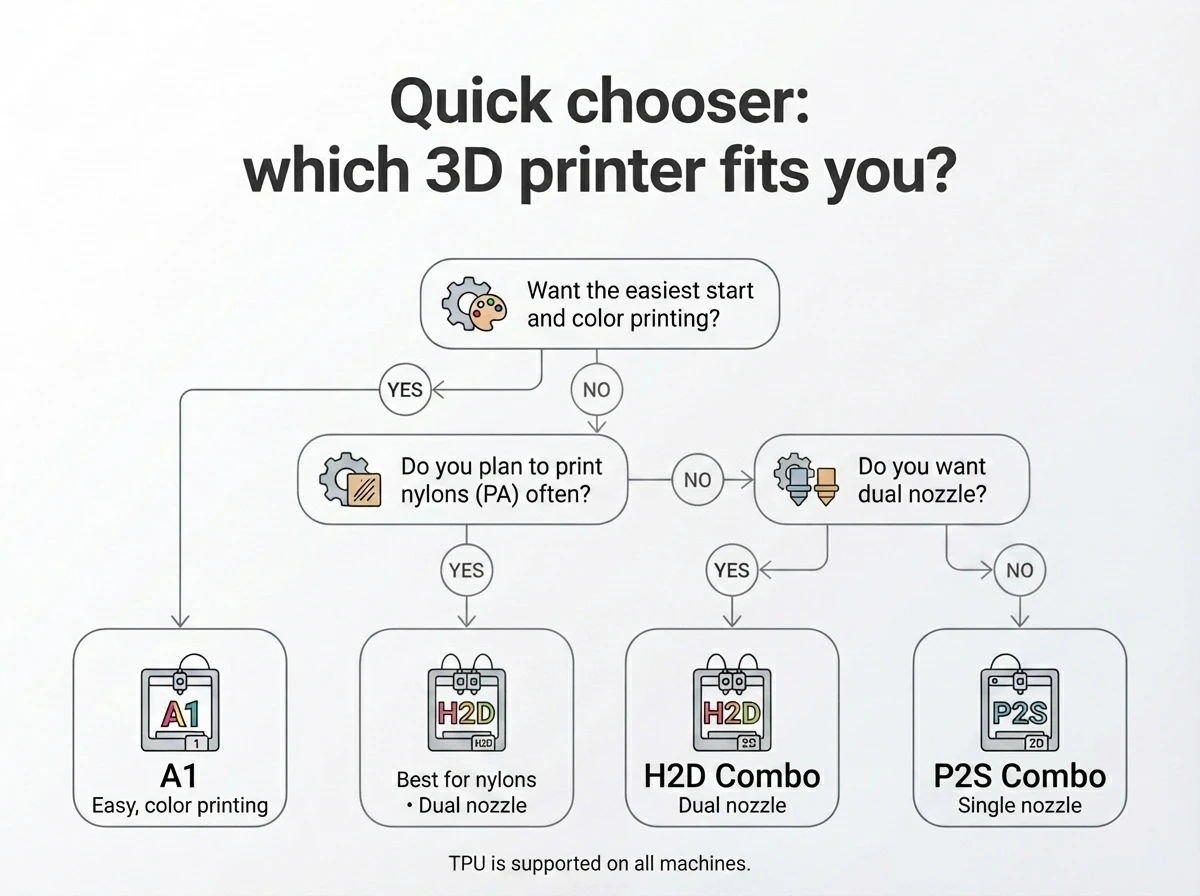
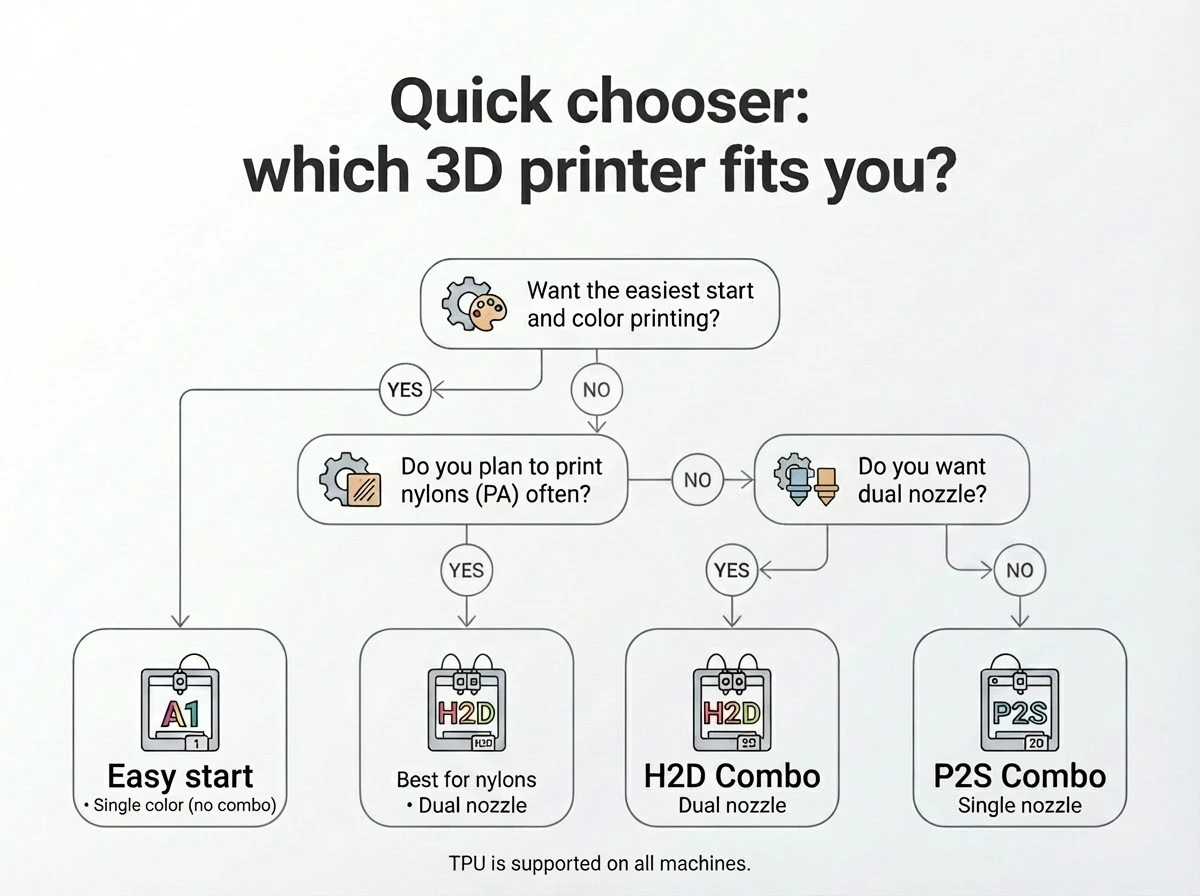
Here are three clear routes. Choose the route that suits your budget, space, and ambitions.
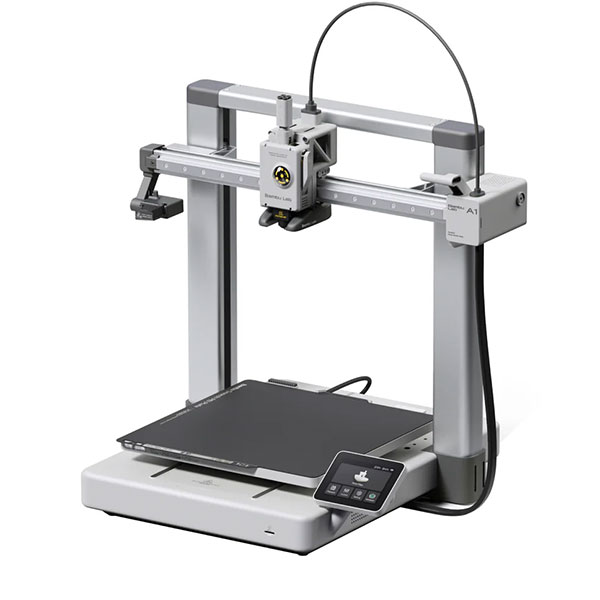
Bambu Lab A1: best budget 3D printer for beginners
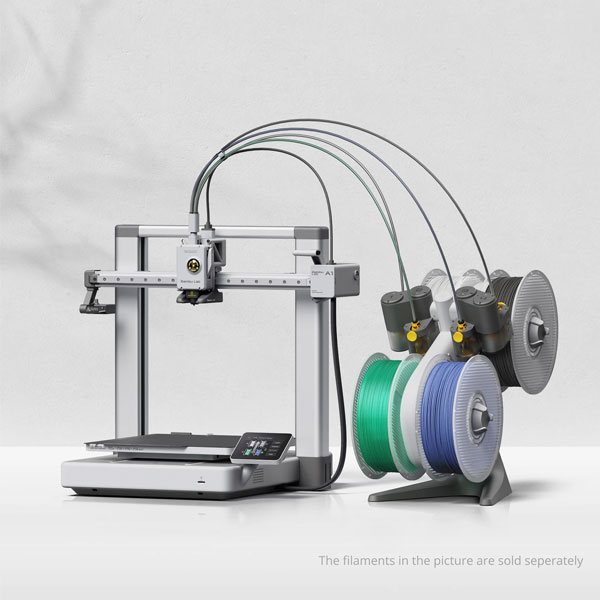
The Bambu Lab A1 is right for you if you mainly want to get started quickly with PLA and PETG, and are looking for a compact, affordable setup. This is the "I just want to print" choice.
Pay particular attention to the build volume (how large your prints can be) and how easy the printer is to operate. If you buy additional equipment, keep it simple: get one roll of good quality PLA and an extra build plate if you want to print frequently in a row.
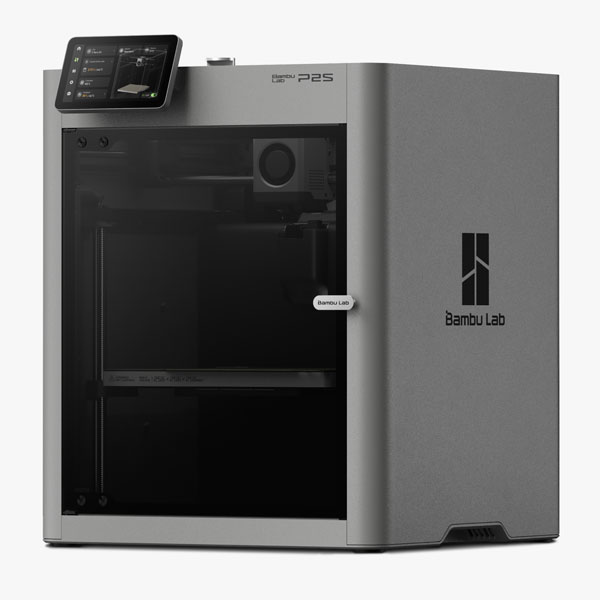
Bambu Lab P2S Combo: best all-round 3D printer for beginners
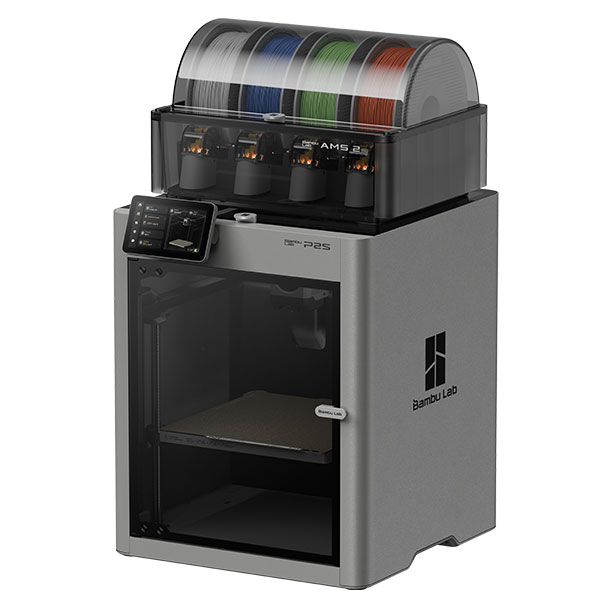
The Bambu Lab P2S Combo makes sense if you want more certainty, print functional parts frequently, and want less hassle with changing conditions.
Two things really make a difference here. n: the enclosed housing. That provides more consistency and makes more material options feasible. Two: the build volume of 256 x 256 x 256 mm. That is spacious enough for many practical projects.
The Combo/AMS is primarily a workflow advantage. You switch between colors or materials more easily. Also, filament often remains more usable because it stays drier.
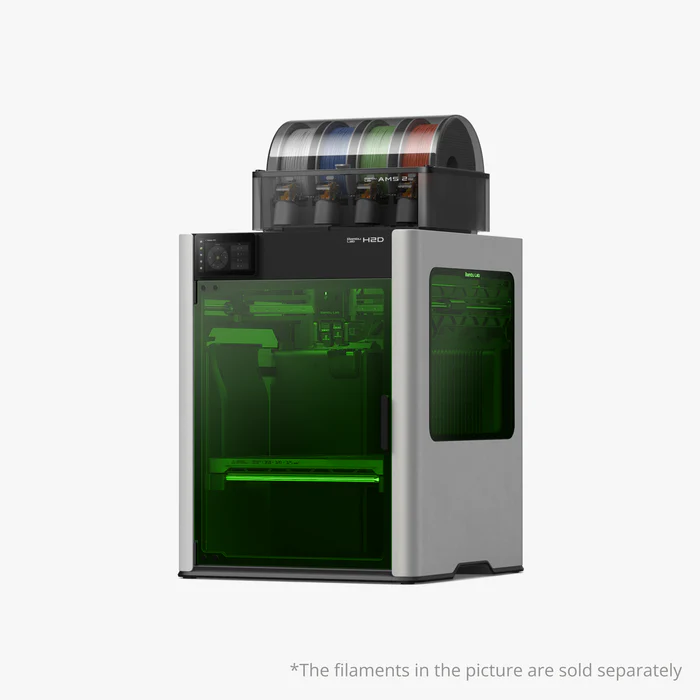
Bambu Lab H2D Combo: best high-performance 3D printer for beginners
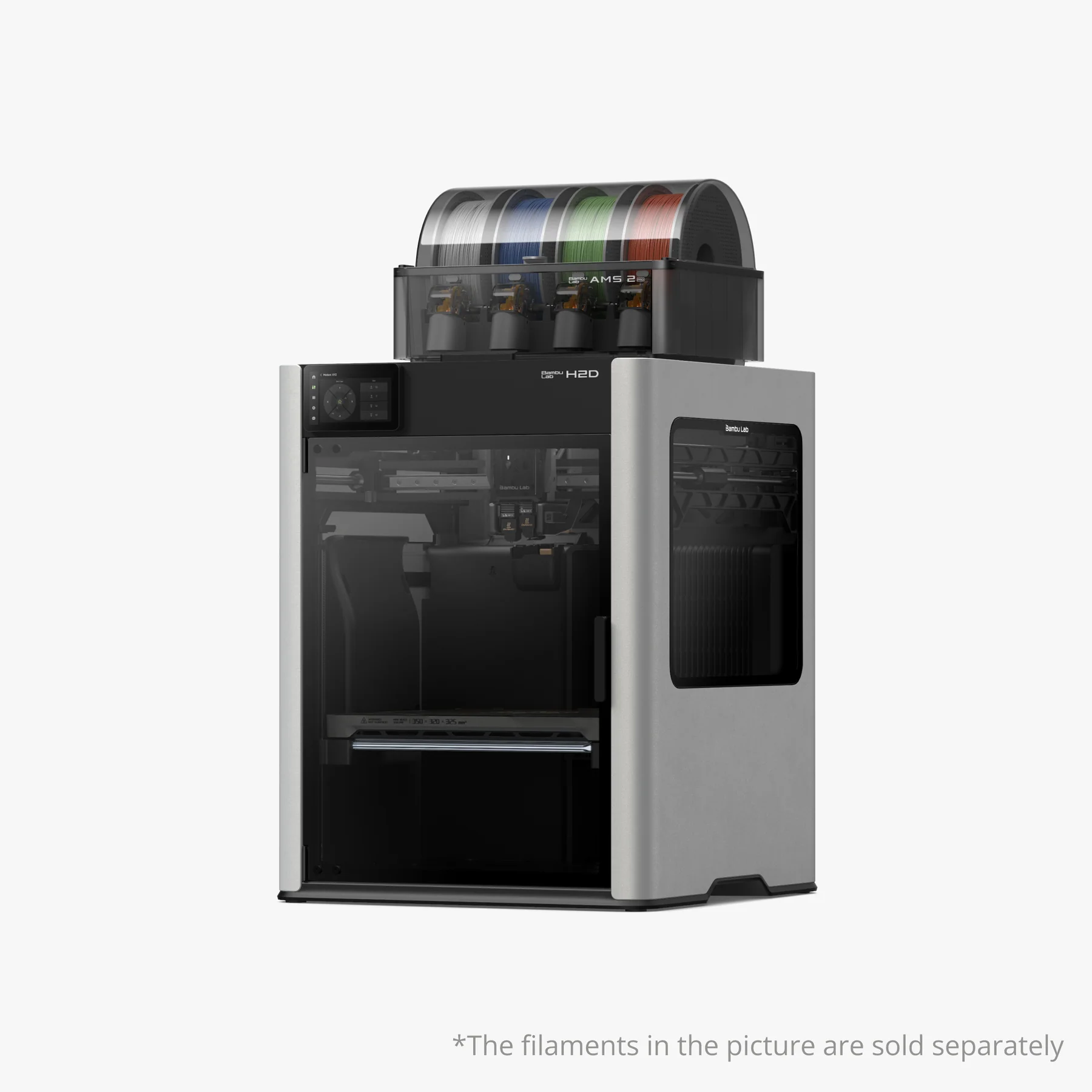
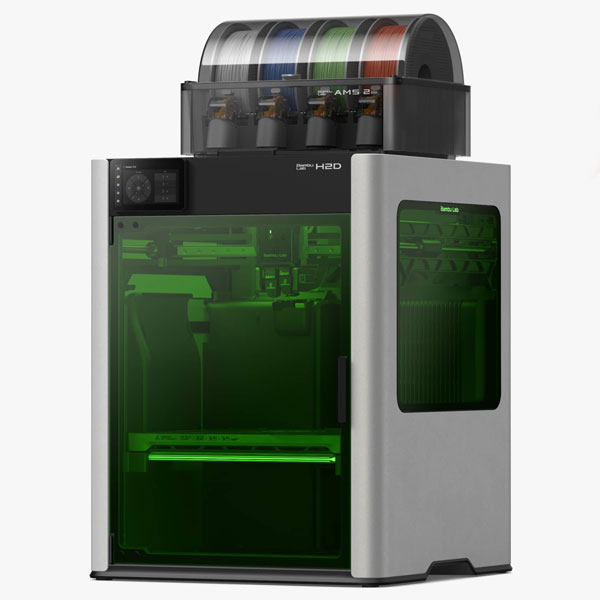
The Bambu Lab H2D Combo is right for you if you want to scale up quickly. Think: higher output, tighter quality, or if you want a setup that grows with your projects right away.
Important: a high-performance printer doesn't have to be more difficult. The difference lies mainly in speed, stability, and workflow. The Combo actually helps you work faster because you have to switch manually less often.
Finding 3D models: where do you get safe, nice, and usable files?
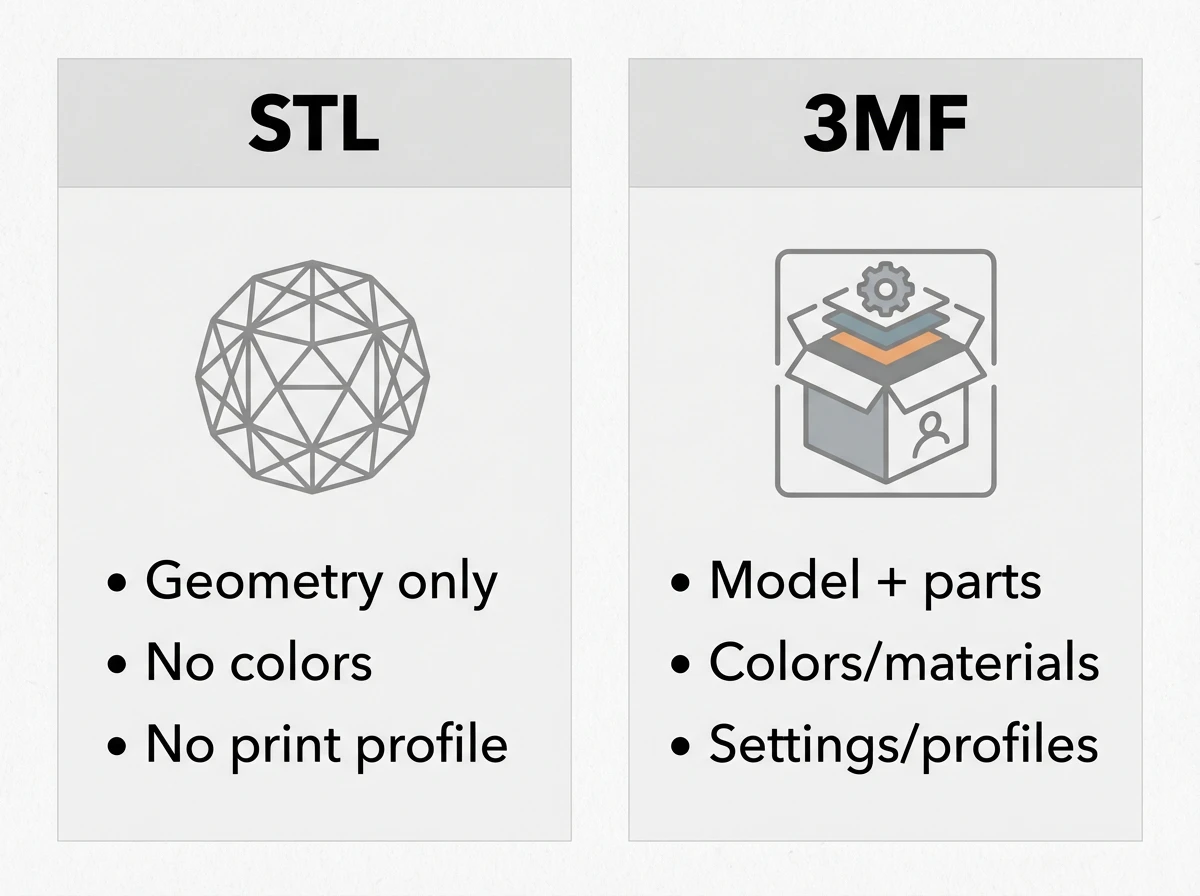
As a beginner, you win fastest with good models. Usually, you download an STL file (simple 3D model) or a 3MF file (often with parts, colors, or project info).
Always check this before you download:
- Does the model match the scale of what you want to make?
- Does the model require supports, or is it designed to be support-friendly?
- Are there reviews or make-ups from other people?
- What is the license: personal use only, or also business?
- It is better to start with tested models than with complex mechanical prints. That saves frustration.
Slicer for Beginners: What is it and what should you do first? ( Bambu Studio)
A slicer converts a 3D model into print instructions. Simply put: it translates your model into layers and paths that the printer can follow.
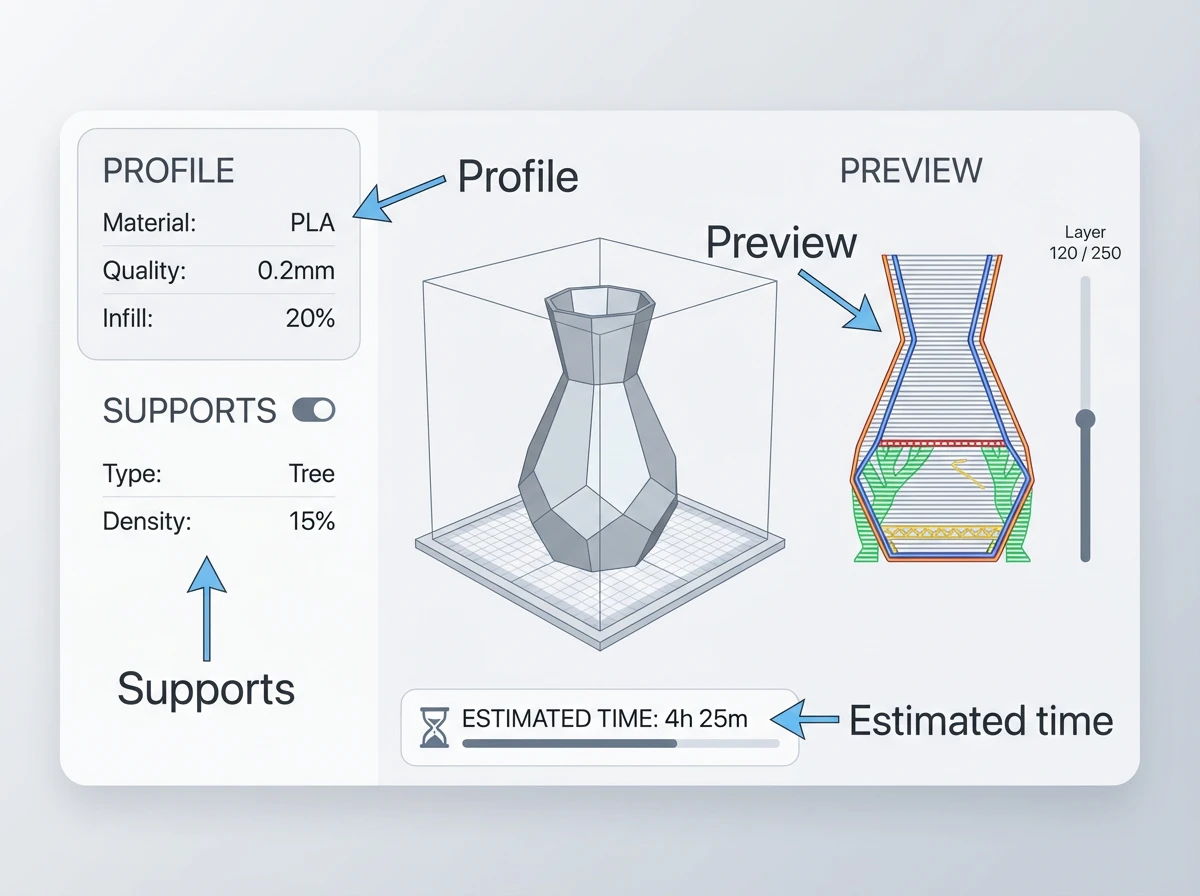
For beginners, Bambu Studio is often a logical starting point, because you work with profiles and get predictable results faster within the ecosystem.
Beginner rule: start with a standard profile and only change what you understand.
Five concepts you really must know:
- Layer height: how thick each layer is.
- Infill: how full the interior is.
- Supports: temporary supports for overhanging parts.
- Brim/raft: extra edge or base for better adhesion.
- Orientation: how you rotate the model on the build plate.
Mini checklist before you hit Print:
- Is the model positioned logically on the build plate?
- Has the right material been chosen?
- Have you checked the preview for strange holes or floating parts?
- Are supports positioned only where necessary?
First print: step-by-step from unboxing to result
Do you want quick success? Then follow this sequence.
Place your printer on a stable surface and make room to work around it. Check that everything is securely fastened and that there is no transport material left inside. Then load your filament and perform a quick check to ensure it feeds through smoothly.
Next, choose a simple model. Think of a test cube, a hook, or a cable clip. Open the model in your slicer, select the default profile, and view the preview. Is the size correct? Does the first layer look logical? Then you can print.
Once the print is finished, let it cool down for a moment. Gently detach it and check: is the bottom taut, are there no loose threads, and does it feel sturdy?
Filament for beginners: PLA, PETG, and when TPU makes sense
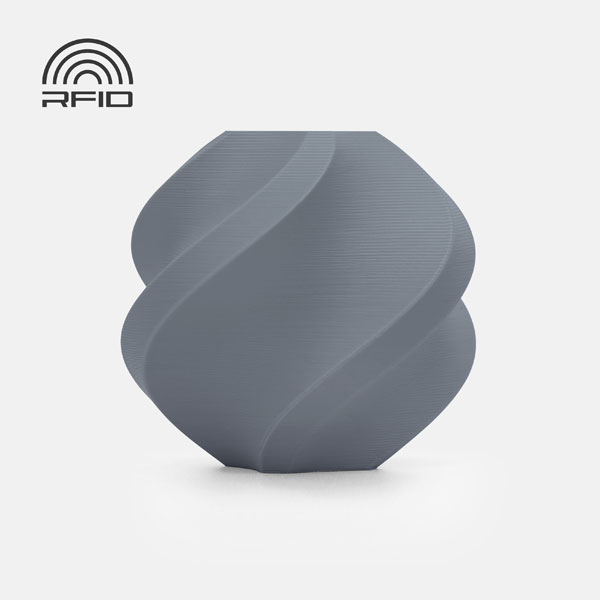
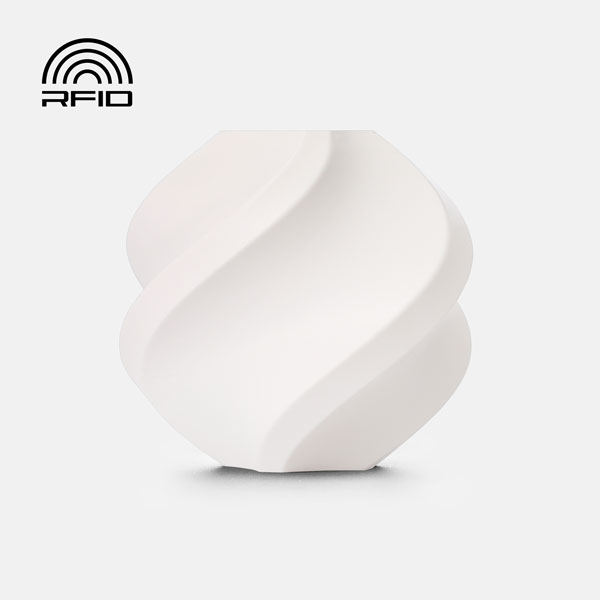
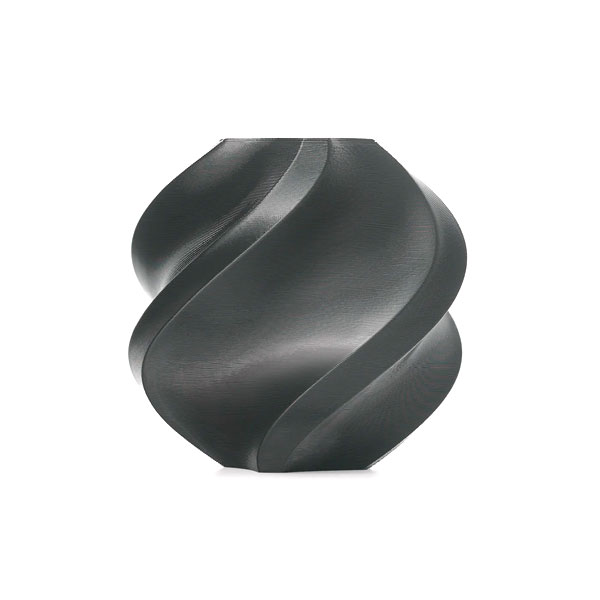
PLA is the best start for most beginners. It is easy to work with, usually has a less strong odor, and is great for decoration, prototyping, and many household items.
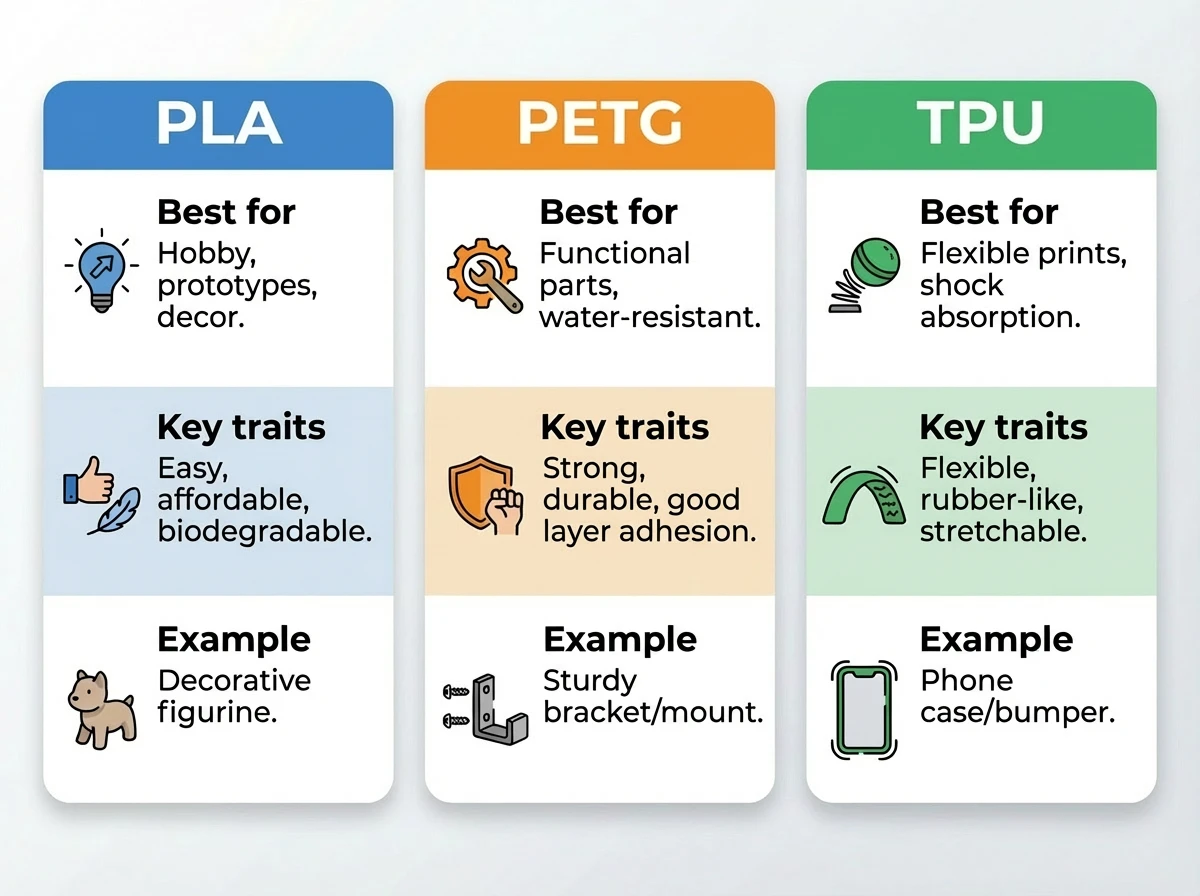
PETG is useful if you want something that is a bit stronger and can withstand heat and moisture better. Think of functional parts.
TPU is flexible. That makes sense if you want cushioning, grip, or flexibility, such as for protective cases or feet.
Er zijn natuurlijk nog veel meer soorten filament verkrijgbaar, maar wanneer je start kun je het beste met deze 3 beginnen.
Common beginner mistakes (and quick fixes)
You are going to get misprints. That is part of the process. The goal is to quickly recognize what is happening and check one thing at a time.
Brief practical note: I see prints and printers come through support daily. Most problems are not broken printers, but a simple basic check that you can do in 2 minutes.
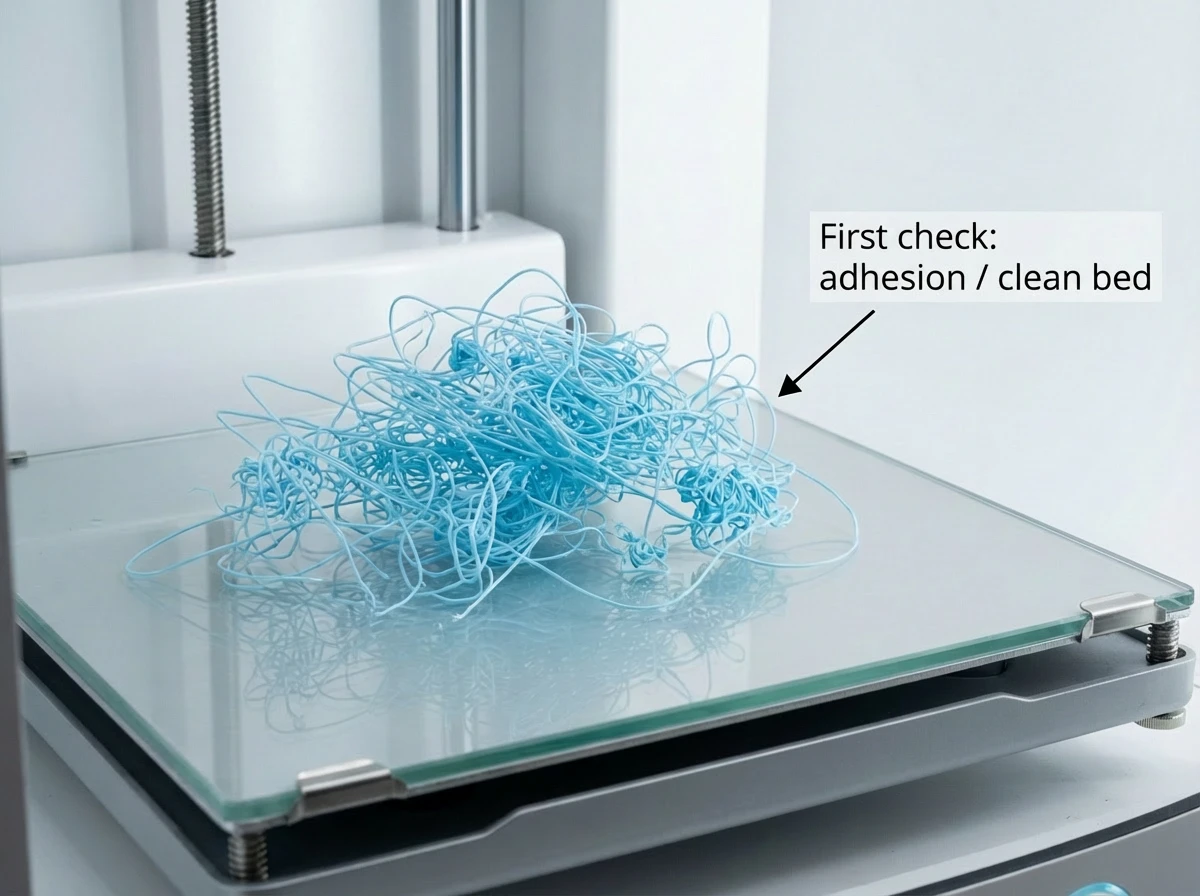
Troubleshooting 1: spaghetti (loose strands)
Symptom: The print turns into threads and strands. Cause: The model detached or printing occurred in mid-air. First check: Check if the first layer adheres well and if the model required supports.
Troubleshooting 2: poor adhesion (print peels off)
Symptom: corners curl up or the model slides away. Cause: the build plate is dirty, or the contact surface is too small. First check: clean the build plate and choose a model with more feet.
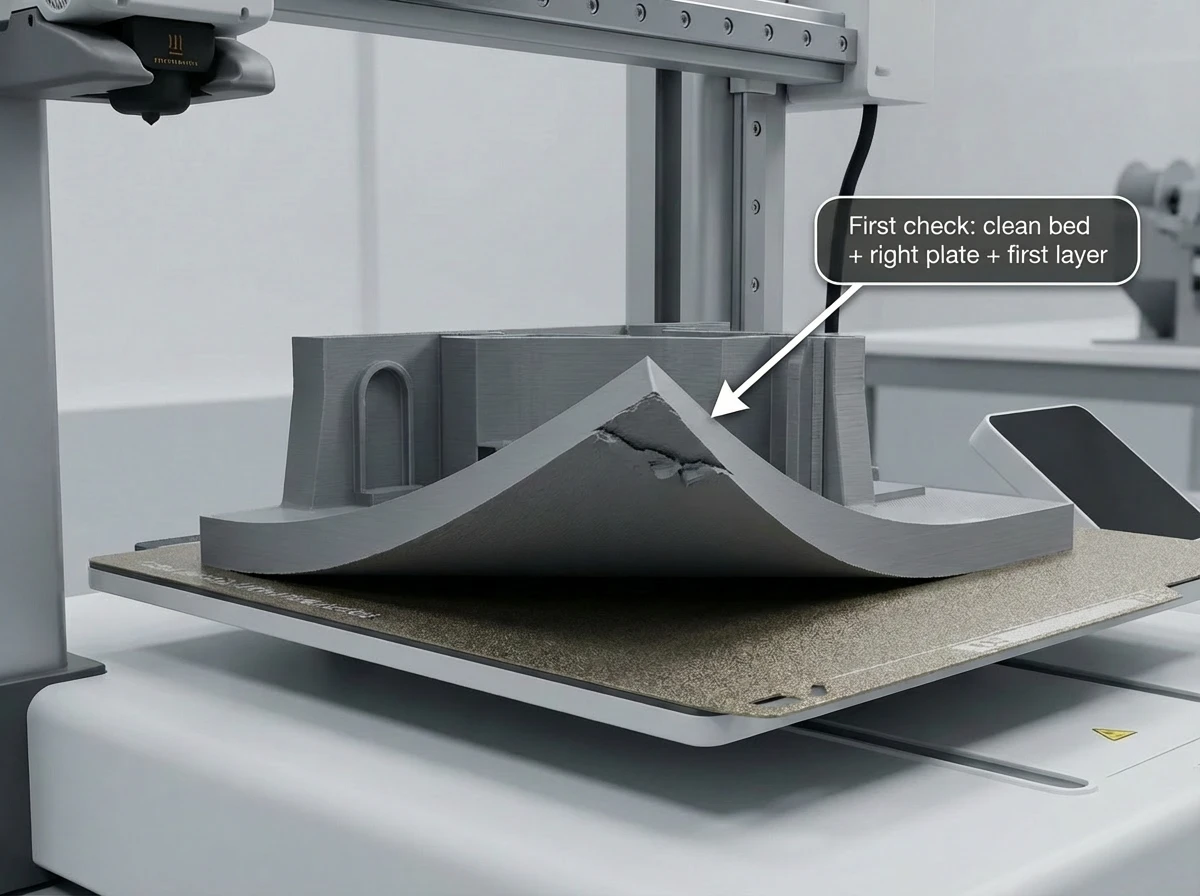
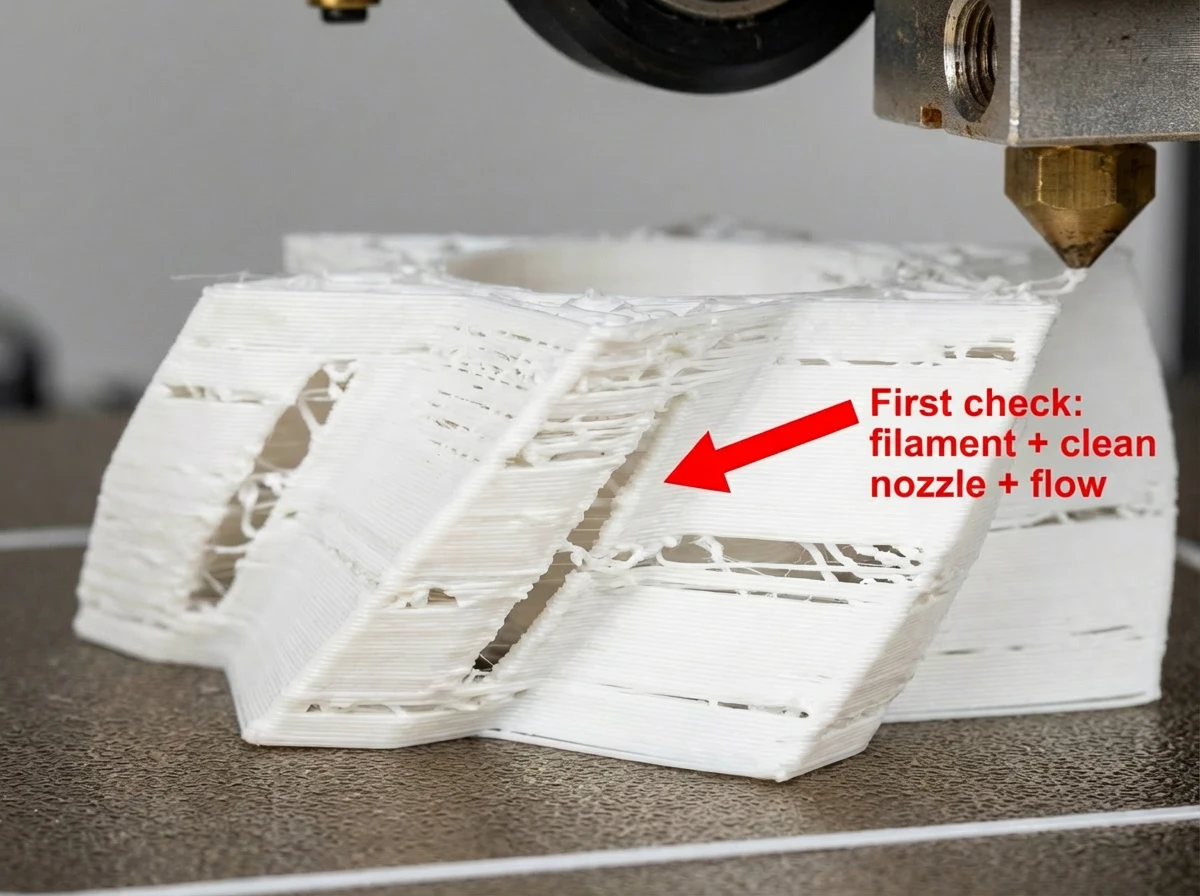
Troubleshooting 3: Clogging (under-extrusion)
Symptom: thin layers, holes, or little material coming out. Cause: the nozzle is partially clogged or the filament is not feeding through properly. First check: verify that the filament can run freely and that there is no kink or resistance.
Maintenance that keeps your printer reliable
Reliable printing is above all: clean and consistent.
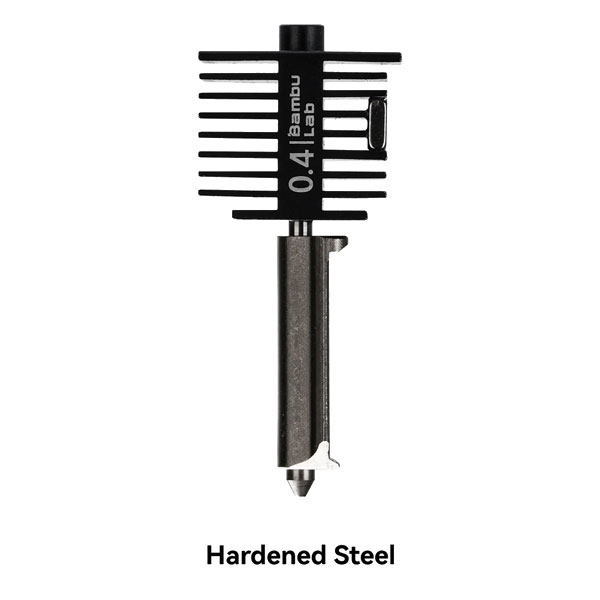
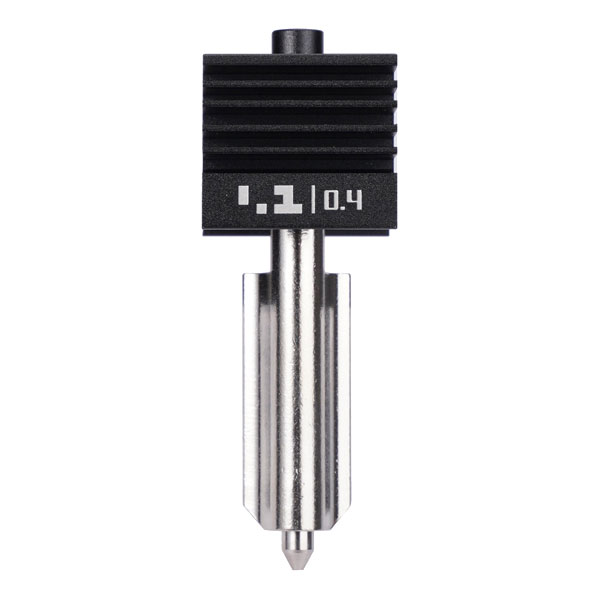
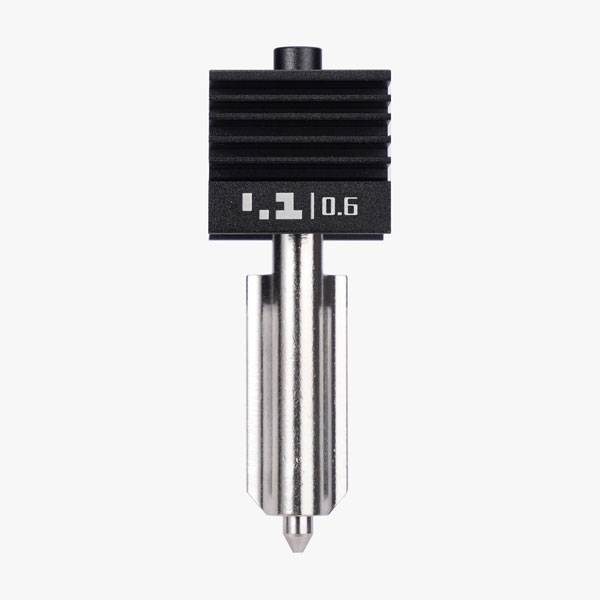
Clean your build plate regularly. Check occasionally for dust or filament residue around moving parts. And replace consumables on time, such as a nozzle or a plate that loses its grip.
Schedule a fixed time. For example: a quick cleanup every 10 prints, and a slightly more thorough check every month.
Safety and ventilation: where should you place your printer?
Place your printer where you won't accidentally bump into it. Avoid a bedroom if you spend a lot of time there. Ensure fresh air, especially if you print frequently.
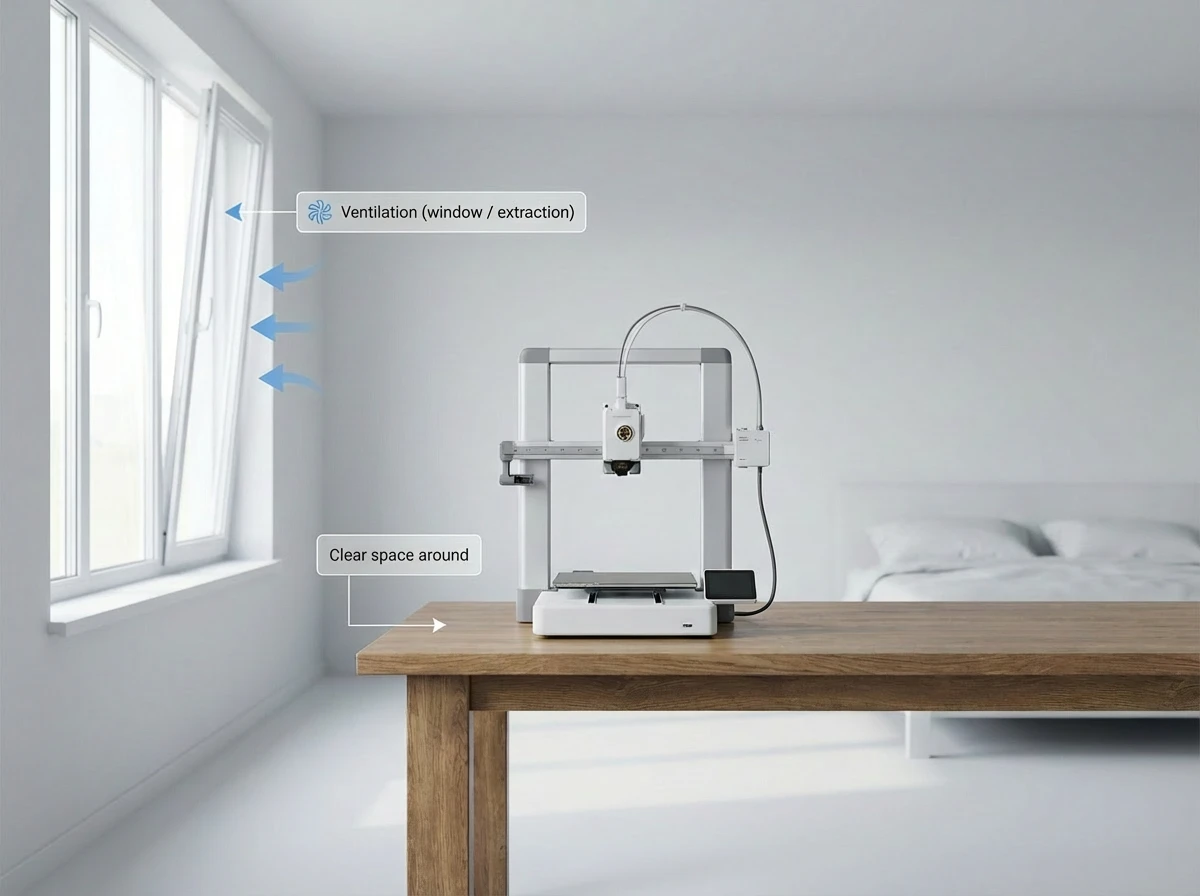
Do you have children or pets? Place the printer out of reach. Also consider noise: a printer can run for hours.
What does 3D printing really cost? (printer, filament, misprints)
The costs lie in three things: the printer itself, filament, and misprints.
Filament is often cheaper than people think, but misprints count. Especially in the beginning. Therefore, budget for a learning curve: an extra roll of filament that you consider as practice material.
Accessories can also add costs, such as extra build plates or spare nozzles. However, they often make your workflow faster.
Next step: smarter printing, better quality, and handy upgrades
If your basic prints go well, you can progress without overload.
Consider workflow upgrades: multicolor or multicolor printing via a Combo/AMS, an extra build plate so you can work faster, and handy tools to finish prints neatly.
FAQ: short answers to beginner questions
Which 3D printer is best for beginners in 2026?
Choose a printer with good profiles and a predictable workflow. For a tight budget, the Bambu Lab A1 is often the most logical entry point. If you want an all-round printer with more consistency and more material options, the Bambu Lab P2S Combo is a strong choice. And if you already know you will be printing a lot and want to grow, the Bambu Lab H2D Combo is a better fit.
Is 3D printing difficult to learn?
No, not the basics. As a beginner in n and, you can make your first 3D print. The difficulty usually lies in two things: choosing a good printer and not turning too many knobs in your slicer too quickly. Start simple, print a few proven models, and learn step by step.
What is the minimum you need to get started with 3D printing?
At a minimum, you need a 3D printer, a roll of filament (preferably PLA), and a computer or phone to select and print models. Handy extras include a spatula, small pliers, and a brush to keep your build plate clean.
Where can I download 3D models?
You can download 3D models from major model platforms and community sites. As a beginner, especially choose models with many downloads, good reviews, and photos from other makers. This increases your chances of a successful first print.
What is the difference between STL and 3MF?
An STL is usually a bare 3D model: shape and dimensions, without extra project info. A 3MF is more often a complete project file. It can contain multiple parts, and sometimes also information such as colors or how the model is constructed. For beginners, STL is often the simplest, but 3MF can actually be useful if it is a well-prepared project.
What is a slicer and why do you need one?
A slicer is software that converts your 3D model into print instructions for the printer. Without a slicer, the printer does not know how to move layer by layer and lay down material.
Which slicer is best for beginners?
The best slicer for beginners is the one that quickly leads you to a predictable print. If you work with Bambu , Bambu Studio is often the most logical choice because you work with profiles and have less guesswork to do.
Which filament is best for beginners?
For most beginners, PLA is the best filament. It is forgiving and suitable for many prints. If you want something stronger and more resistant to moisture, PETG is a good second step. TPU only makes sense if you need flexible material.
What is the best first thing to print as a beginner?
Choose something small and simple with a flat bottom. Think of a test cube, a hook, a cable clip, or a phone stand. In the beginning, avoid models with a lot of overhang, thin tips, or moving parts.
Why is my PCB detaching from the build plate?
This is usually caused by a dirty build plate, insufficient contact surface, or a model that does not sit stably on the plate. Clean the build plate, choose a model with a wider base, and check in the preview if the first layer makes sense.
How do I prevent misprints as a beginner?
Print proven models. Use a standard profile. Change only one thing at a time. Always view the preview and stay with your printer during the first layer. If the first layer is good, the rest often goes well too.
How much does 3D printing cost per month?
That depends on how much you print and how many misprints you have. Many beginners focus mainly on filament costs (a roll of PLA) and the occasional accessory such as an extra build plate or a nozzle. Expect to spend some extra money on filament in the beginning, because you are going to have a few misprints.
Is 3D printing safe at home?
Yes, if you take a practical approach. Place the printer on a stable surface, out of reach of children and pets, and do not let it run unnecessarily in rooms where you sleep for long periods or sit continuously. Keep your workspace tidy and watch out for hot parts.
Do I need to ventilate while 3D printing?
Ventilating is smart, especially if you print a lot. A window slightly ajar or a well-ventilated room helps. This keeps the air fresher and prevents odors from lingering.
When is multi-color/multi-material printing (Combo/AMS) worthwhile?
It is worthwhile if you often make multi-color prints, want to switch less manually, or want to make your workflow faster and neater. For your first prints, it is not necessary. If you print a lot, however, it can actually save you frustration.