
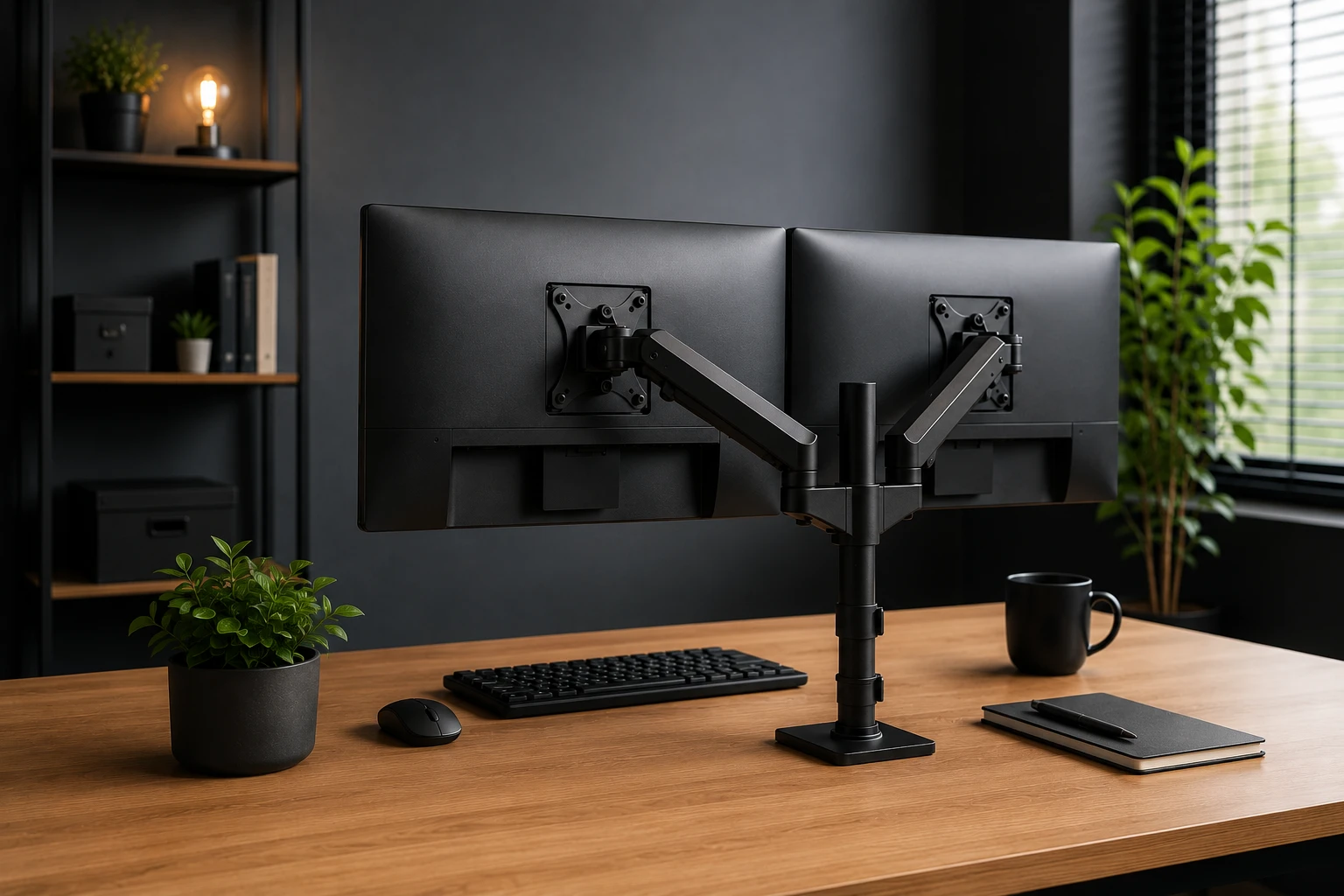
What is VESA? Everything about VESA sizes, monitor arms, and compatibility
VESA stands for Video Electronics Standards Association. This is an international organization that establishes technical standards for the electronics industry. The VESA standard determines the position of four screw holes on the back of a screen. The distance between those holes, expressed in millimeters, is the VESA size. With this standard, you can mount a monitor, display, or TV on a monitor arm or wall mount, regardless of the brand.
The VESA standard explained
The VESA organization has existed since 1989 and establishes industry-wide standards for display technology. The VESA mounting standard, also known as FDMI (Flat Display Mounting Interface), is one of their best-known standards.
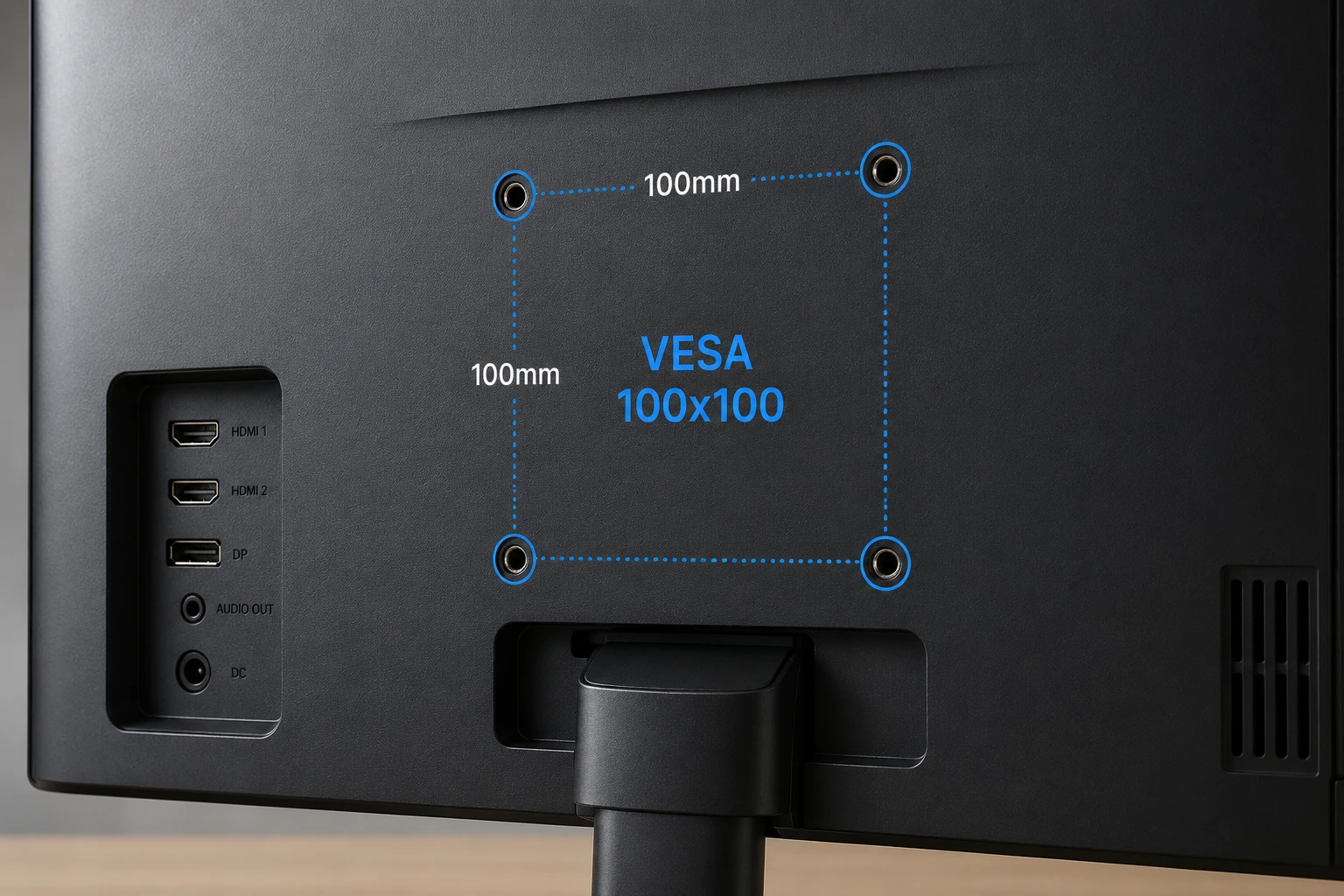
The principle is simple. There are four screw holes on the back of a VESA-compatible screen. These holes form a square or rectangle pattern. You measure the distance between the holes horizontally and vertically, in millimeters. A screen with VESA 100x100 has screw holes that are 100 mm apart, both horizontally and vertically.
The standard exists because manufacturers used to use their own mounting systems. This made it impossible to combine a screen from brand A with an arm from brand B. The VESA standard solved that problem. Today, it is the universal language for screen mounting.
In practice, you mount a screen using M4 screws. These are metric screws with a diameter of 4 millimeters. The correct length depends on the thickness of the mounting plate and the material of your screen. Screws that are too short will not hold securely. Screws that are too long can hit internal components. Most monitor arms and wall mounts come with a set of M4 screws in various lengths, so you always have the right size on hand.
Not all VESA sizes are square. VESA 200x100 is a rectangular size where the holes are spaced 200 mm horizontally and 100 mm vertically. This difference is important when purchasing a monitor arm. An arm that only supports VESA 200x200 will not fit on a 200x100 screen without an adapter. Therefore, always read the specifications of the arm and screen carefully.
Overview of VESA sizes
Most screens fall within a handful of commonly used sizes. The table below provides an overview of the most common VESA sizes, the corresponding screen size, and the typical application.
| Mate | Typical screen size | Application |
| VESA 75x75 | 19 to 27 inches | Small monitors, compact office screens |
| VESA 100x100 | 24 to 32 inches | Most common, home office and professional use |
| VESA 200x100 | 27 to 40 inches | Widescreen displays, ultrawide monitors |
| VESA 200x200 | 32 to 50 inches | Large monitors and smaller televisions |
| VESA 400x400 | From 50 inches | Large televisions and industrial displays |
VESA 100x100 is by far the most widely used size. You will find it on most office and gaming monitors between 24 and 32 inches. VESA 75x75 is more common on smaller or cheaper screens. Larger screens, such as ultrawide monitors and televisions, use the higher sizes.
Choosing the right size starts with your usage. For a home office, VESA 100x100 is the standard in almost all cases. The range of arms and mounts for this size is the largest, and prices are low. The same applies to gaming, although ultrawide screens of 34 inches or wider are often equipped with VESA 200x100. Always check this in your monitor's specifications before ordering an arm. Professional use, such as video editing or technical drafting, sometimes requires large screens exceeding 40 inches. These use VESA 200x200 or higher and require arms that can handle the extra weight.
How do you check the VESA size of your screen?
The easiest way is to consult your monitor's manual. The VESA size is always listed there, often under the heading "mounting" or "technical specifications". If you no longer have the manual at hand, look up the model name on the manufacturer's website. Every manufacturer publishes the full product specifications online, including the VESA size.
You can also measure the size yourself. Turn your screen over or tilt it so you can clearly see the back. Locate the four screw holes. Use a ruler to measure the distance from the center of one hole to the center of the opposite hole, horizontally and vertically. These are the two numbers for your VESA size. Note them both down, as not all sizes are square.
Note that some screens do not have VESA mounts at all. This applies especially to cheaper all-in-one computers and certain consumer monitors. For those screens, you need a special adapter, or you are limited to the included stand.
Mount the monitor on the wall or on a desk arm?
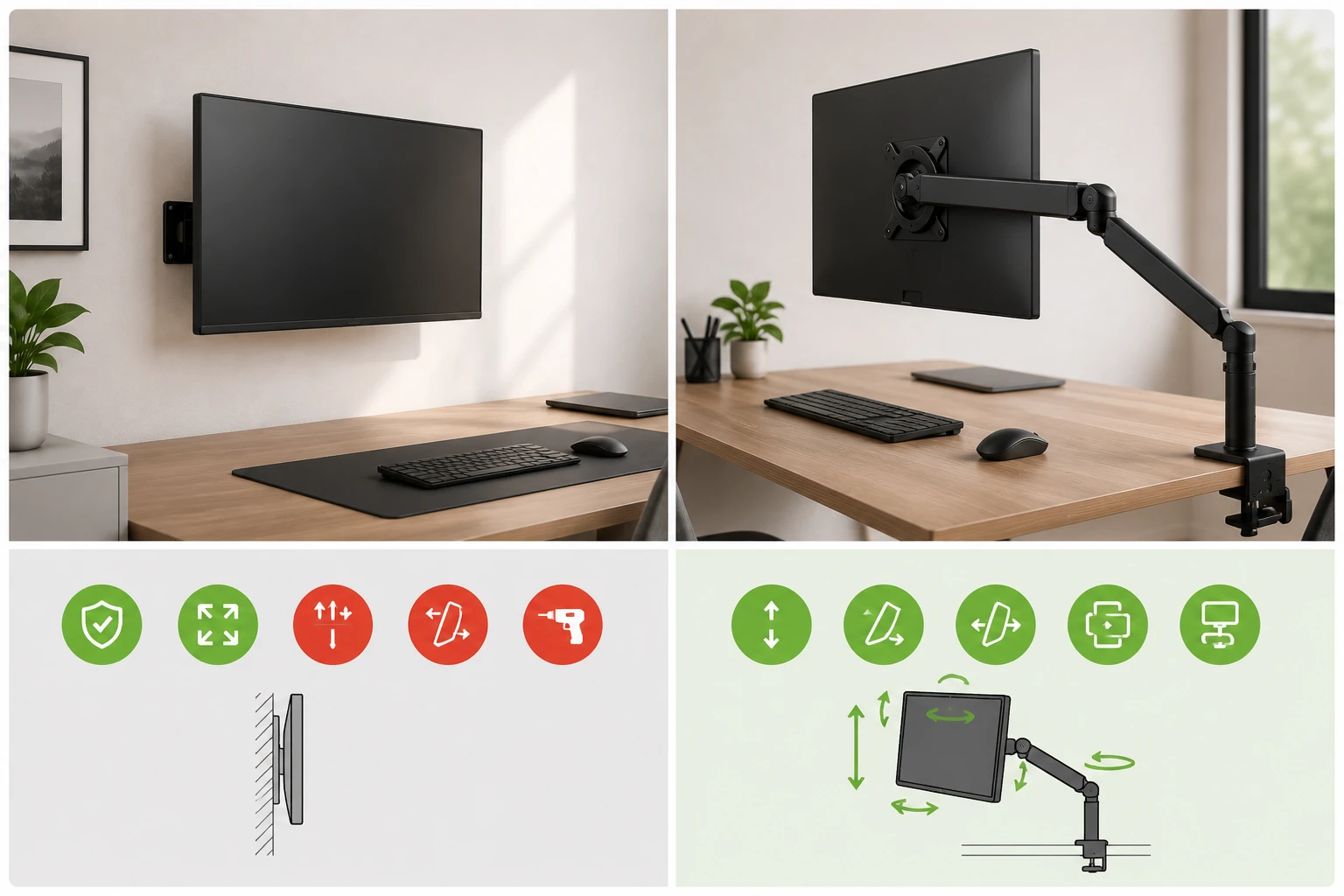
Once you know your screen's VESA size, you have two main options. You can mount the screen to the wall or to a desk arm. Both work with the same VESA standard, but they give you a very different result.
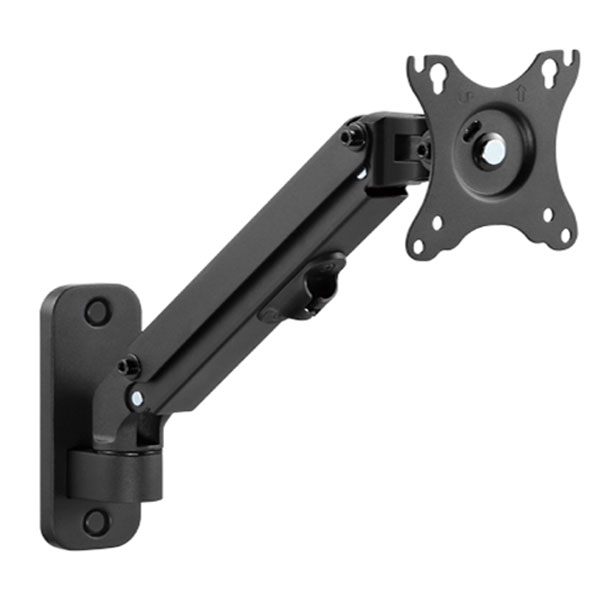
Wall mounting is stable and space-saving. Your screen is fixed to the wall and does not take up any desk space. This is convenient in small spaces or when you want to keep a tidy desk. The disadvantage is flexibility. A wall mount is fixed at a fixed height and angle. If you want to move the screen later or adjust the height, you have to drill again. This makes wall mounting less suitable if you regularly change your workspace or if multiple people use the screen with different sitting positions.
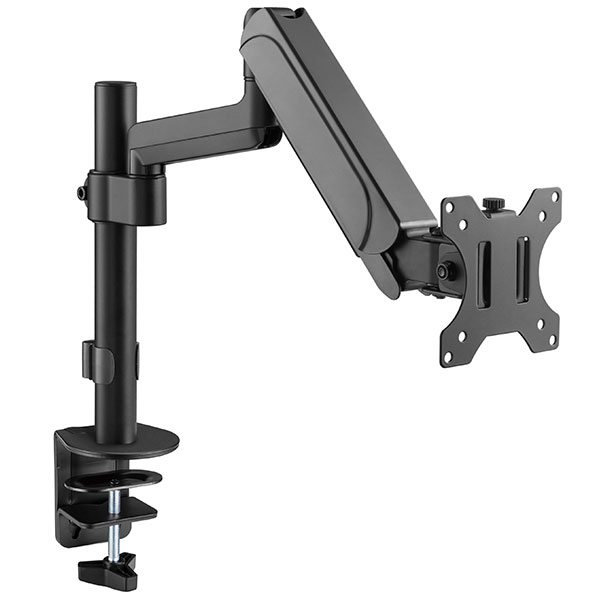
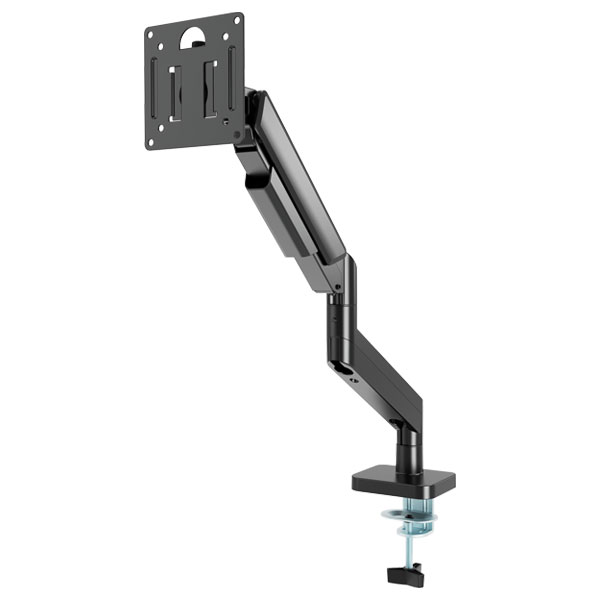
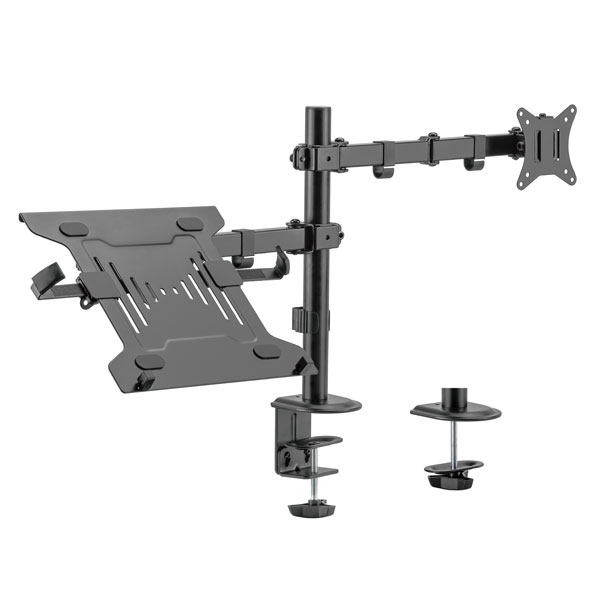
A desk arm gives you more freedom. You can adjust the height, angle, and direction exactly as you want, at any time. This is ideal for ergonomic working. You can raise the screen when standing or turn it to the side when you want to show someone something. You clamp a desk arm to the edge of your desk or attach it via a grommet in the desktop. Installation is quick and leaves no holes in the wall.
View our monitors for an overview of all screens in our range, including the VESA specifications per model.
For most home workers, a desk arm is the better choice. If you want to permanently and flush mount a screen to the wall, for example in a meeting room or as an information display, then wall mounting is more practical.
Selecting a monitor arm based on VESA
A monitor arm only functions correctly if the VESA size of the screen matches the size the arm supports. Most monitor arms support VESA 75x75 and VESA 100x100, as these are the most common sizes. Arms for larger screens also support VESA 200x200 and 400x400.
Always check two things before buying an arm. First, the VESA size of your screen. Then, the maximum weight the arm can support. Many screens weigh more than you think, and an arm that cannot handle the weight may sag or become misaligned.
Ergonomics plays a major role in choosing a monitor arm. The correct screen height is important to prevent neck complaints. Your eyes should be level with the top edge of the screen. If you look up or down, you strain your neck unnecessarily. A good monitor arm allows you to adjust the height precisely. A fixed stand does not offer this. Additionally, you can adjust the tilt angle. Tilt the screen slightly backward so that you look at the center without effort. Most arms also have a swivel function. This allows you to rotate the screen horizontally. This is useful when switching between standing and sitting work, or when you want to show something to two people at the same time. A monitor arm is therefore not only a solution for lack of space on your desk, but also an investment in your long-term health.
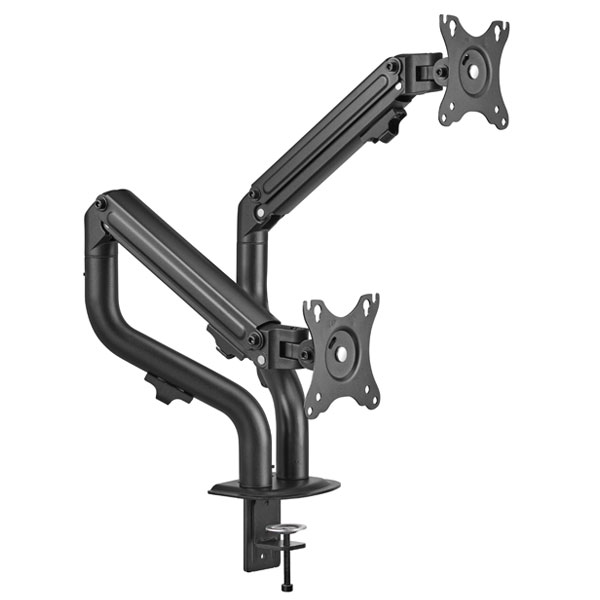
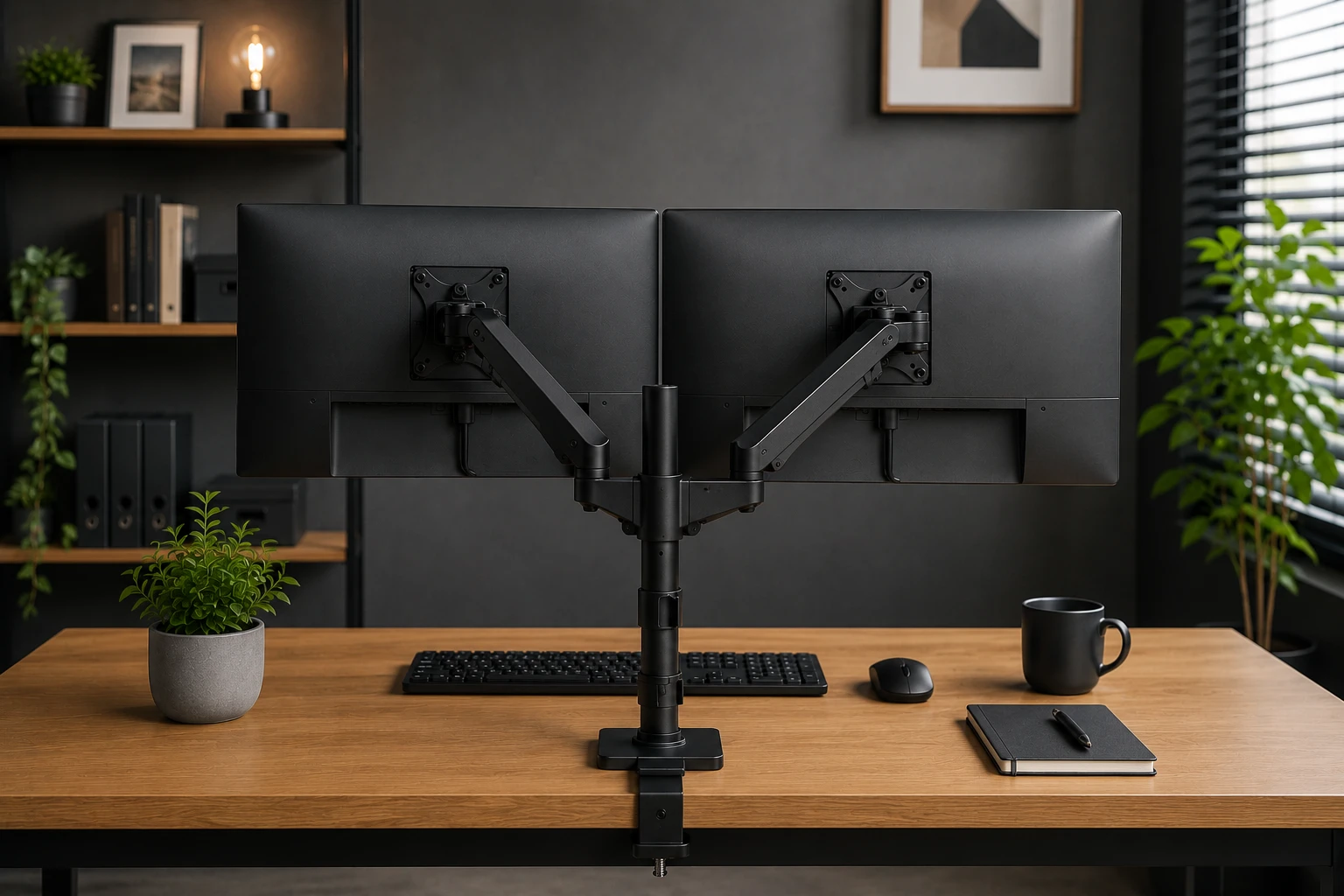
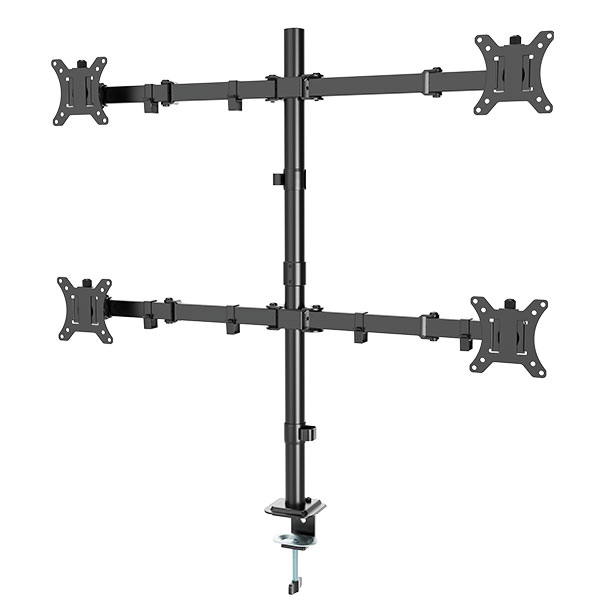
Do you have two screens and want to mount them together on one arm? Then you need a so-called dual-arm setup, also known as a monitor arm for 2 screens or a dual monitor arm. These arms have two separate connections, each with its own VESA mount. This allows you to adjust the height, angle, and orientation of two screens independently of each other. This is ideal for remote workers, programmers, video editors, and anyone who frequently works with multiple applications simultaneously.
View all monitor arms for a complete overview, from single arms to extensive dual setups.
VESA and displays - what to look out for
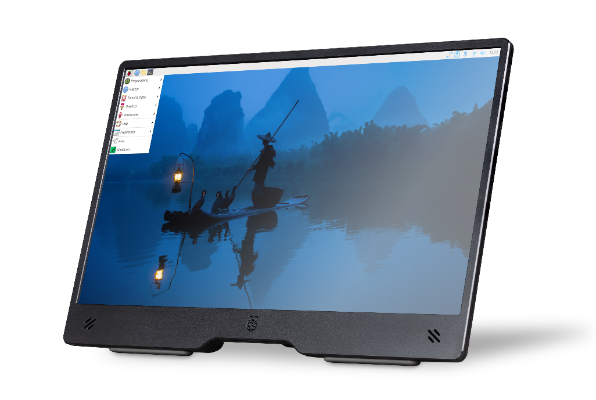
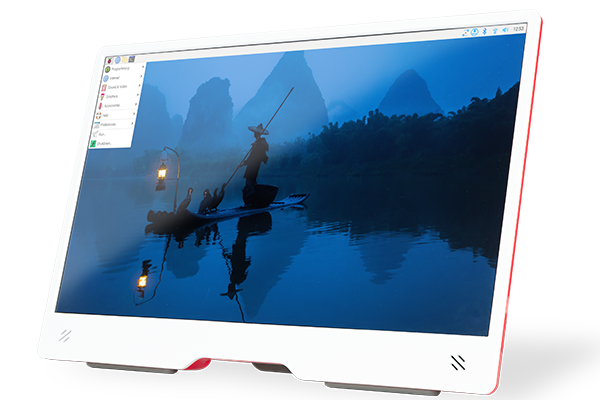
Not every screen is an office monitor. Elektronica Voor Jou also sells industrial and commercial displays, such as touchscreens, information displays, and embedded panels. The same VESA rules apply to these displays as to regular monitors, but there are a few additional points to consider.
Smaller displays, such as 7 to 15-inch panels, almost always use VESA 75x75. This is a compact size, and not every standard monitor arm has the correct mount for it. For smaller displays, check whether the arm also supports 75x75, and not just 100x100.
Industrial displays are sometimes mounted in furniture, kiosks, or machines. In these cases, the mounting depth also plays a role. Check the mounting depth of both the display and the holder before ordering. A display placed too deep inside a cabinet can overheat.
Touchscreens involve additional considerations. A touchscreen responds to touch. This means the screen must remain stable during use. An adjustable desk arm that yields gently under pressure is less suitable for this purpose. For touchscreens, it is preferable to choose a fixed wall mount or a rigid holder without movable parts. These hold the screen in place, ensuring accurate tapping and swiping. If you still wish to combine an adjustable position with a touchscreen, choose an arm with a locking function. This allows you to set the position and lock the arm, preventing the screen from moving during use.
View our displays for the full range, from small embedded panels to larger information displays.
Frequently asked questions about VESA
1. What does VESA mean?
VESA stands for Video Electronics Standards Association. It is an international organization that establishes technical standards for the electronics industry. The VESA mounting standard determines the position of four screw holes on the back of a screen, so that you can attach it to an arm or wall mount from another brand.
2. What VESA size is my monitor?
The fastest way is to consult the manual or the manufacturer's product page. You can also measure the size yourself by measuring the distance between the four screw holes on the back of your screen, horizontally and vertically, in millimeters. Together, these are the VESA size of your screen.
3. Is VESA 75x75 interchangeable with VESA 100x100?
No, not directly. The screw holes are located in a different place, so an arm for 100x100 will not fit on a 75x75 screen without an adapter. Many monitor arms support both sizes thanks to a supplied adapter plate. Always check this in the arm's product specifications.
4. Does every monitor have VESA holes?
No, not every monitor has VESA mounting holes. Some cheaper monitors and all-in-one computers lack them. With those screens, you can sometimes use a special clamp adapter. Check your screen's specifications before buying a monitor arm.