
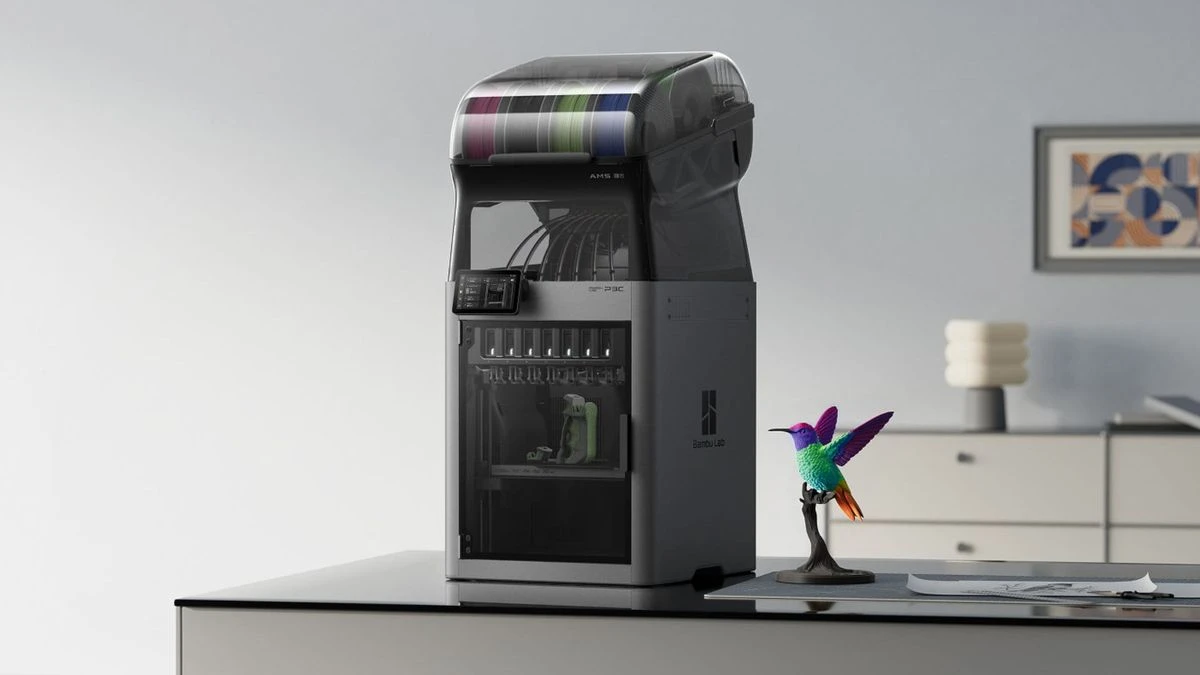
Bambu Lab P3C: a guide to the new 3D printer with a tool changer
The Bambu Lab P3C makes it easier to print with several colours and materials. It switches between print tools on its own. In a single print job, you can make colourful models, flexible parts and objects with fine details.
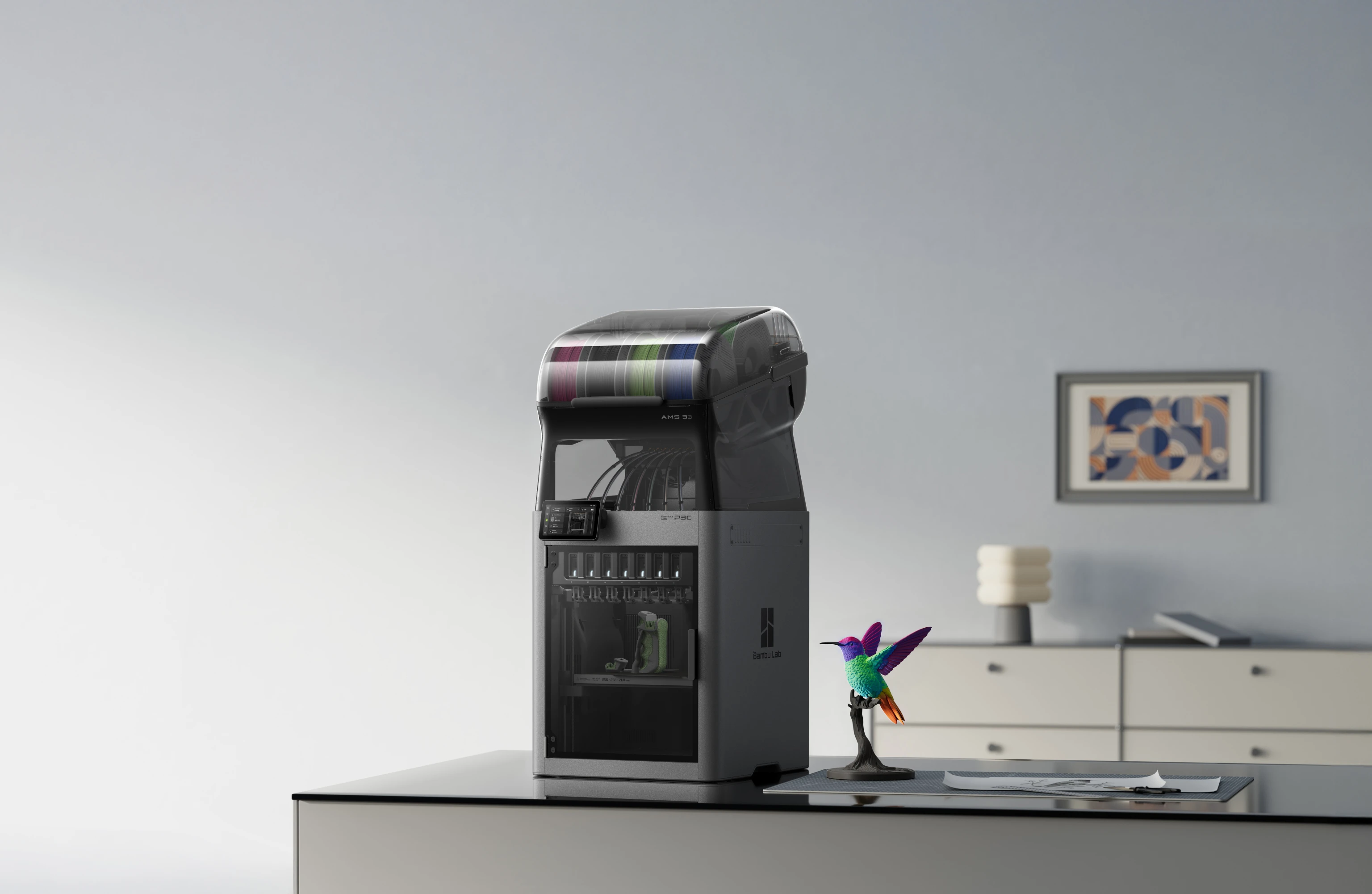
The P3C has room for seven tools and comes with five. The Combo also includes the AMS 3P, which holds seven filament spools. Here’s how the printer works and who it suits.
What is the Bambu Lab P3C?
The Bambu Lab P3C is an enclosed 3D printer with an automatic tool changer. It can swap tools while a print is in progress.
Each PrintTool has its own nozzle and filament path. Load several colours or materials before you start, and the printer picks up the tool it needs as it goes.
The P3C uses Swaptek, the same system found in the larger Bambu Lab H3C. The P3C has a smaller build volume and fewer tool positions, and comes at a lower starting price.
Key specifications
- Build volume of 256 × 256 × 260 mm.
- Space for seven PrintTools.
- Five PrintTools included, each with a 0.4 mm nozzle.
- AMS 3P included, with room for seven filament spools.
- Maximum nozzle temperature of 300 °C.
- Maximum bed temperature of 110 °C.
- Support for different materials and nozzle sizes.
How does the tool changer work?
On many 3D printers, every colour passes through one nozzle. To change colour, the printer retracts the old filament, feeds in the new one and purges the nozzle.
On the P3C, each PrintTool has its own filament path and heater. The filament stays in the tool. To use another colour, the printer picks up a different tool.
The next nozzle can heat up while the current one is printing. Bambu Lab puts the time for a PrintTool change at about six seconds. The actual time depends on the model and settings.
This is especially helpful for models with frequent colour changes, such as a figure with colourful clothes or a nameplate with lettering in a contrasting colour.
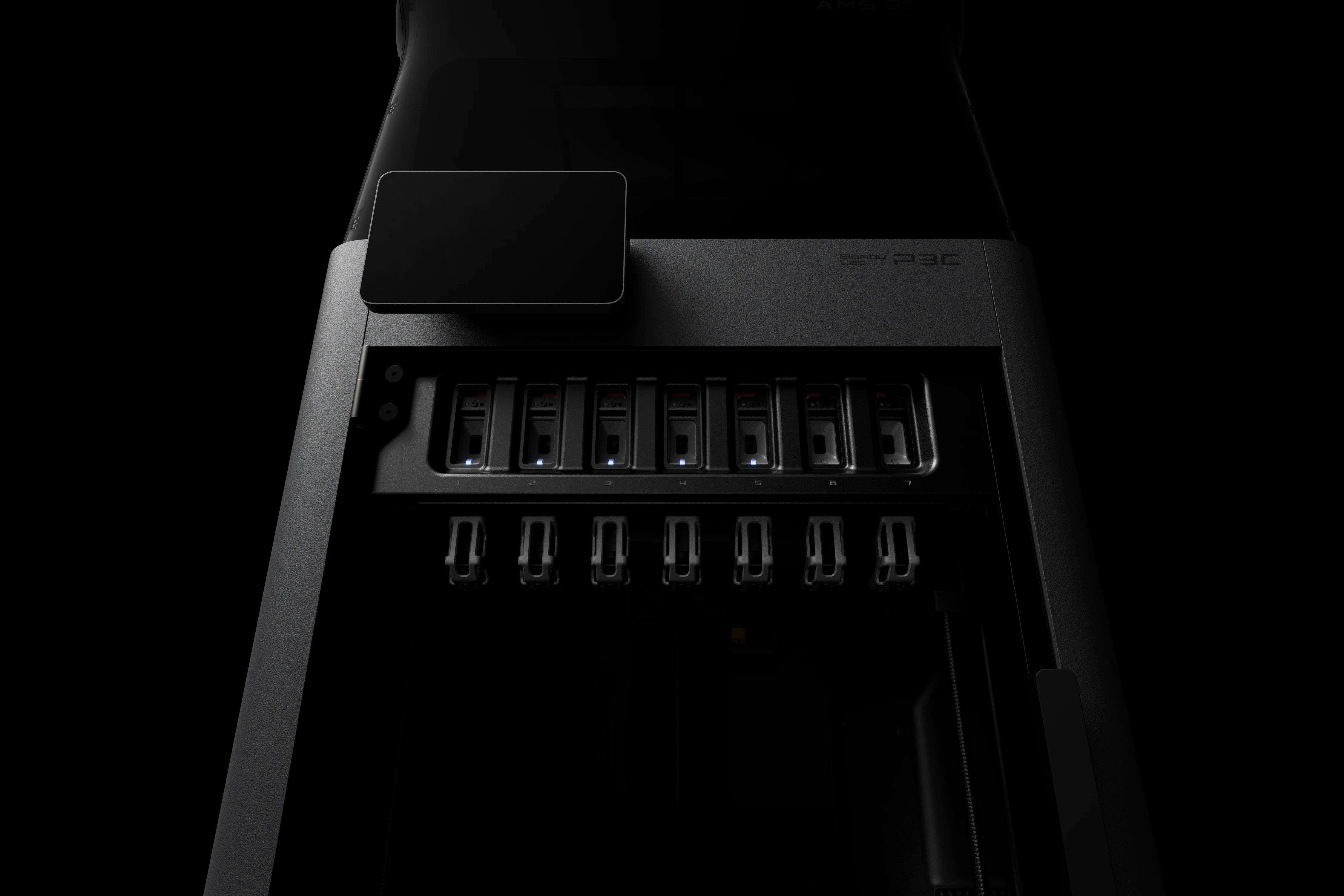
Five PrintTools included, with room for seven
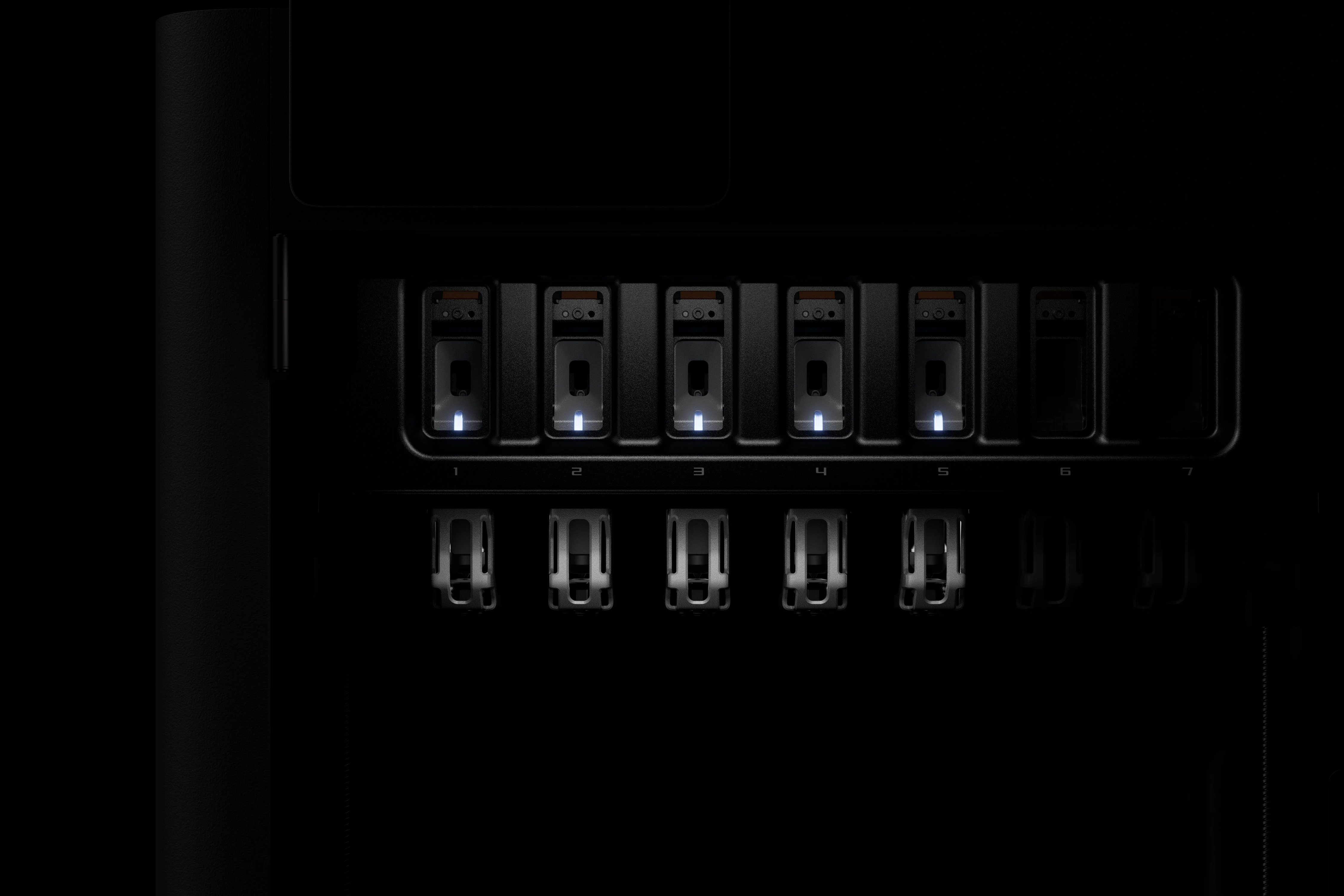
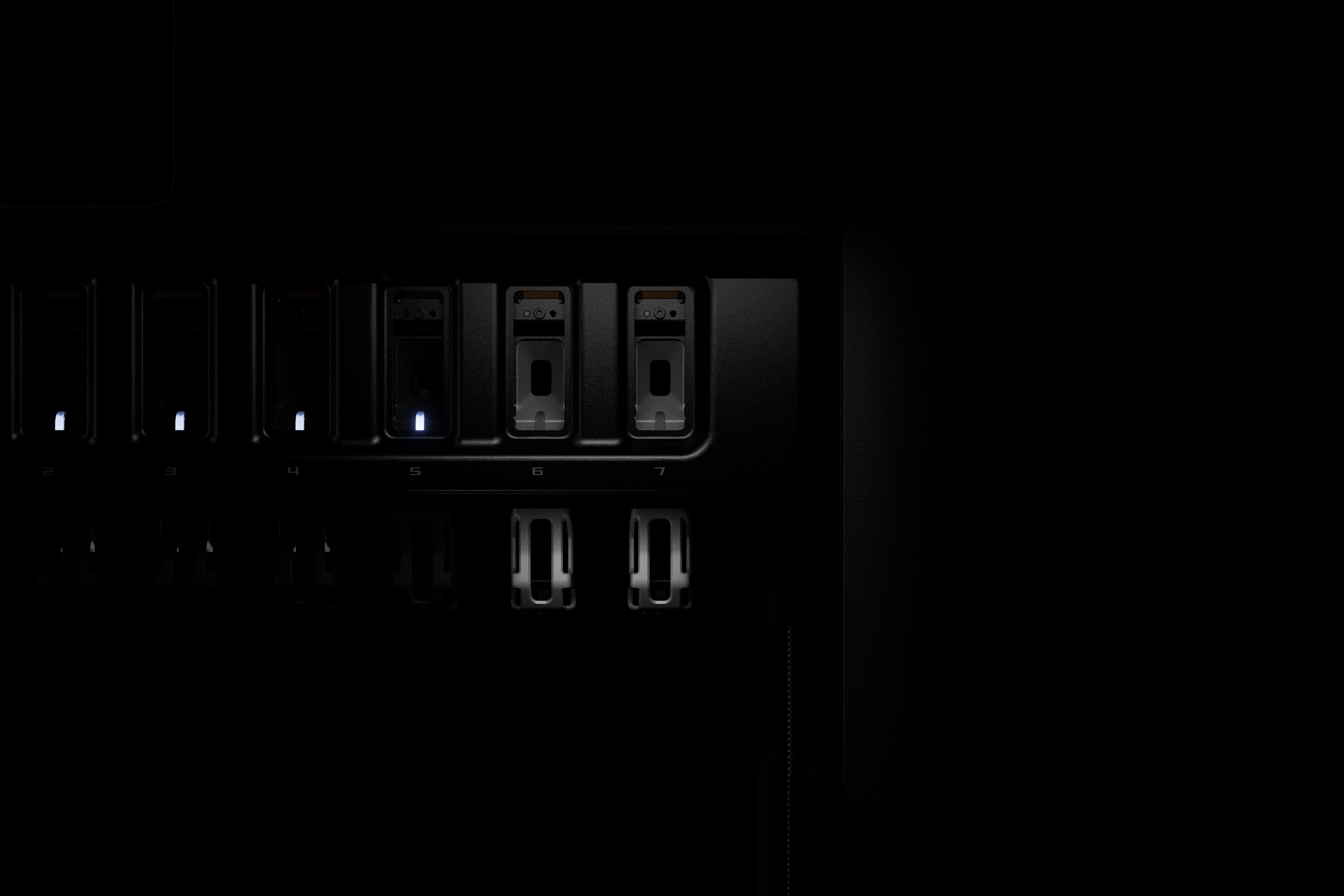
The standard P3C Combo has seven tool positions. Bambu Lab supplies five PrintTools, each with a 0.4 mm nozzle for 1.75 mm filament.
You can use all five supplied tools straight away. To fill all seven positions, you need two extra tools.
You could use the spare positions for more colours or fit a dedicated PrintTool for 2.85 mm filament. The choice depends on what you want to make.
What’s in the box? The standard Combo includes five PrintTools for its seven positions.
Less waste when changing colour
A tool changer can reduce purge waste. Each PrintTool keeps its own material, so there’s less need to flush the previous colour out of a shared nozzle.
This can make a difference when printing figures, logos or decorations with frequent colour changes. A quick tool change can also shorten the total print time.
The savings depend on the model. The printer may still use filament to prime a nozzle or build a prime tower.
Models with many colour changes stand to gain the most. On a simple, single-colour part, the difference is usually smaller.
Use different nozzle sizes in one print
The P3C lets you combine nozzles of different diameters. Bambu Lab supports 0.2, 0.4, 0.6 and 0.8 mm nozzles. The supplied PrintTools have 0.4 mm nozzles.
A small nozzle helps with fine details such as tiny letters, faces or thin lines. On suitable models, a larger nozzle can lay down material faster.
For example, use a fine nozzle for the markings on a dial and a larger one for its base. The printer changes tools without you having to stop the job and swap nozzles by hand.
What does the AMS 3P do?
The AMS 3P is the P3C’s filament system. It holds up to seven spools in enclosed compartments that help protect the filament from moisture in the air.
Loading differs from some other AMS systems. You feed the filament into each PrintTool by hand.
Once the materials are loaded, the printer can switch tools automatically during a print.
The standard AMS 3P has no active dryer. Bambu Lab has announced a separate drying module for two spool positions. According to the manufacturer, it can reach 75 °C.
This can help with materials that absorb moisture, such as PETG, TPU and some engineering filaments. An enclosed compartment helps keep a dry spool dry. A damp spool still needs drying.
Print with up to 22 colours using extra AMS units
Need more than seven colours? According to Bambu Lab, an optional buffer and up to four external AMS units let the P3C use up to 22 colours.
The extra colours share a PrintTool. Switching between colours that share a tool works differently from swapping two separate PrintTools.
You’ll need additional parts for this setup. Check which AMS units and accessories are compatible before you buy.
Printing flexible TPU on the P3C
The Bambu Lab P3C can print flexible filament for parts that need to bend or spring back.
Examples include protective feet, flexible straps, costume parts, prototypes with soft sections, grips and vibration dampers.
The printer supports 1.75 mm filament. With a dedicated PrintTool and a separate feed path, it can also use 2.85 mm filament. Bambu Lab offers TPU 75A for this setup.
The Multi-Material Combo includes the dedicated tool. For the standard Combo, you need to purchase it separately.
You can combine rigid and flexible materials in one design. Bond strength varies between materials, so test a small sample before printing a functional part.
Which materials does the P3C support?
Bambu Lab lists PLA, PETG, ABS, ASA and TPU among the supported filaments. It also lists several types of nylon, PC and fibre-filled filament.
The supplied nozzles are made of hardened steel. This helps with abrasive materials such as carbon-fibre- or glass-fibre-filled filament.
Check the requirements of your material. Some filaments need thorough drying. Others print best in a warm chamber with a stable temperature.
The P3C has an enclosed chamber without active chamber heating. For large engineering parts, a printer with active chamber heating may be a better fit.
Browse our 3D printer filament by material and colour.
Bambu Lab P3C vs H3C: what’s the difference?
Both printers use the Swaptek system. They differ in build volume, tool capacity and how they handle filament.
| Feature | Bambu Lab P3C | Bambu Lab H3C |
|---|---|---|
| Build volume | 256 × 256 × 260 mm | 330 × 320 × 325 mm |
| Tool positions | 7 | 9 |
| PrintTools included | 5 | 9 |
| Maximum nozzle temperature | 300 °C | 350 °C |
| Actively heated chamber | No | Yes, up to 65 °C |
| Filament drying | Optional module | Two built-in drying positions |
| Filament loading | Manual via the AMS 3P | Automatic via the AMS 3H |
The P3C suits multicolour or multi-material work when you don’t need a large build volume.
The Bambu Lab H3C offers more room for larger prints and an actively heated chamber for engineering materials. It also comes with more tools.
How much does the Bambu Lab P3C cost?
At its European launch on 24 November 2026, Bambu Lab announced the P3C Combo at €1,149 including VAT. This was the manufacturer’s launch price.
Bambu Lab also announced bundles with extras such as additional PrintTools, filament or a tool for 2.85 mm TPU.
For the current price and availability, see the Bambu Lab P3C Combo product page.
Who is the Bambu Lab P3C for?
The P3C is a good fit if you often use several colours or materials. You can switch between them without changing nozzles by hand for each colour.
- Makers printing figures and decorations.
- Designers making quick prototypes.
- Schools exploring materials and engineering.
- Businesses producing short runs with coloured details or lettering.
- Hobbyists experimenting with flexible materials.
If you mainly print simple parts in one colour, a printer without a tool changer may cost less. For large engineering parts, consider the H3C’s build volume and heated chamber.
To compare models, read our Bambu Lab 3D printer buying guide.
Bambu Lab P3C frequently asked questions
How many colours can the P3C use in a single print?
The standard Combo has five PrintTools and can take seven. With extra AMS units and a buffer, Bambu Lab specifies up to 22 colours. Some of those colours share a tool.
Can the Bambu Lab P3C print TPU?
Yes. For 2.85 mm TPU you need a dedicated PrintTool and the correct feed path. The standard Combo does not include this tool.
Does the AMS 3P dry filament?
The standard unit has no active dryer. Bambu Lab has announced an optional drying module for two spool positions.
Does the P3C have a heated chamber?
The chamber is enclosed and has no active heating. The print bed can reach 110 °C.
Which Bambu Lab printer suits your projects?
The P3C lets you combine colours, materials and nozzle sizes. You can start with the five supplied PrintTools and add two more later.
Explore our 3D printers and compare models in the Bambu Lab buying guide.