
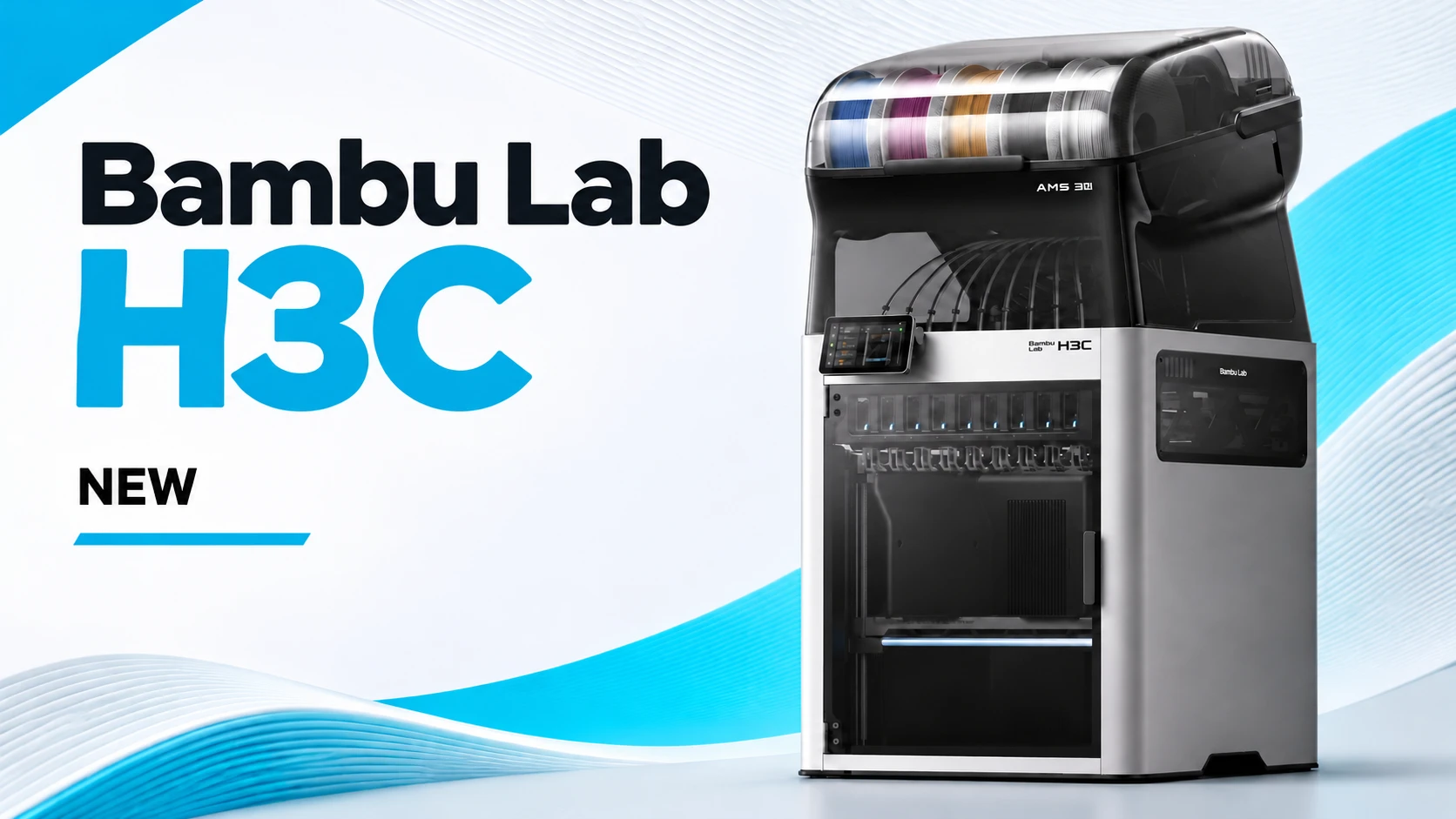
Bambu Lab H3C: what can you make with this 3D printer?
The Bambu Lab H3C Combo is an enclosed 3D printer. It lets you combine colours and materials in one print. The printer uses nine interchangeable PrintTools and comes with the AMS 3H. It holds nine filament spools and has two drying positions. The H3C suits makers, businesses and product developers creating complex parts.
The difference from a conventional multi-material printer lies in how it changes materials. Each PrintTool has its own filament path and heater. During a change, the printer does not have to remove all the material from the nozzle first. This can save time and purge waste. The actual saving depends on the model, materials and settings.
Check the H3C Combo product information for the current price, package contents and availability. This article explains Swaptek and AMS 3H. It also helps you choose materials and decide which printer suits your work.
How does PrintTool switching work?
The H3C uses the Swaptek system. Each PrintTool has its own filament path and heater. While one tool prints, the next can start heating. Bambu Lab says a material change can take around six seconds under optimal test conditions. Actual times depend on the material, temperature and settings. Read Bambu Lab’s explanation of Swaptek for details.
The Combo includes eight 0.4 mm PrintTools for 1.75 mm filament and one 0.4 mm PrintTool for 2.85 mm filament. The latter supports materials such as soft TPU 75A. Other nozzle diameters are sold separately. When ordering, check both the filament diameter and the compatible PrintTool.
The system is useful when an object switches materials often. Think of a housing with rigid and flexible parts, or a model with soluble support material. Time and material savings vary by design. Even with multiple tools, the right settings matter. You may still need to clean a nozzle or use support.
You can also use different nozzle diameters within one project. A small nozzle produces fine details. A larger nozzle suits broad areas. Check which extra tools and settings your combination requires before starting.
AMS 3H: nine spools and two drying positions
The included AMS 3H feeds filament and holds nine spools. Two positions have an integrated dryer. According to Bambu Lab, it reaches up to 85 °C. Follow the drying advice for your filament. Not every spool or plastic can withstand the same temperature.
Moisture can affect print quality. It may cause uneven extrusion or a rougher finish. The dryer prepares suitable filament, so a separate dryer may not be necessary. Whether you can dry while printing depends on the material and conditions.
You can load nine spools. That does not mean the standard package supports nine colours of the same filament type at once. It has eight tools for 1.75 mm and one for 2.85 mm. Check the spools and included tools against your project.
Bambu Lab says an older AMS can be added. Extra connectors and accessories may be required. With a suitable expansion, the manufacturer specifies up to 24 materials. Check which components you need before ordering.
Which materials can you combine?
The H3C supports PLA, PETG, ABS and various technical filaments. Whether a combination works depends on your settings, build plate and adhesion. The printer can handle many materials, but two materials do not always bond well to each other. Make a small test print first if a joint needs to be strong.
PLA is an accessible choice for models and prototypes. PETG suits many practical parts. ABS and other technical materials require more attention to temperature and conditions. Bambu Lab specifies a heated chamber up to 65 °C and nozzles up to 350 °C. Follow the manufacturer’s instructions for each material.
The dedicated PrintTool supports materials including 2.85 mm TPU 75A. This is a soft material. You could use it for a soft grip on a rigid housing. Before printing, check that your TPU and feed path are compatible.
Support material can also make post-processing easier. Results depend on the material pair and the position of the supports. Provide good ventilation and follow the printer and filament manufacturers’ safety advice, especially when a material releases fumes.
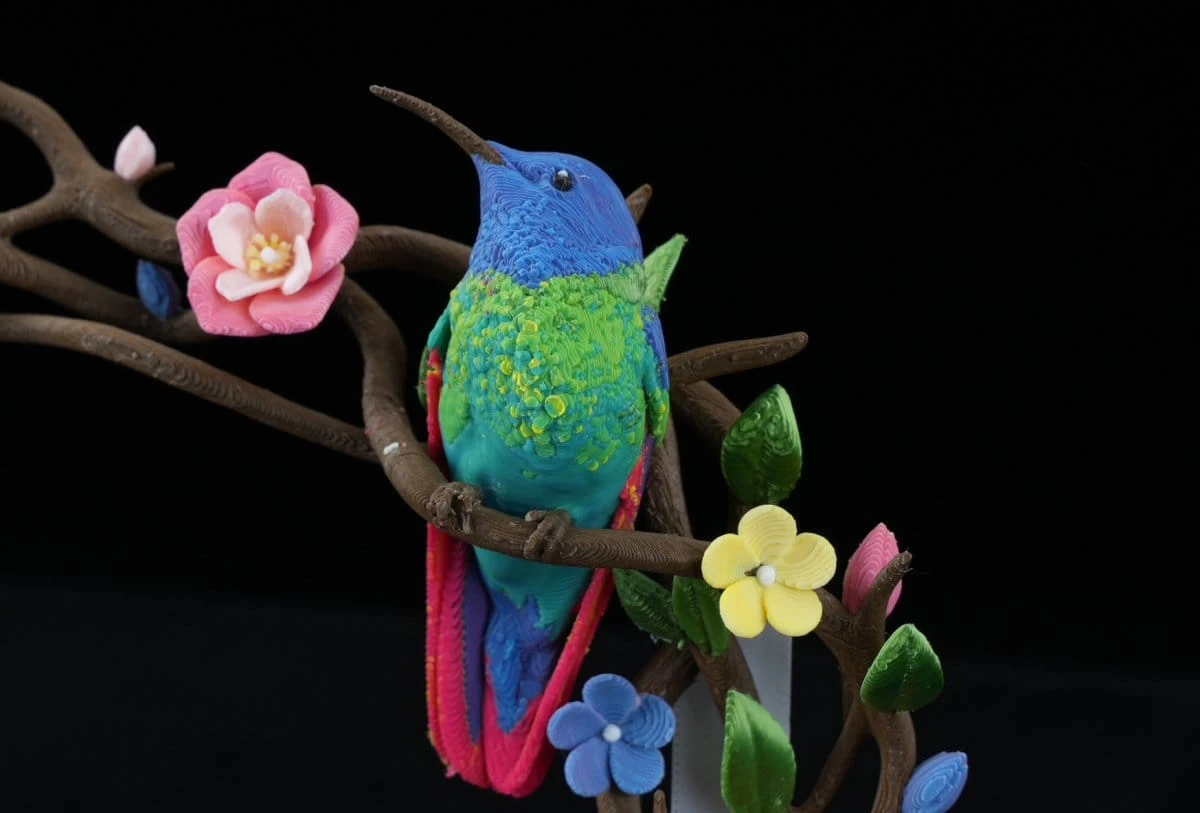
Build volume and additional features
The maximum build volume is 330 × 320 × 325 mm. This gives you room for larger parts or several smaller objects on the build plate. Measure your design first. Allow space for supports or a brim, and check the limits of your print settings.
The H3C automatically calibrates the print bed and PrintTools, among other things. This reduces preparation work. A good first layer and appropriate settings are still important. When using a new material, check the settings and application first.
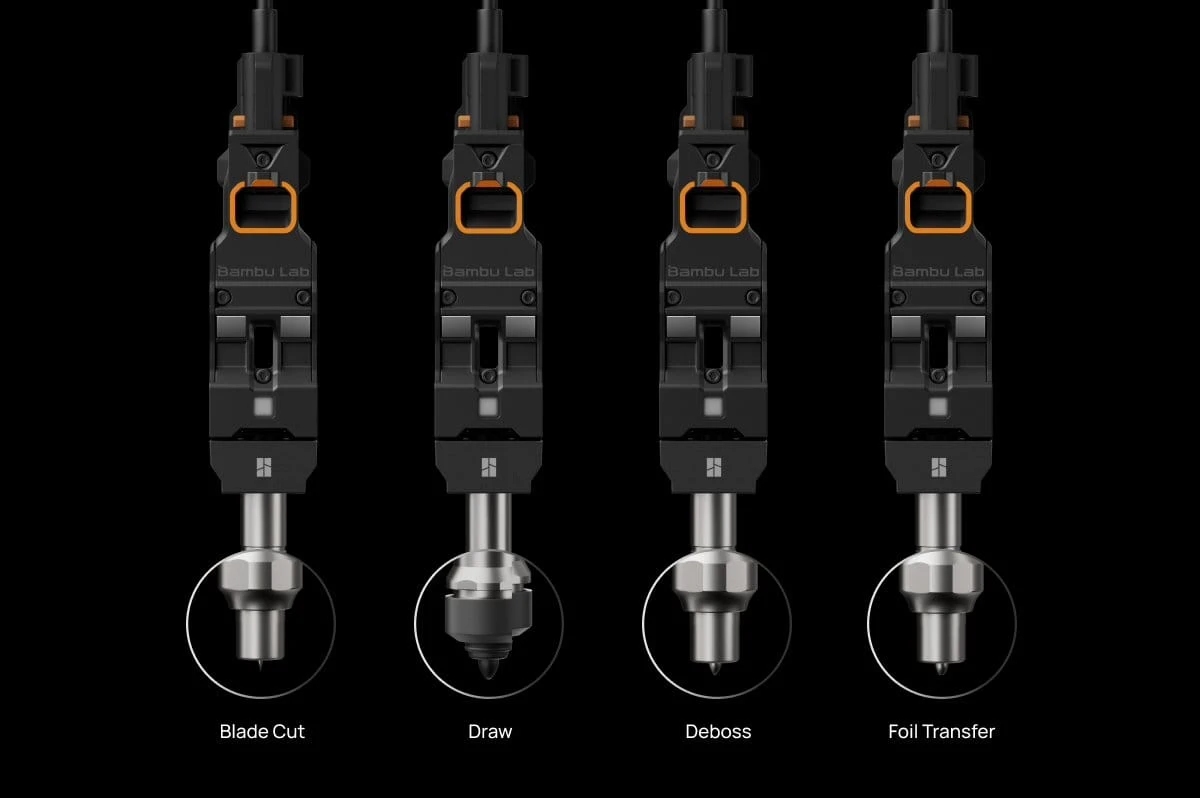
Bambu Lab also offers optional CraftTools for operations such as cutting and drawing. They are not included as standard. Check whether each accessory supports your application and which parts it requires.
The Combo includes the printer, AMS 3H, nine PrintTools, a textured PEI build plate, cables and an accessory box. Filament spools shown in product images are sold separately. Check the H3C Combo product information for current contents and availability.
The video below is in Dutch.
Who is the H3C for?
The H3C may suit you if you often combine colours or materials in one object. A product developer might make a prototype with a rigid shell and flexible grip. A maker can experiment with finishes, or choose support that is easier to remove. First check that your chosen materials are compatible.
Do you usually print one material and add a second colour only occasionally? Simpler models are worth considering. An extensive tool-changing system is an investment. It is most useful when you use its extra features often. Consider your number of jobs, material consumption, post-processing and changeover time.
The H2C is an alternative with the Vortek system. It has a different design and package contents. Compare the H3C and H2C before deciding. Our Bambu Lab selection guide also helps you compare other models.
The H3C Combo can be ordered on backorder while it is out of stock.
Before choosing a printer, list the parts you want to make most often. Note their size, colours and materials. Also consider how much time you spend changing filament and removing support. These practical details help you decide which system is worth the investment. Check the current product information for price and availability. Have questions about materials, accessories or the right package? Contact our team for advice.