Arduino Project: Stepper motor speed control
Beginner
10 Min
€29.79
Connecting a stepper motor to the Arduino Uno
Once you have gathered all the supplies we can start putting the project together.
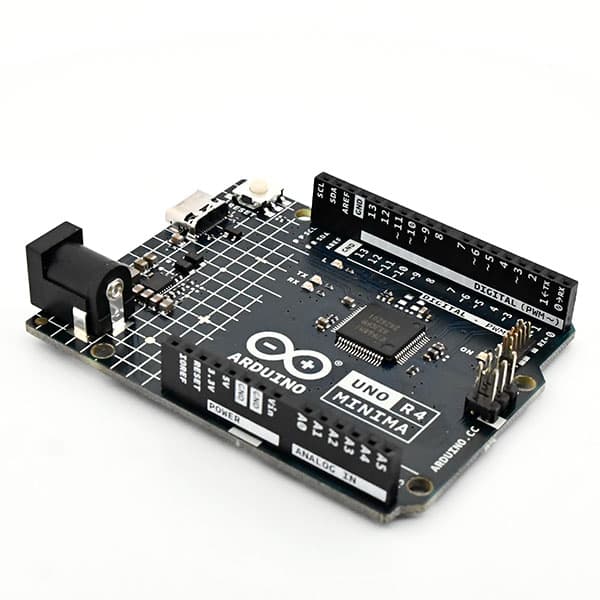
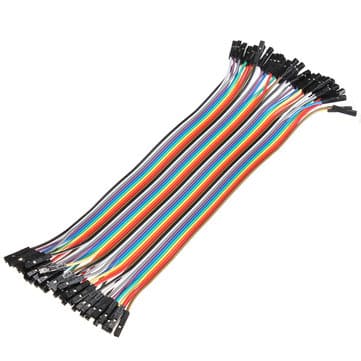
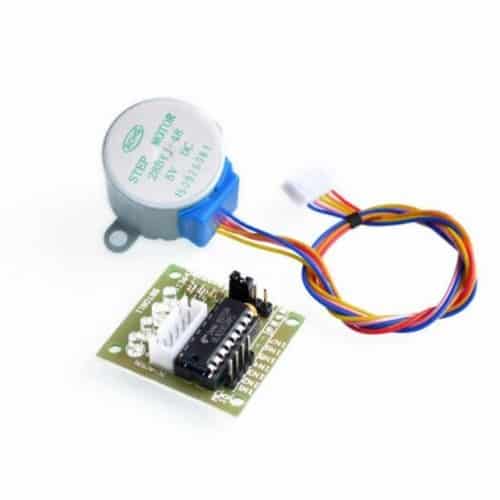
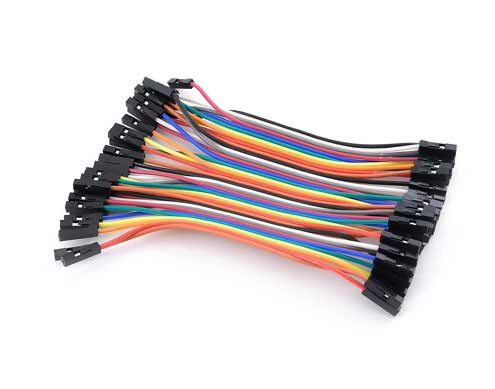
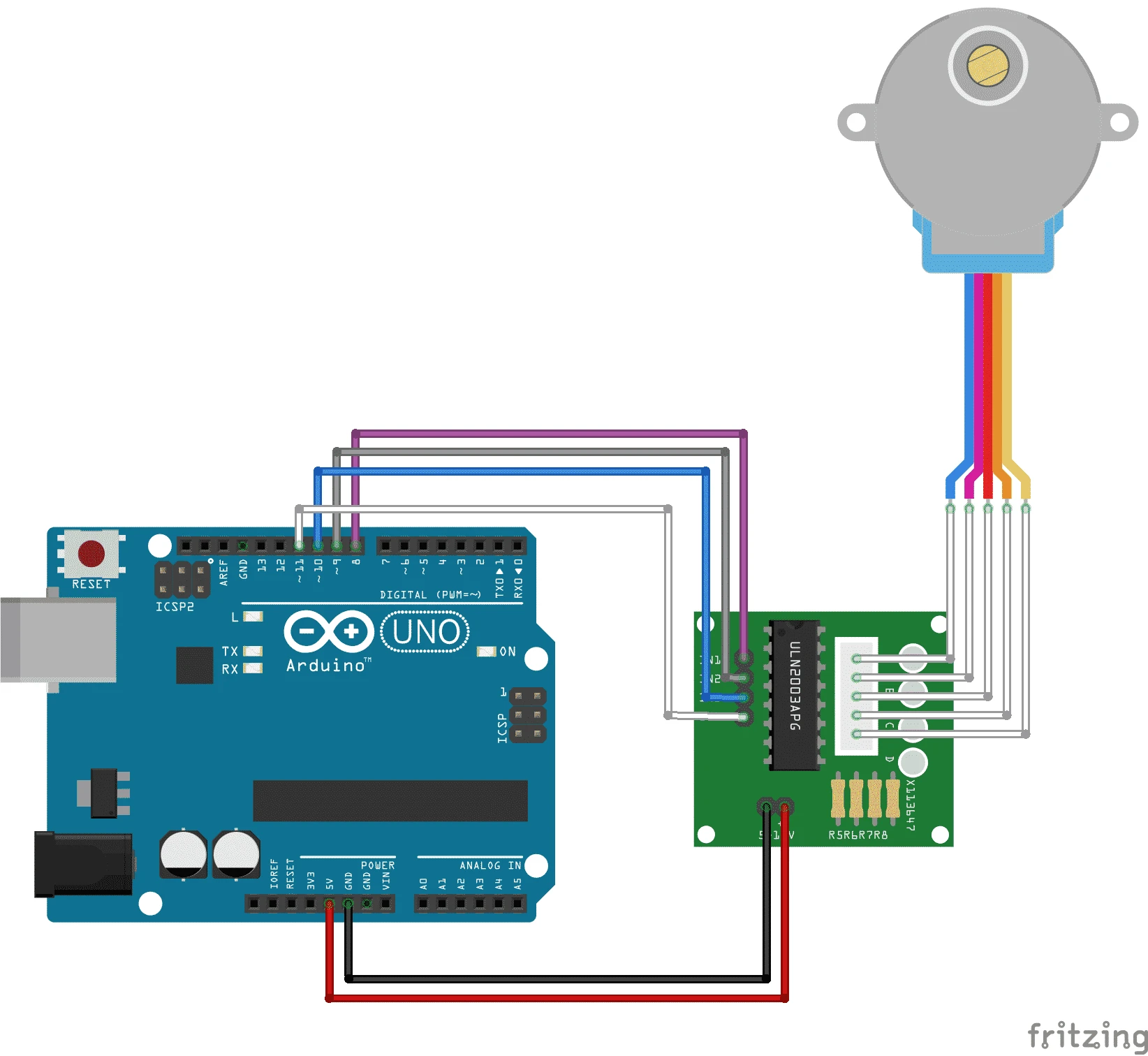
To connect the stepper motor to the Arduino, plug the white connector into the driver board. Connect the driver to the 5V & Ground pins of the Arduino Uno and pins 8 to 11. On the fritzing below you can see how to connect the driver.
Arduino stepper motor code
#include <Stepper.h>

// Verander dit om het aantal stappen per omwenteling te passen
const int StappenPerOmwenteling = 100;

// Initialiseer de stepper-bibliotheek op pinnen 8 t/m 1
Stepper MijnStepper(StappenPerOmwenteling, 8, 9, 10, 11);
int StappenTeller = 0;
// aantal stappen dat de motor heeft genomen
void setup()
{
} void loop() {
// Lees sensorwaarde:
int sensorWaarde = analogRead(A0);
// Bereik 0 tot 100:
int motorSnelheid = map(sensorWaarde, 0, 1023, 0, 100);
// Zet de motor snelheid:
if (motorSnelheid > 0) { MijnStepper.setSpeed(motorSnelheid);
// stap 1/100 van een omwententeling:
MijnStepper.step(StappenPerOmwenteling / 100); }
}