Arduino Project: Buzzer
Beginner
15 Min
€28.76
Have you always wanted to add sound or music to your Arduino projects? It's easier than you think!
In this project I will show you how to play a song using a buzzer. We will make the Arduino play Vader Jacob by adjusting the hertz of the buzzer. By adjusting the frequency we can play higher and lower tones.
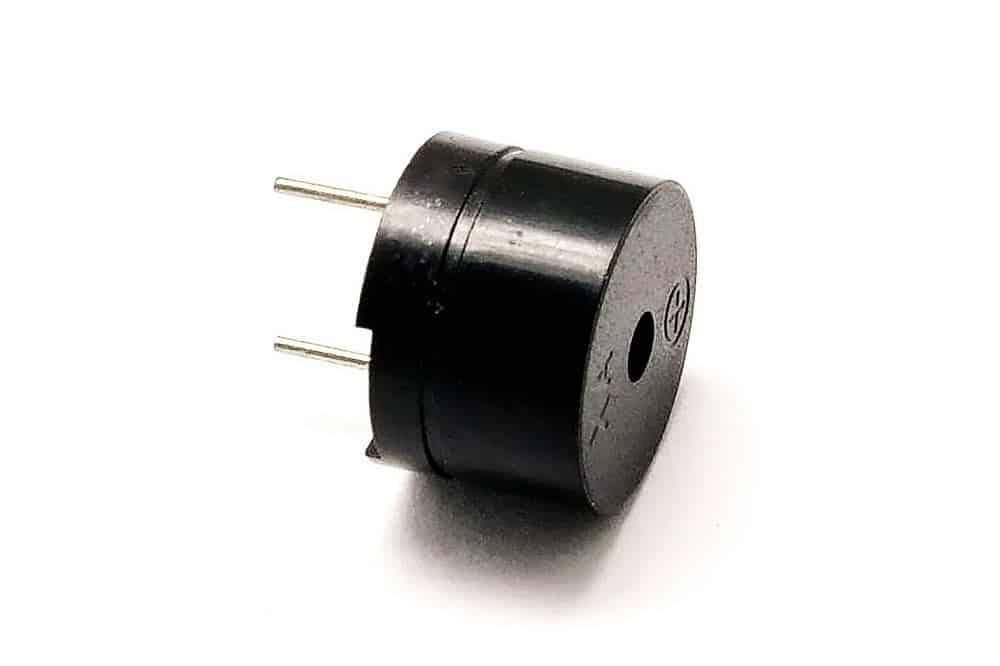
The way a buzzer makes this frequency is as follows. There is a magnet in the buzzer that goes back and forth through electrical pulses. This magnet then comes against a thin plate or sheet, which then vibrates at a certain frequency, which creates sound.
Building and Wiring
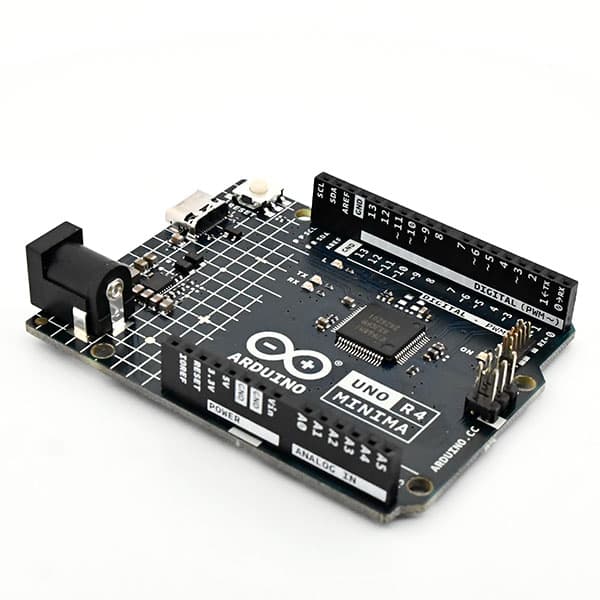
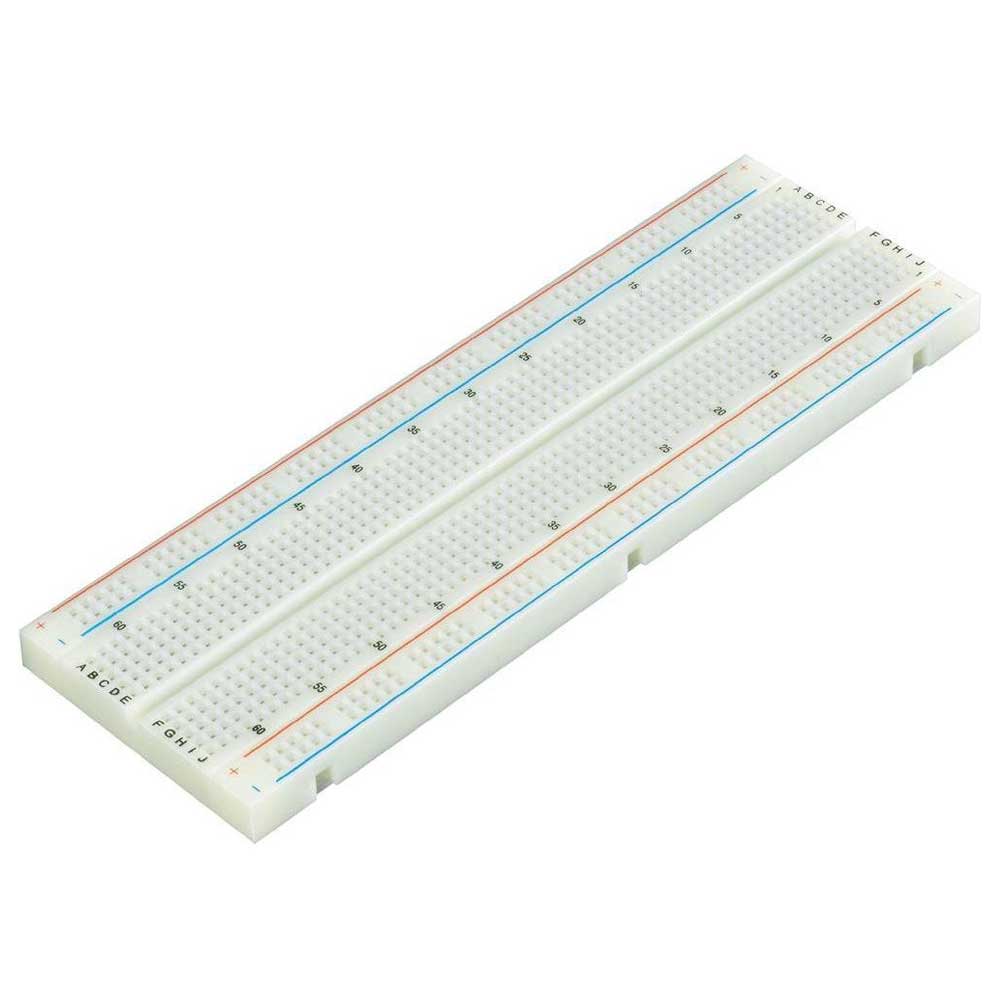
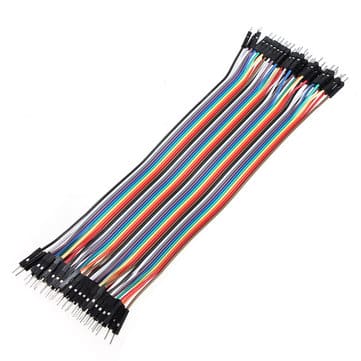
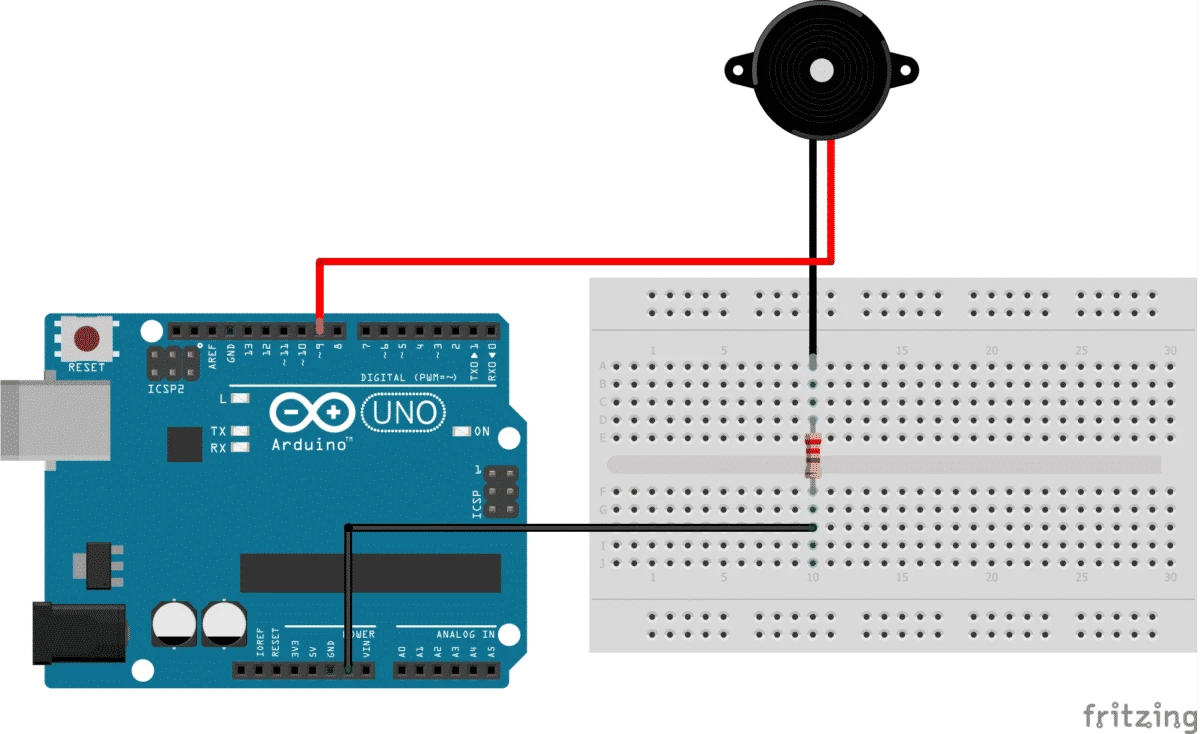
Wiring this project is pretty simple. I/O pin 9 goes to the positive of the buzzer, from the ground on the Arduino a wire goes to one of the sides of the resistor and make sure the other side of that resistor is connected to the negative of the buzzer.
Programming
//difinitie van de pin waar de buzzer zit

const int buzzer = 9;


//hier defineren we pin 9 als output

void setup(){

  pinMode(buzzer, OUTPUT);

}


//hier maken we ons liedje

void loop(){

   tone(buzzer, 2093);

   delay(500);

   tone(buzzer, 2349);

   delay(500);

   tone(buzzer, 2637);

   delay(500);

   tone(buzzer, 2093);

   delay(500);

   tone(buzzer, 0);

   tone(buzzer, 2093);

   delay(500);

   tone(buzzer, 2349);

   delay(500);

   tone(buzzer, 2637);

   delay(500);

   tone(buzzer, 2093);

   delay(500);

   tone(buzzer, 2637);

   delay(500);

   tone(buzzer, 2794);

   delay(500);

   tone(buzzer, 3136);

   delay(1000);

   tone(buzzer, 2637);

   delay(500);

   tone(buzzer, 2794);

   delay(500);

   tone(buzzer, 3136);

   delay(1000);

   tone(buzzer, 0);

   tone(buzzer, 3136);

   delay(250);

   tone(buzzer, 3520);

   delay(250);

   tone(buzzer, 3136);

   delay(250);

   tone(buzzer, 2794);

   delay(250);

   tone(buzzer, 2637);

   delay(500);

   tone(buzzer, 2093);

   delay(500);

   tone(buzzer, 3136);

   delay(250);

   tone(buzzer, 3520);

   delay(250);

   tone(buzzer, 3136);

   delay(250);

   tone(buzzer, 2794);

   delay(250);

   tone(buzzer, 2637);

   delay(500);

   tone(buzzer, 2093);

   delay(500);

   tone(buzzer, 0);

   tone(buzzer, 2093);

   delay(500);

   tone(buzzer, 1568);

   delay(500);

   tone(buzzer, 2093);

   delay(1000);

   tone(buzzer, 0);

   tone(buzzer, 2093);

   delay(500);

   tone(buzzer, 1568);

   delay(500);

   tone(buzzer, 2093);

   delay(1000);

   tone(buzzer, 0);

}