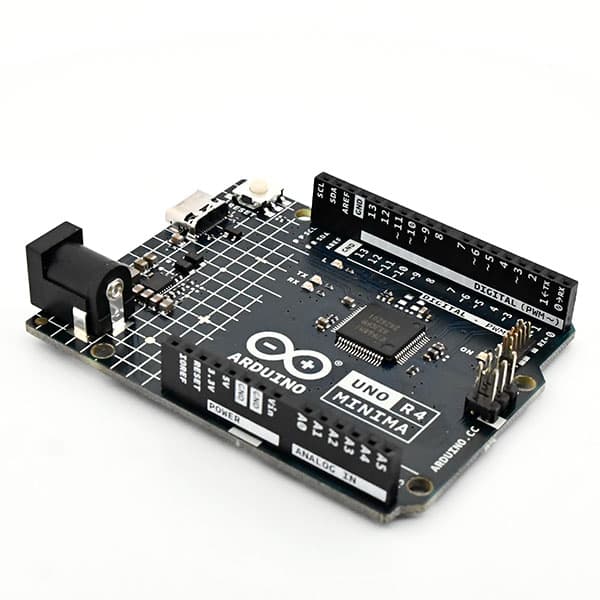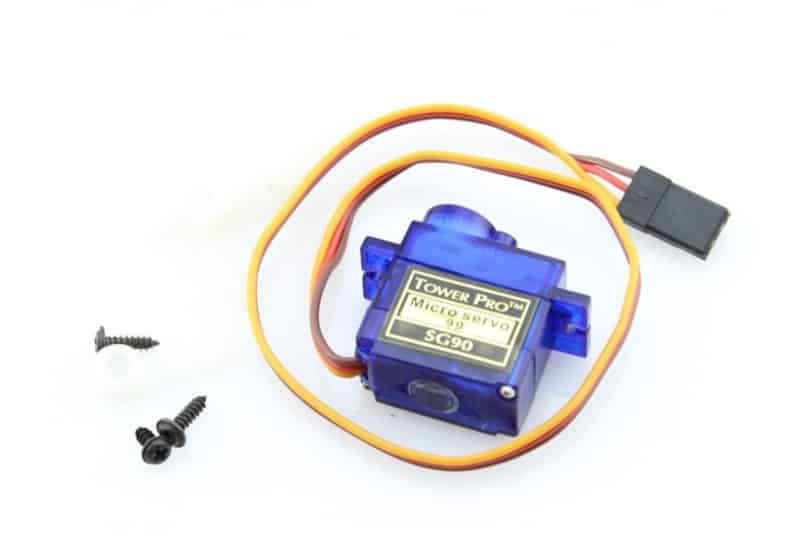
To control the servo you need to open the serial monitor. This explains what you need to specify to move the servo.

4.7 avg.
5488+ reviews View all
5488+ reviews
Order by 16:00 for same day shipping
14 days return
DE
EN
Individual
Business
Arduino Introduction: Servo Control
Beginner
10 Min
28,37
Do you want to use a servo but don't know how? In this project I will tell you everything you need to know about servo motors!
A servo motor is a motor that can make a precise movement with the help of gears. This is done by comparing the control signal it receives with the reference signal. If these are not equal, the servo motor will move to the left or right until the difference signal is zero.
Now that you know what a servo is you can move on to wiring and programming.
Building and Wiring
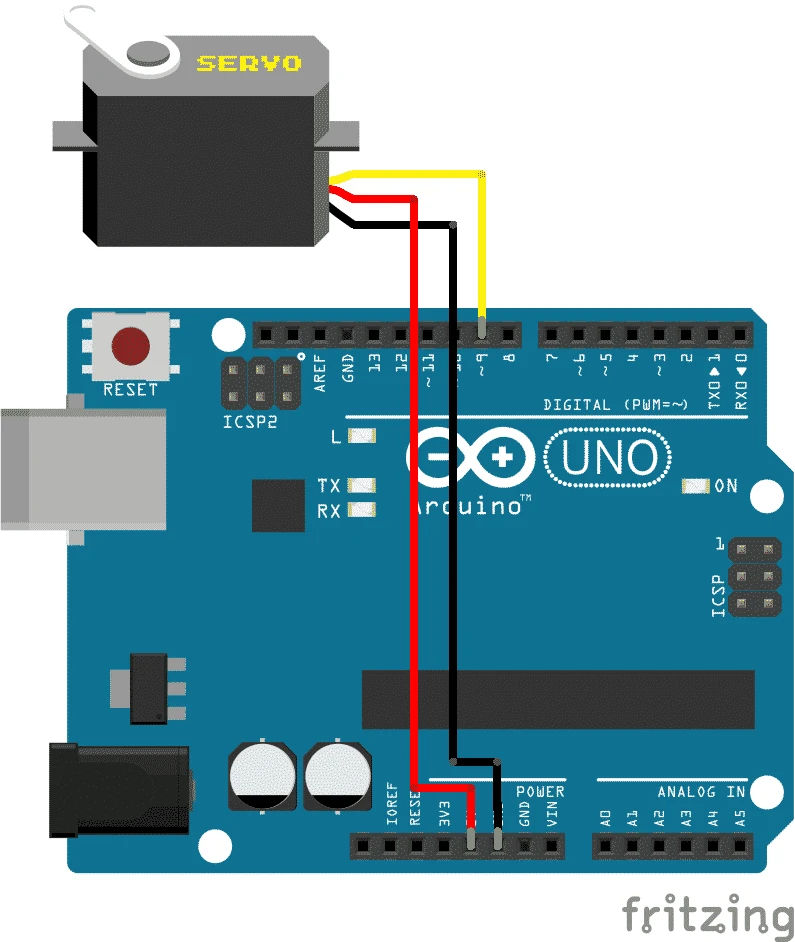
Wiring this project is quite simple.
The 5V goes to the red wire of the servo, the ground goes to the brown wire of the servo and the PWM pin 9 goes to the yellow wire of the servo. Now you have everything connected.
Programming
#include <Servo.h>  //bibliotheek invoegen
Servo myservo1; //Naam geven aan de servo
int pos = 0;  //Variable maken voor de positie
void setup()
{
   Serial.begin(9600);  //Seriele monitor starten voor communicatie
   while (!Serial);

   delay(1000);
   myservo1.attach(9);  //Vertellen waar de servo zit aangesloten

   Serial.println(“Servo kalibreren”);
   for(pos = 0; pos <= 180; pos += 1)
   myservo1.write(0); //Servo met de klok mee laten draaien (uiterste rechter punt zoeken)
   delay(1000);
   myservo1.write(180); //Servo tegen de klok in laten draaien (uiterste linker punt zoeken)
   delay(1000);
   myservo1.write(90);  //Servo stil zetten op linker punt / 180 graden
   delay(1000);
   Serial.println(“Servo gekalibreerd”);
   Serial.println(“————————-“);
   Serial.println(“Type het aantal graden waar je de servo naartoe wilt laten gaan. (1-180)”);
   Serial.println(“————————-“);
}
void loop()
{
   if (Serial.available())
   {
   int state = Serial.parseInt();    //Seriele inpunt lezen.
      if (state >= 1 && state < 181) //Als de Seriele inpunt tussen de 1 en 181 ligt dan zal hij de motor daar naartoe bewegen.
      {
        Serial.println(state);
        myservo1.write(state);
      }
   }
}