4.7 Ø
5492+ Bewertungen Alle ansehen
5492+ Bewertungen
Bestellen bis 16:00 Uhr für Versand am selben Tag
14 Tage Rückgabe
DE
DE
Privat
Geschäftlich

Arduino-Projekt: Radar
In diesem Projekt zeige ich Ihnen, wie Sie selbst ein Arduino-Radar herstellen.
Dies ist ein Projekt für Fortgeschrittene.
Sobald Ihr Projekt zusammengebaut ist, werden Objekte in einer Entfernung von bis zu 50 cm vom Sensor angezeigt. Wenn Sie den Code ändern, kann das Radar Objekte in einer Entfernung von bis zu 5 Metern erkennen.
Für dieses Projekt benötigen Sie zwei verschiedene Programme Arduino IDE Und Wird verarbeitet . Denken Sie daran, dass Processing Java als Sprache verwendet.
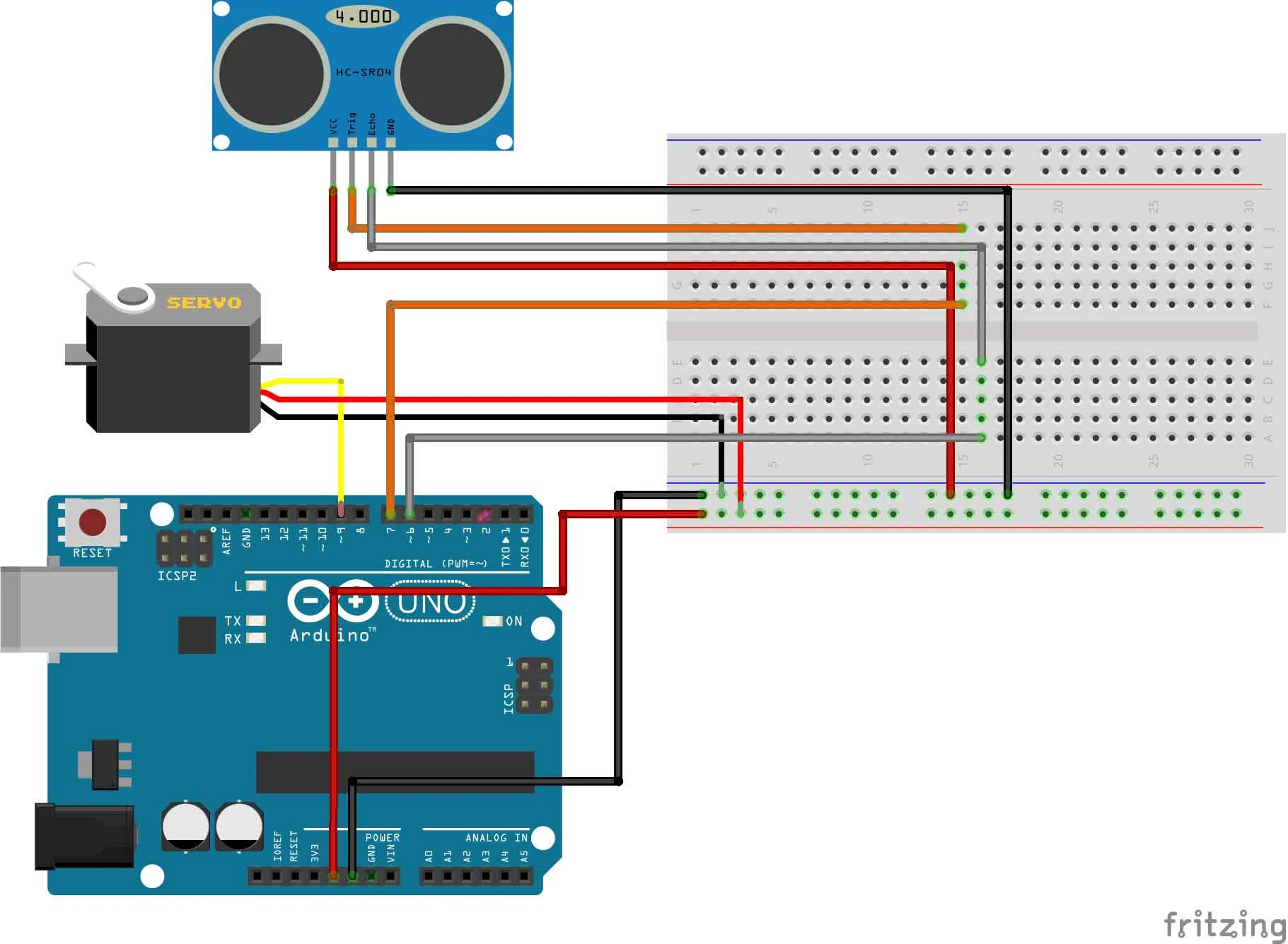
Bau und Verkabelung
Jetzt werden wir das Projekt zusammenstellen.
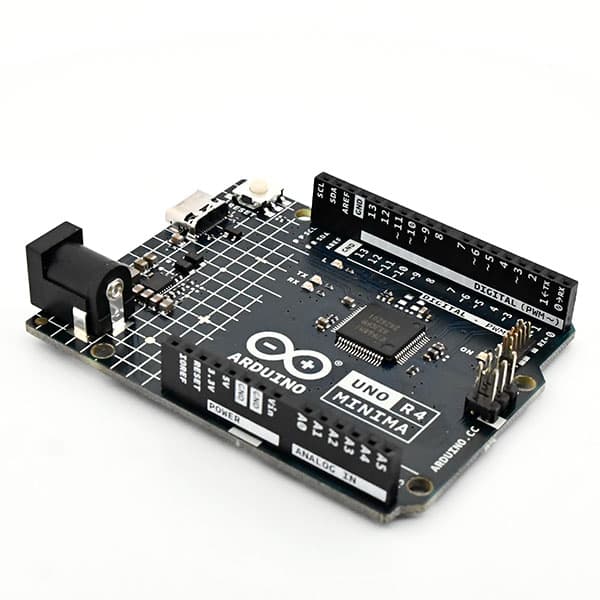
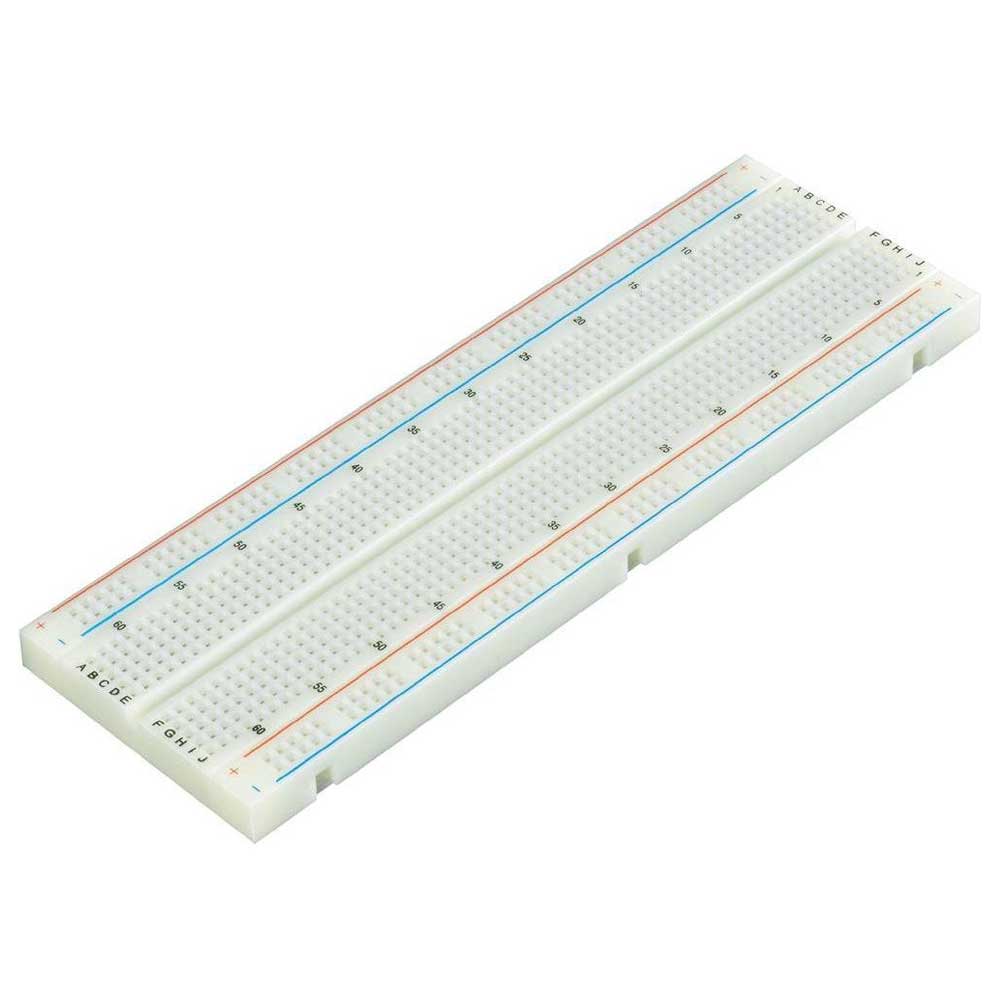
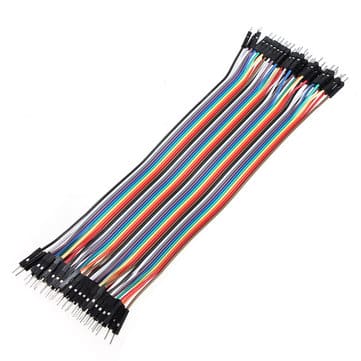
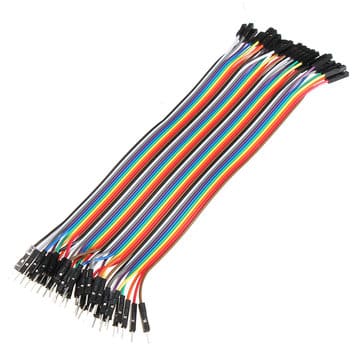
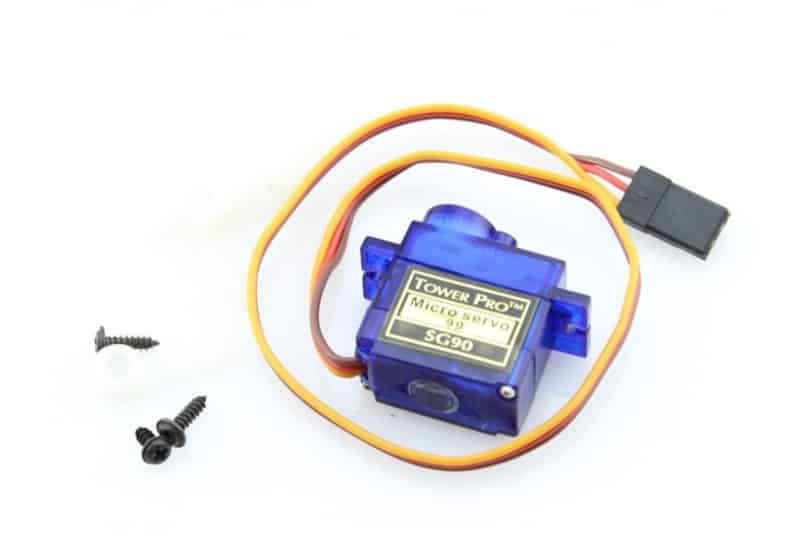
Sie beginnen, indem Sie die 5 V vom Arduino an das Steckbrett senden. Anschließend geht man vom Steckbrett zum Pluspol des Servos und des Sensors.
Sobald Sie dies getan haben, gehen Sie vom GND des Servos und Sensors zum GND des Arduino.
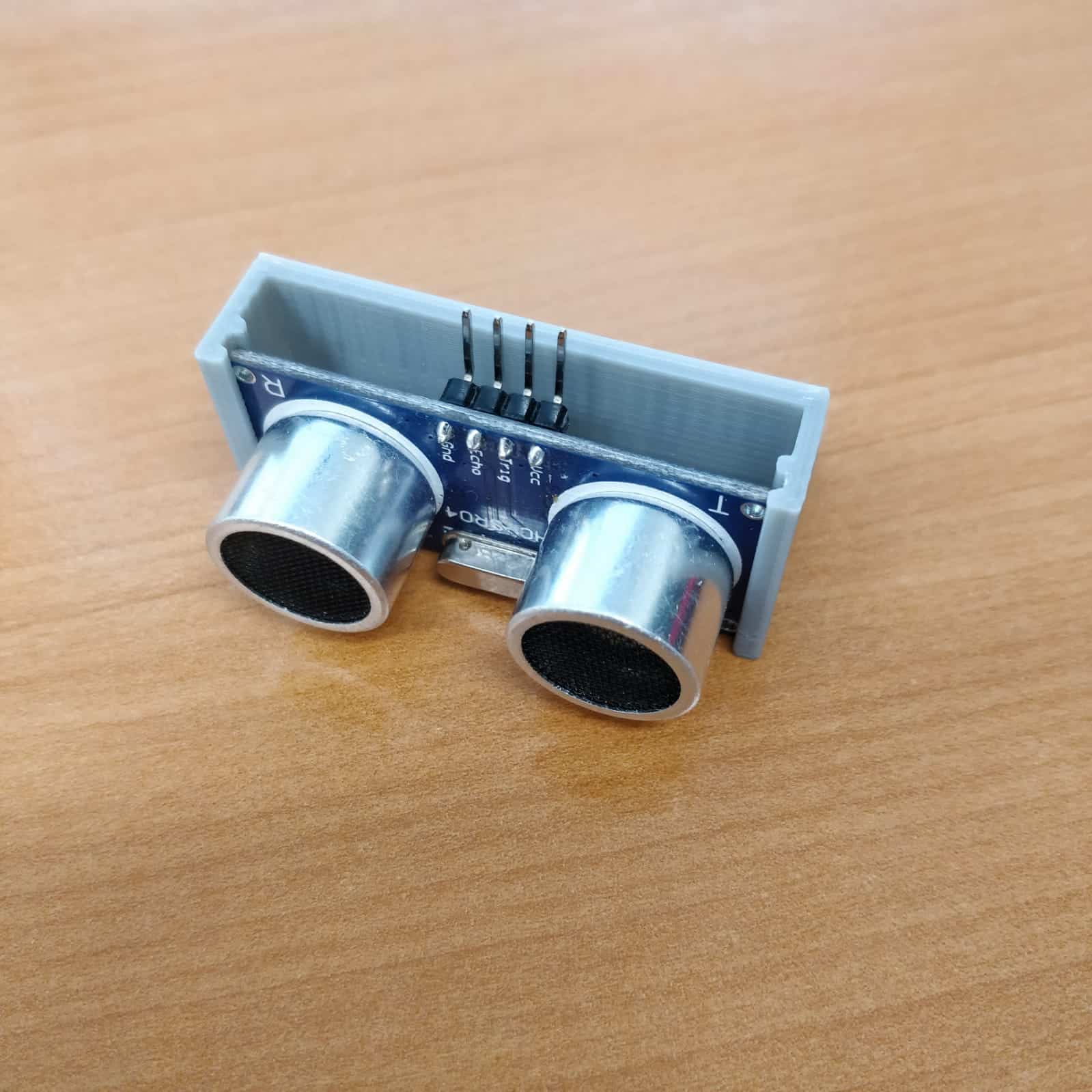
Schließen Sie abschließend das Servo-Steuerkabel an Pin 9, den Echo-Pin an Pin 6 und den Trigger-Pin an Pin 7 an.
Programmierung
  leftRightServo.write(leftRightPos);

      for (index = 0; index<=numReadings;index++) {

        digitalWrite(trigPin, LOW);

        delayMicroseconds(2);

        digitalWrite(trigPin, HIGH);

        delayMicroseconds(10);

        digitalWrite(trigPin, LOW);

        pulseTime = pulseIn(echoPin, HIGH);

        distance = pulseTime/13;

        total = total + distance;

        delay(10);

      }

    average = total/numReadings;

    if (index >= numReadings)  {

      index = 0;

      total = 0;

    }

    if(average >= 300){

      average = 300;

    }

    Serial.print(“X”);

    Serial.print(leftRightPos);

    Serial.print(“V”);

    Serial.println(average);

  }


  for(leftRightPos = 180; leftRightPos > 0; leftRightPos–) {

    leftRightServo.write(leftRightPos);

    for (index = 0; index<=numReadings;index++) {

      digitalWrite(trigPin, LOW);

      delayMicroseconds(2);

      digitalWrite(trigPin, HIGH);

      delayMicroseconds(10);

      digitalWrite(trigPin, LOW);

      pulseTime = pulseIn(echoPin, HIGH);

      distance = pulseTime/13;

      total = total + distance;

      delay(10);

    }

    average = total/numReadings;

    if (index >= numReadings)  {

      index = 0;

      total = 0;

    }

    if( average >= 300){

      average = 300;

    }

    Serial.print(“X”);

    Serial.print(leftRightPos);

    Serial.print(“V”);

    Serial.println(average);

   }

}
import processing.serial.*;

Serial arduinoport;

float x, y;

int radius = 350;

int w = 300;

int degree = 0;

int value = 0;

int motion = 0;

int[] newValue = new int[181];

int[] oldValue = new int[181];

PFont myFont;

int radarDist = 0;

int firstRun = 0;

void setup(){


size(750, 450);

background (0);

myFont = createFont(“verdana”, 12);

textFont(myFont);

arduinoport = new Serial(this, “COM10”, 9600);


}


void draw(){

fill(0);

noStroke();

ellipse(radius, radius, 750, 750);

rectMode(CENTER);

rect(350,402,800,100);

if (degree >= 179) {

motion = 1;

}

if (degree <= 1) {

motion = 0;

}


strokeWeight(7);

if (motion == 0) {

for (int i = 0; i <= 20; i++) {

stroke(0, (10*i), 0);

line(radius, radius, radius + cos(radians(degree+(180+i)))*w, radius + sin(radians(degree+(180+i)))*w);

}

} else {

for (int i = 20; i >= 0; i–) {

stroke(0,200-(10*i), 0);

line(radius, radius, radius + cos(radians(degree+(180+i)))*w, radius + sin(radians(degree+(180+i)))*w);

}

}


noStroke();


fill(0,50,0);

beginShape();

for (int i = 0; i < 180; i++) {

x = radius + cos(radians((180+i)))*((oldValue[i]));

y = radius + sin(radians((180+i)))*((oldValue[i]));

vertex(x, y);

}

endShape();


fill(0,110,0);

beginShape();

for (int i = 0; i < 180; i++) {

x = radius + cos(radians((180+i)))*(newValue[i]);

y = radius + sin(radians((180+i)))*(newValue[i]);

vertex(x, y);

}

endShape();


fill(0,170,0);

beginShape();

for (int i = 0; i < 180; i++) {

x = radius + cos(radians((180+i)))*((newValue[i]+oldValue[i])/2);

y = radius + sin(radians((180+i)))*((newValue[i]+oldValue[i])/2);

vertex(x, y);

}

endShape();


if (firstRun >= 360) {

stroke(150,0,0);

strokeWeight(1);

noFill();

for (int i = 0; i < 180; i++) {

if (oldValue[i] – newValue[i] > 35 || newValue[i] – oldValue[i] > 35) {

x = radius + cos(radians((180+i)))*(newValue[i]);

y = radius + sin(radians((180+i)))*(newValue[i]);

ellipse(x, y, 10, 10);

}

}

}


for (int i = 0; i <= 5; i++){

noFill();

strokeWeight(1);

stroke(0, 255-(30*i), 0);

ellipse(radius, radius, (120*i), (120*i));

fill(0, 100, 0);

}

for (int i = 0; i <= 6; i++) {

strokeWeight(1);

stroke(0, 55, 0);

line(radius, radius, radius + cos(radians(180+(30*i)))*w, radius + sin(radians(180+(30*i)))*w);

fill(0, 55, 0);

noStroke();

if (180+(30*i) >= 300) {

text(Integer.toString(180+(30*i)), (radius+10) + cos(radians(180+(30*i)))*(w+10), (radius+10) + sin(radians(180+(30*i)))*(w+10), 25,50);

} else {

text(Integer.toString(180+(30*i)), radius + cos(radians(180+(30*i)))*w, radius + sin(radians(180+(30*i)))*w, 60,40);

}

}

noStroke();

fill(0);

rect(350,402,800,100);

fill(0, 100, 0);

text(“Degrees: “+Integer.toString(degree), 100, 380, 100, 50);

text(“Radar screen code “, 540, 380, 250, 50);

fill(0);

rect(70,60,150,100);

fill(0, 100, 0);

text(“Screen Key:”, 100, 50, 150, 50);

fill(0,50,0);

rect(30,53,10,10);

text(“First sweep”, 115, 70, 150, 50);

fill(0,110,0);

rect(30,73,10,10);

text(“Second sweep”, 115, 90, 150, 50);

fill(0,170,0);

rect(30,93,10,10);

text(“Average”, 115, 110, 150, 50);

fill(0, 255, 0);

text(“10”, 455, 375, 200, 200);

fill(0, 255, 0);

text(“20”, 455, 310, 200, 200);

fill(0, 255, 0);

text(“30”, 455, 250, 200, 200);

fill(0, 255, 0);

text(“40”, 455, 190, 200, 200);

fill(0, 255, 0);

text(“50”, 455, 130, 200, 200);

}


void serialEvent (Serial arduinoport) {

String xString = arduinoport.readStringUntil(‘\n’);

if (xString != null) {

xString = trim(xString);

String getX = xString.substring(1, xString.indexOf(“V”));

String getV = xString.substring(xString.indexOf(“V”)+1, xString.length());

degree = Integer.parseInt(getX);

value = Integer.parseInt(getV);

oldValue[degree] = newValue[degree];

newValue[degree] = value;

firstRun++;

if (firstRun > 330) {

firstRun = 333;

}

}

}